Testimonials
Customer quotes with stars, photos and products.
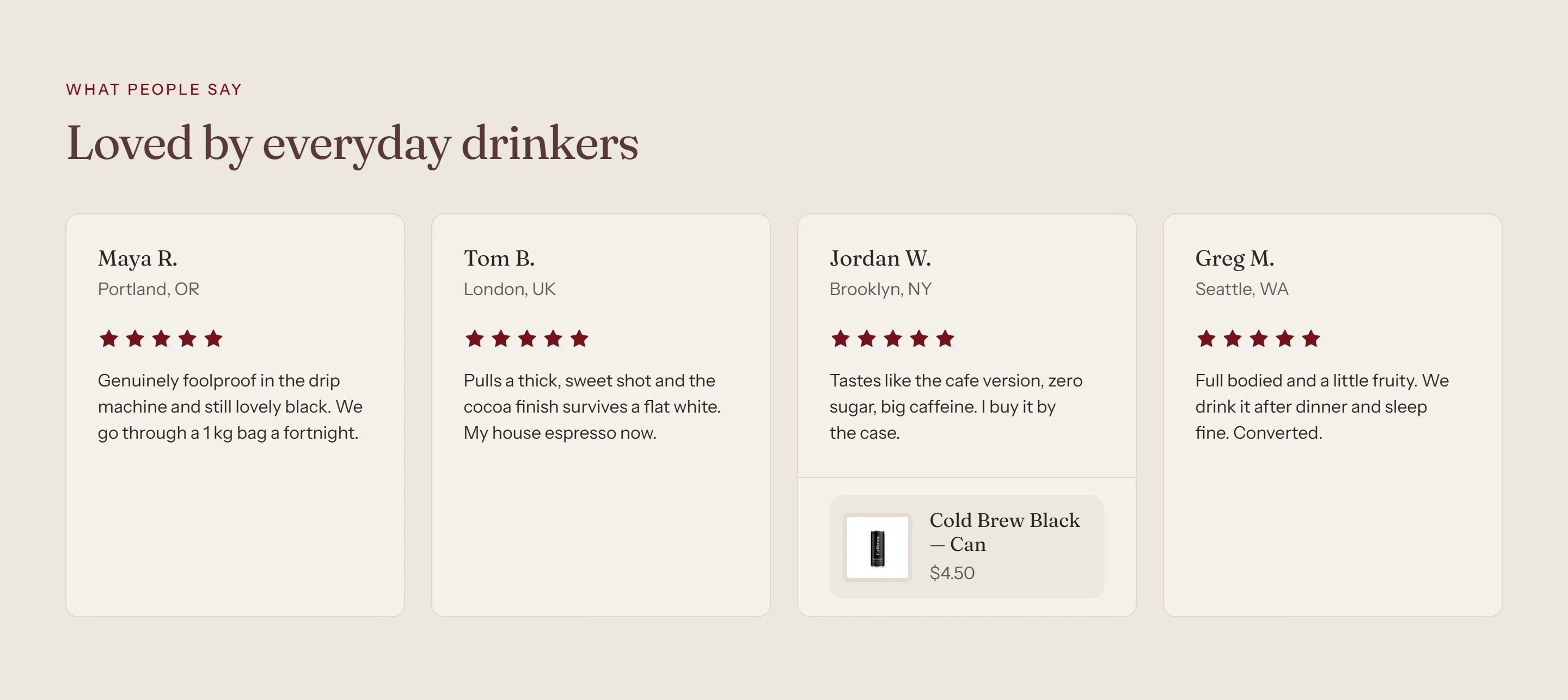
Share reviews from customers, baristas or press.
How to add it
- In Shopify admin, go to Online Store → Themes and click Customize.
- Open the page from the page picker at the top of the editor.
- In the sidebar, click Add section and choose Testimonials.
- Fill in the content, then click Save.
Tips
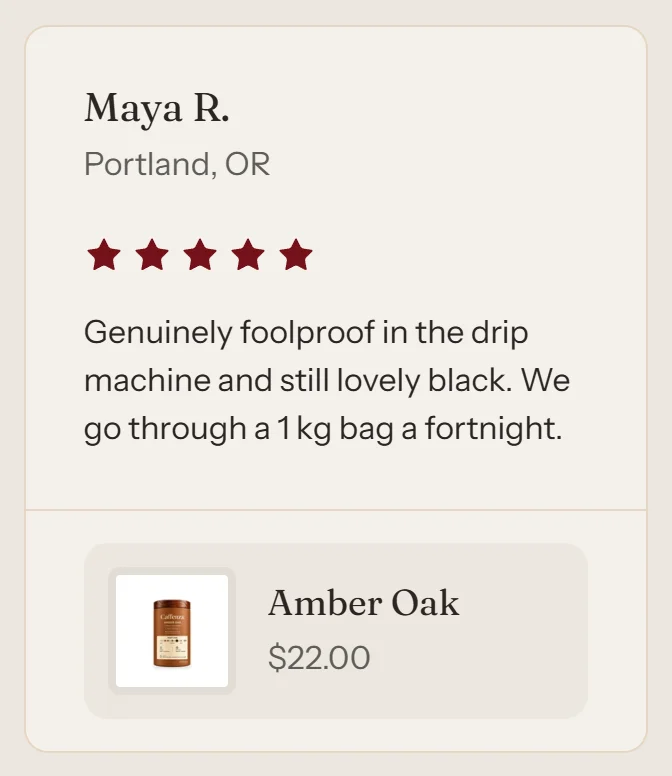
- Link a testimonial to a product to show it with its price.
- Only use real reviews. Set stars to 0 to hide the rating.
Screenshots
Settings
| Setting | Options | What it does |
|---|---|---|
| Section appearance | ||
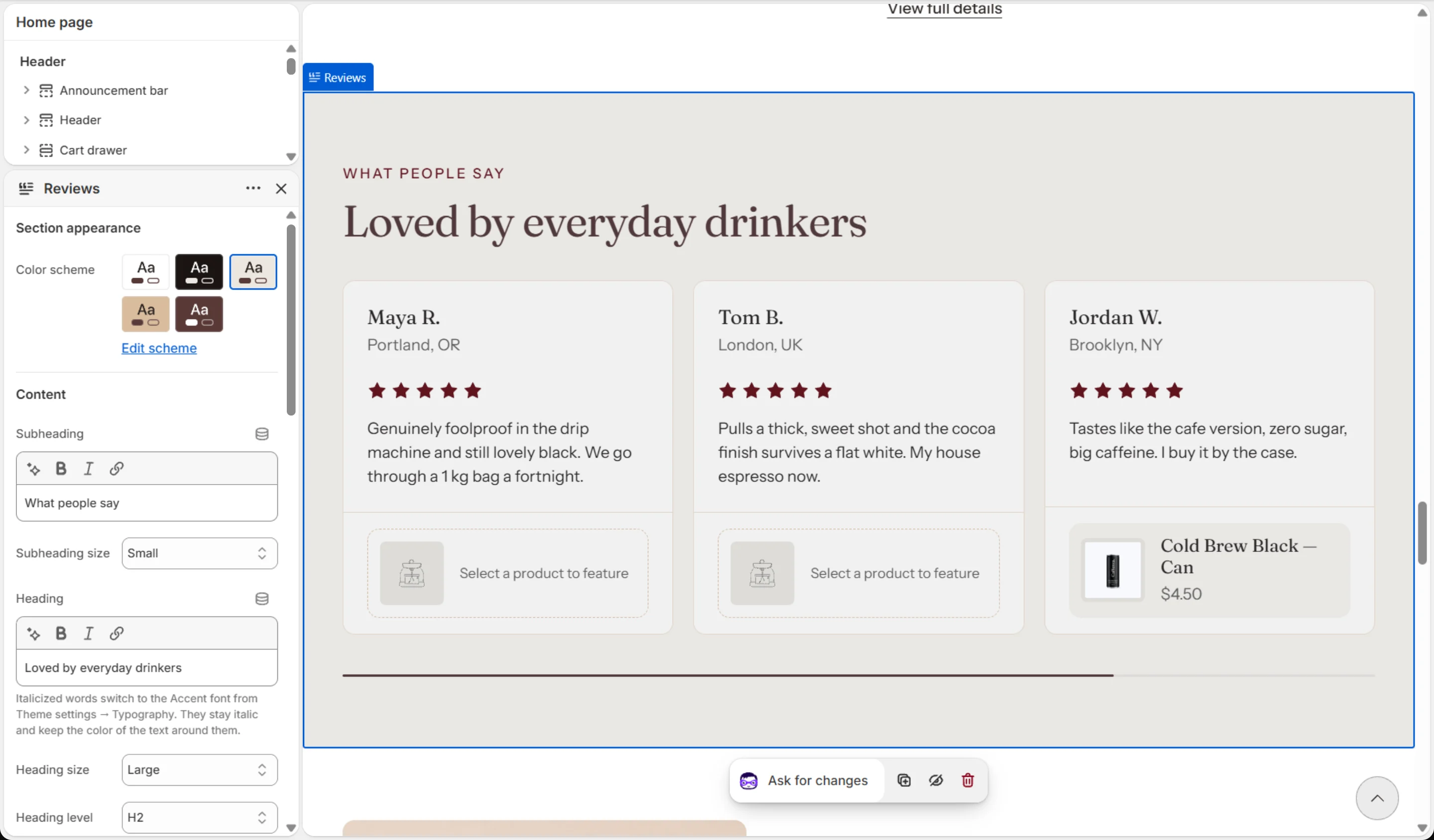
| Color scheme | Color scheme | |
| Content | ||
| Subheading | Text (bold, italic, links) | |
| Subheading size | Small · Medium · Large | |
| Heading | Text (bold, italic, links) | Italicized words switch to the Accent font from Theme settings → Typography. They stay italic and keep the color of the text around them. |
| Heading size | Small · Medium · Large · Extra large | |
| Heading level | H1 · H2 · H3 · H4 · H5 · H6 | Adjust for page structure — one H1 per page. Size is controlled separately. |
| Text | Rich text | |
| Text size | Small · Medium · Large | |
| Settings | ||
| Layout (desktop) | Carousel · Grid | |
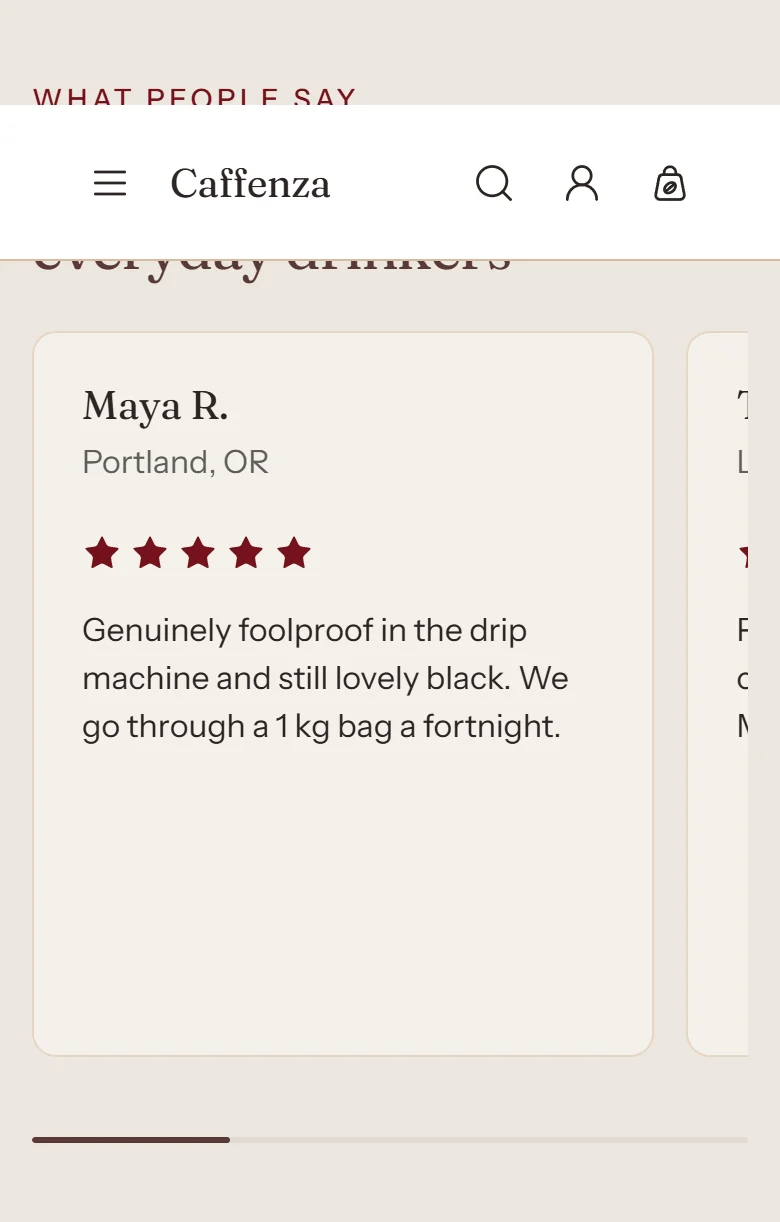
| Cards per view (desktop) | 1–5 | Narrower screens step this down automatically: at most 3 below 1280 px and at most 2 below 1024 px. |
| Mobile layout | Carousel · Grid | |
| Cards per view (mobile) | 1–3 | |
| Carousel | ||
| Show previous/next arrows | On / Off | |
| Pagination style | Progress bar · Counter with line · Dots · Counter · None | |
| Control alignment | Left · Center · Right | Aligns the dots, counter or arrows under the slides. |
| Loop slides | On / Off | |
| Auto-rotate slides | On / Off | Rotation pauses on hover, focus and touch, and never runs for visitors who prefer reduced motion. |
| Change slides every | 3–9 s | |
| Animations | ||
Blocks
Click Add block under the section in the sidebar. Drag blocks to change their order.
Testimonial
| Setting | Options | What it does |
|---|---|---|
| Quote | Rich text | |
| Star rating | 0–5 | Number of filled stars, 0–5. Set to 0 to hide the rating. |
| Content | ||
| Author photo | Image | Optional. Square works best; shown at 56 px. |
| Author name | Text | |
| Author role or company | Text | |
| Product | ||
| Product | Product | Optional. Shows the product this review is about, with its price, linked to the product page. |
It also has the shared Animate on scroll and Section spacing settings.