Locations and map
Show your café or roastery, opening hours and an “Open now” status.
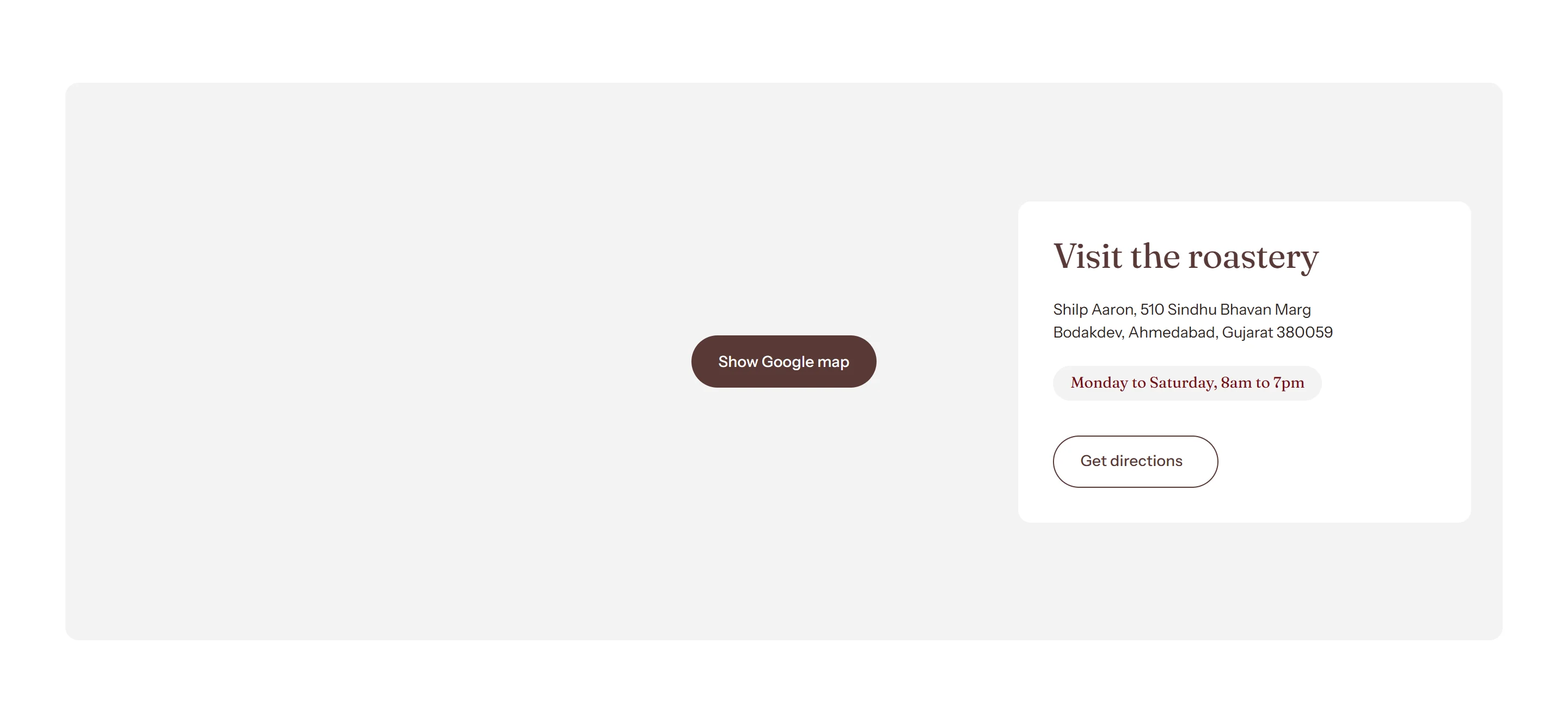
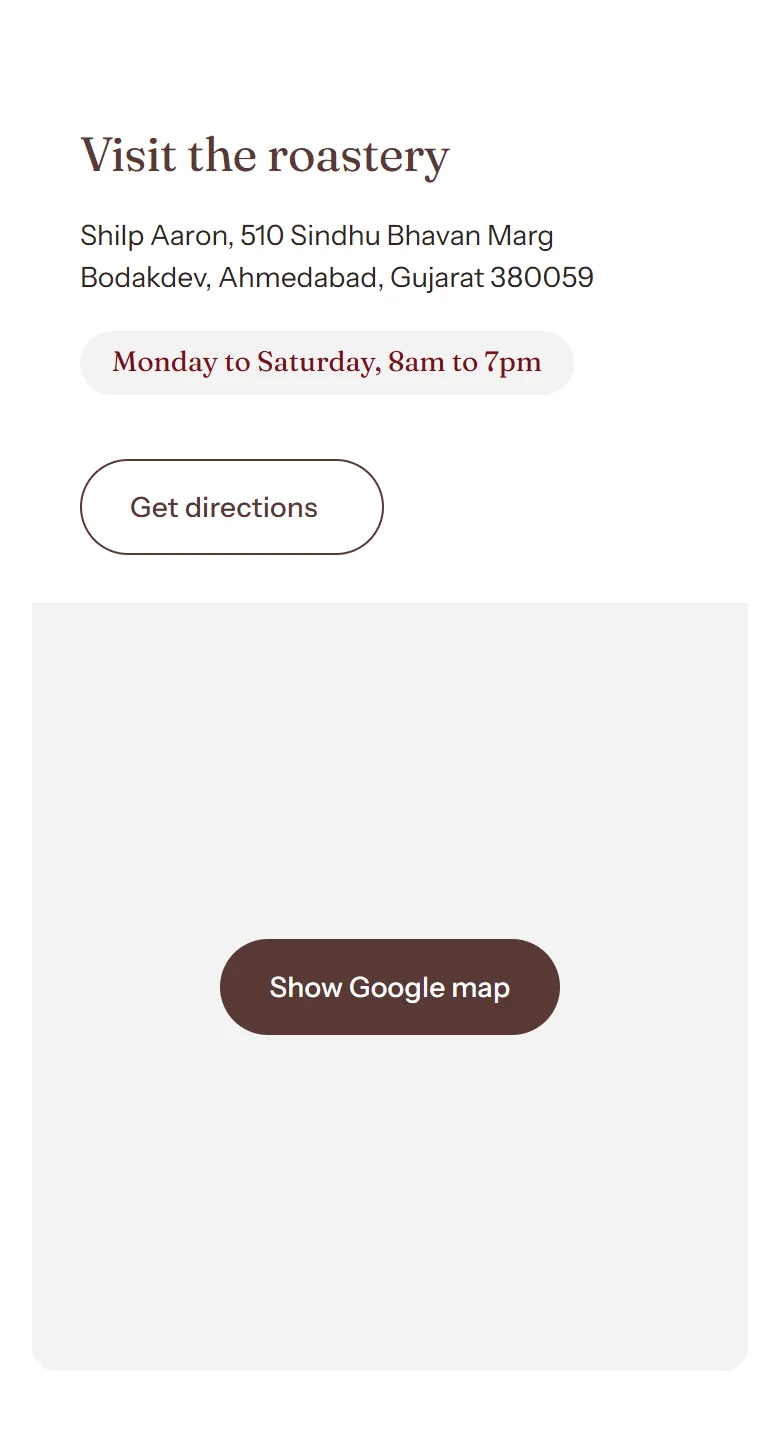
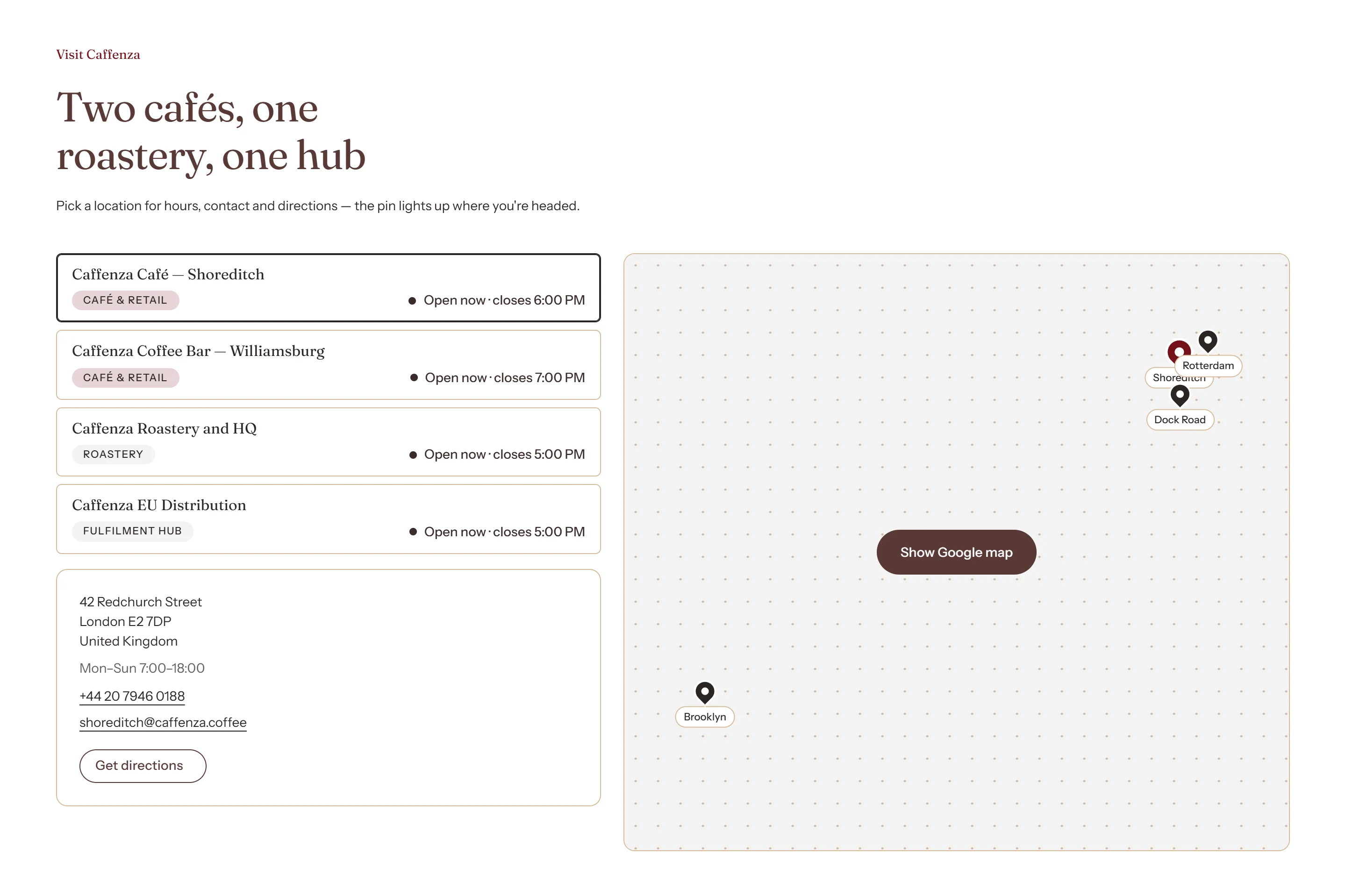
The Map section shows one location beside a map, or several locations as a list, cards or pins. It is perfect for cafés with more than one shop.
| Layout | Best for |
|---|---|
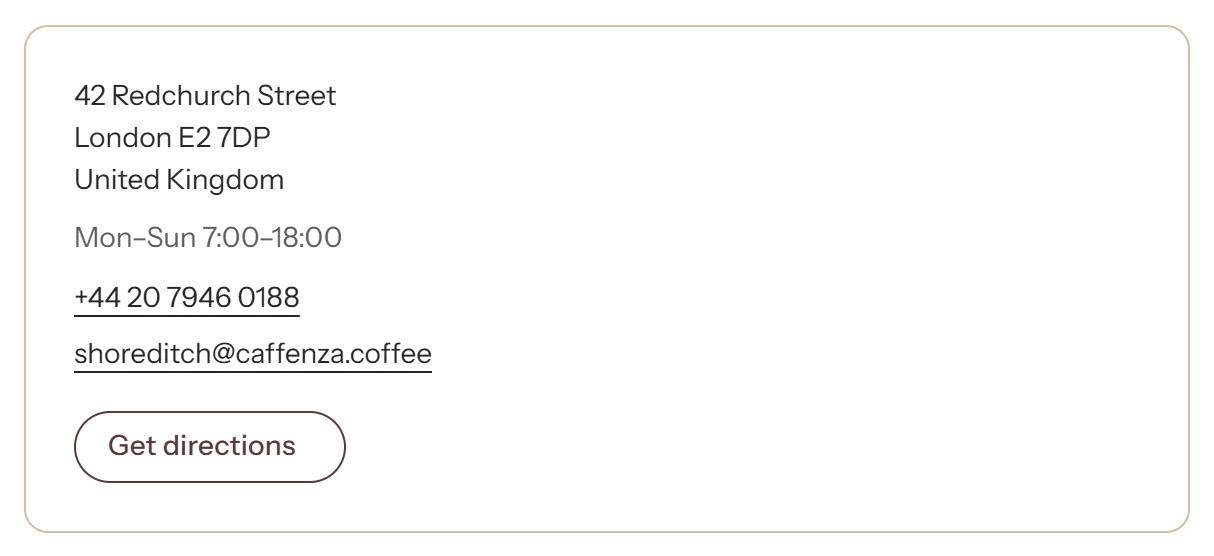
| Single location | One café or shop with a map. |
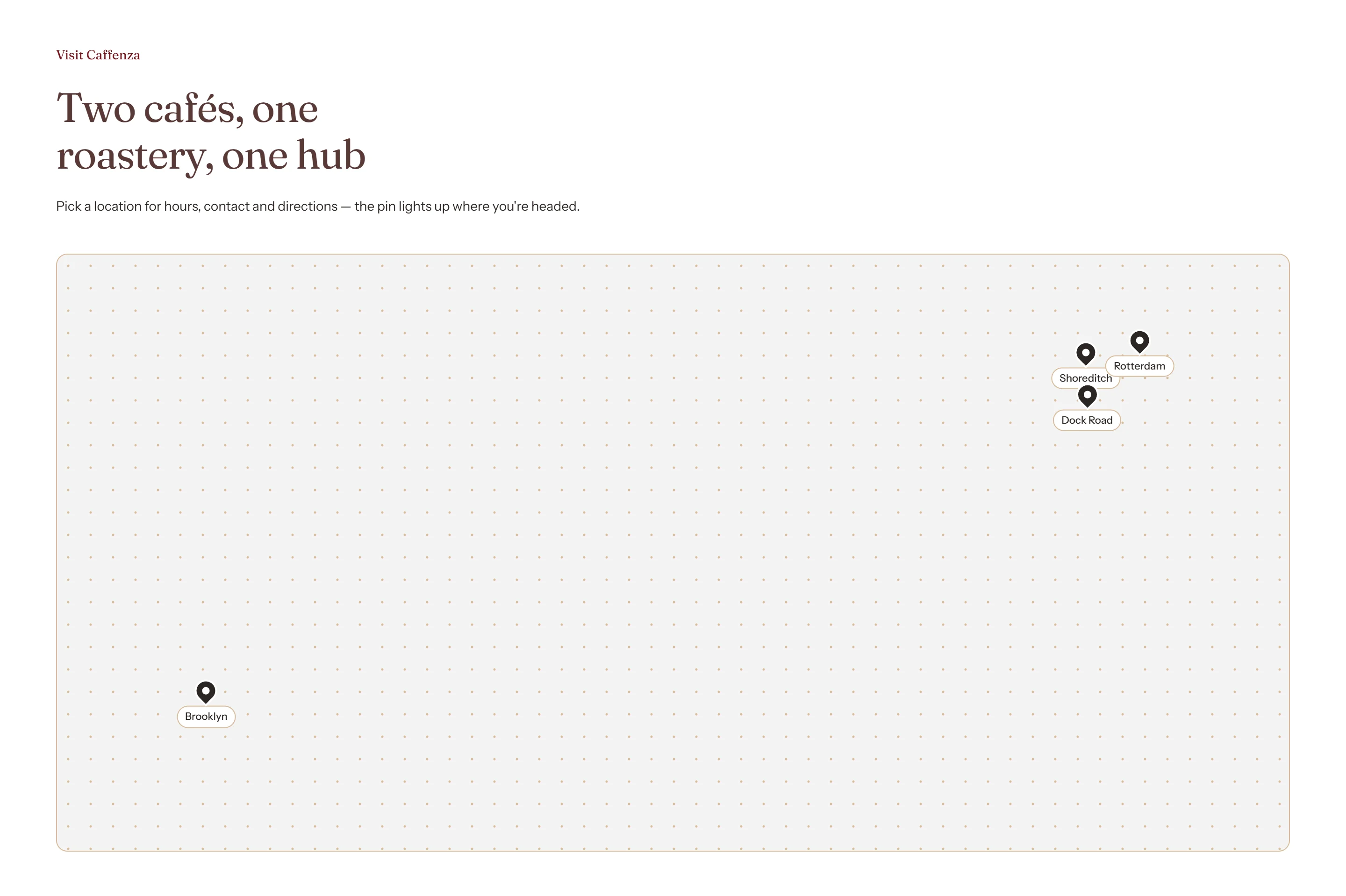
| Atlas | A list of locations with a pin chart. |
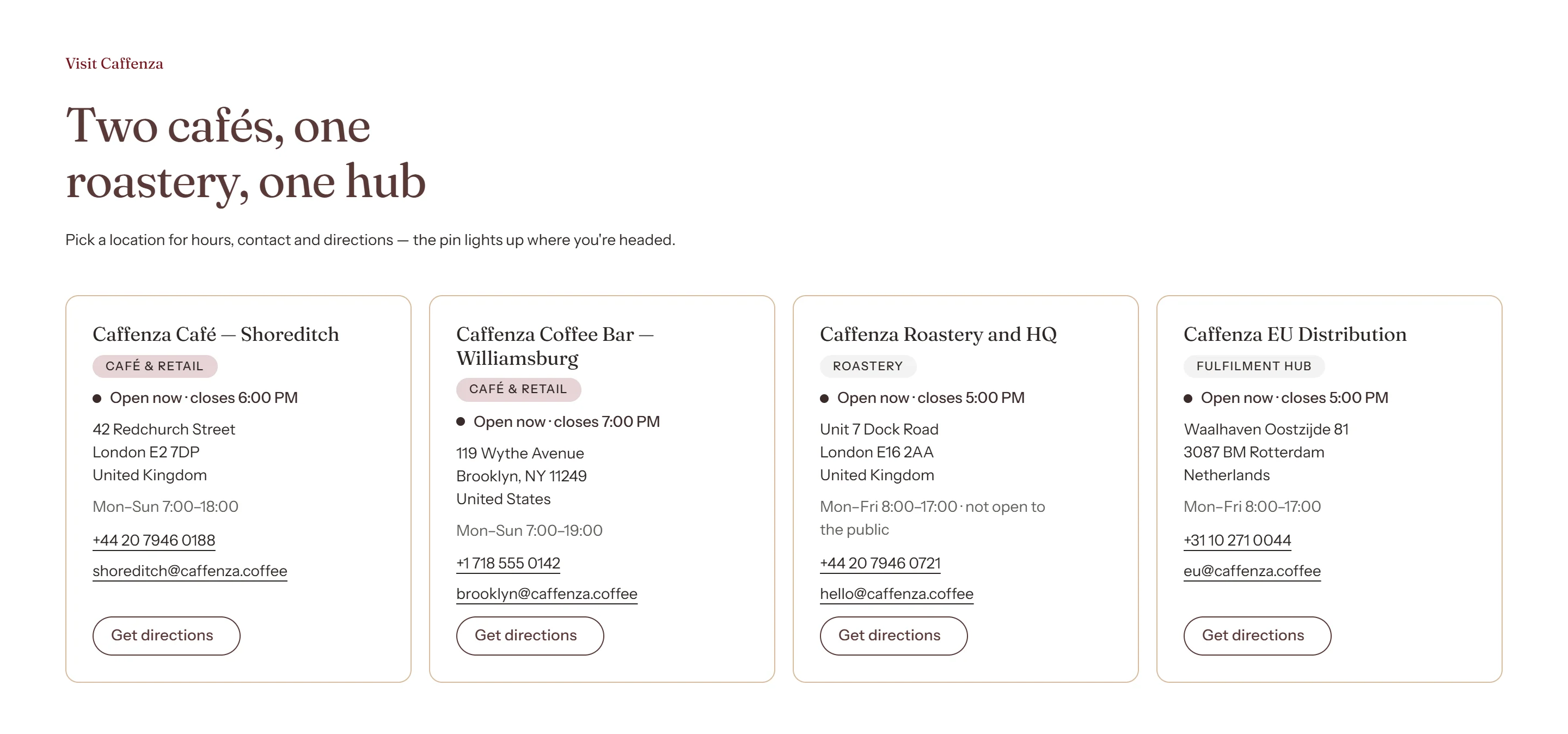
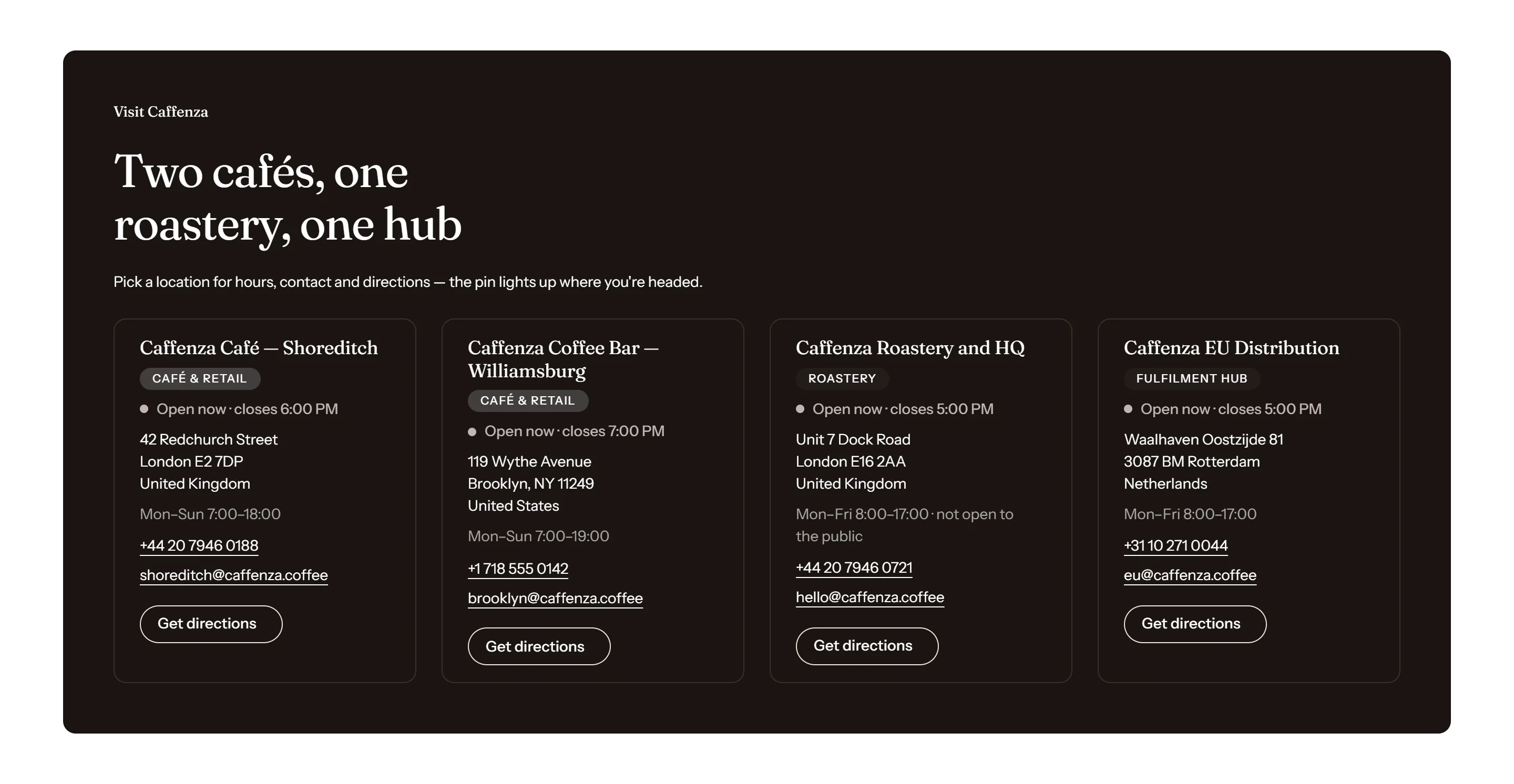
| Location cards | A grid of locations. |
| Pinned map | Locations that open from pins on the map. |
| Visit band | A compact strip, for example at the bottom of the home page. |
Add a location with “Open now”
- Click Add block → Location and enter the name, address, phone and opening hours text.
- For the pin, enter the latitude and longitude (right-click the place in Google Maps to copy them).
- For “Open now”, enter the time zone (for example
Europe/London), tick the open days and enter opening and closing times.
Tip
The map only loads when a visitor clicks it, so it never slows your page. A Google Maps API key is optional, but recommended for a live store.
Screenshots
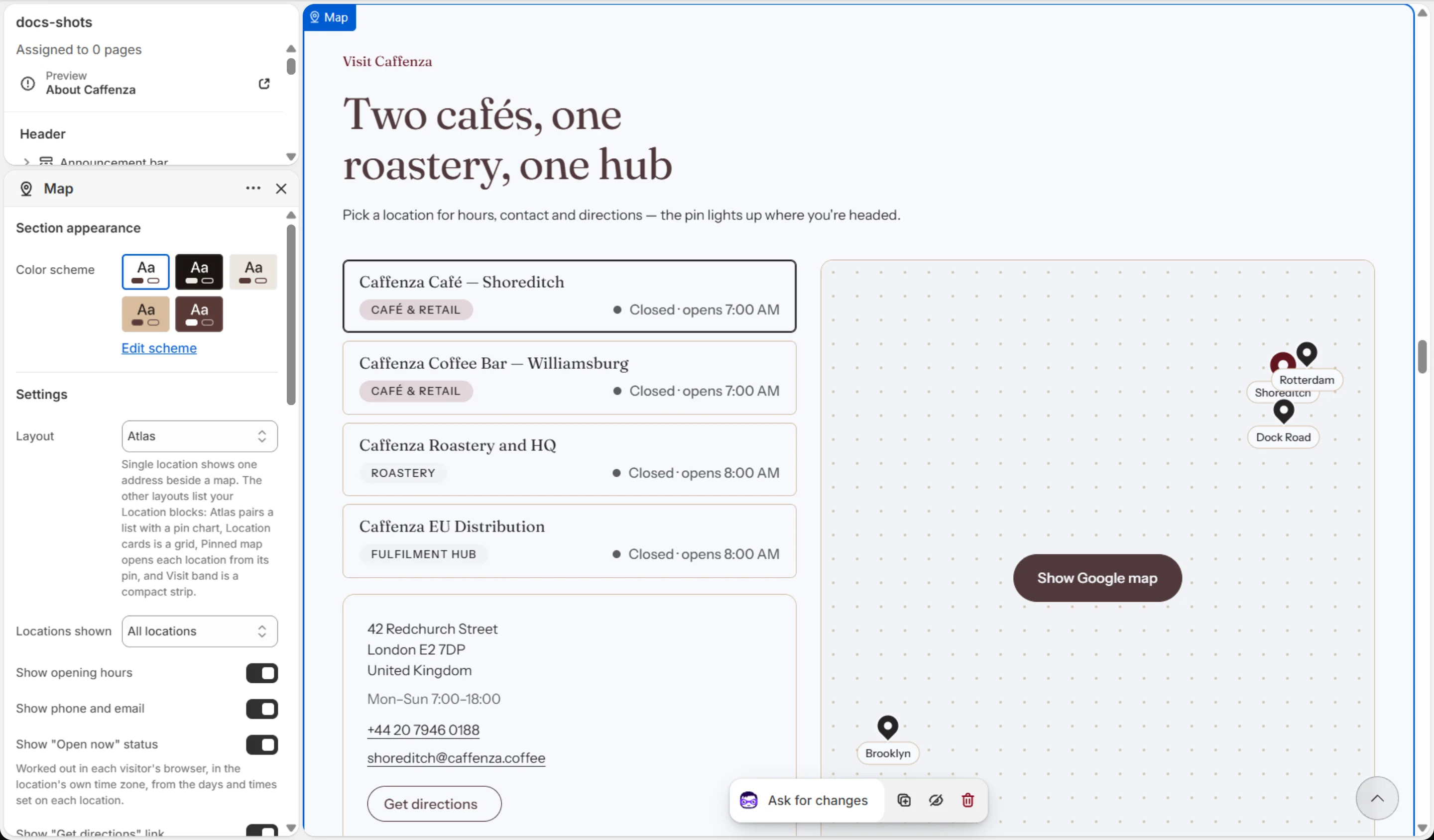
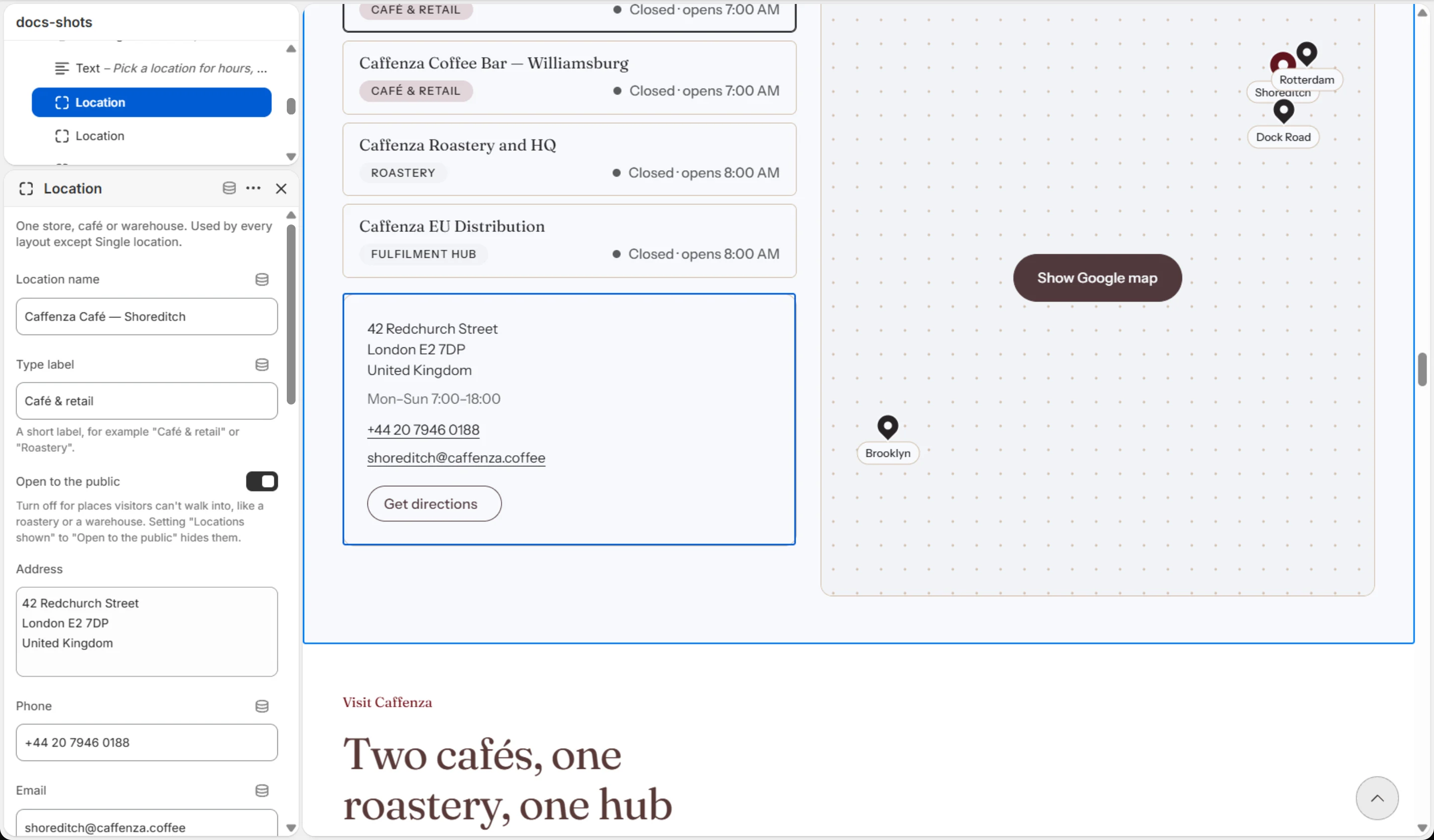
Settings
| Setting | Options | What it does |
|---|---|---|
| Section appearance | ||
| Color scheme | Color scheme | |
| Panel color scheme | Color scheme | The location panel in the Single location layout, and the band in the Visit band layout. |
| Settings | ||
| Layout | Single location · Atlas · Location cards · Pinned map · Visit band | Single location shows one address beside a map. The other layouts list your Location blocks: Atlas pairs a list with a pin chart, Location cards is a grid, Pinned map opens each location from its pin, and Visit band is a compact strip. |
| Locations shown | All locations · Open to the public | |
| Show opening hours | On / Off | |
| Show phone and email | On / Off | |
| Show "Open now" status | On / Off | Worked out in each visitor's browser, in the location's own time zone, from the days and times set on each location. |
| Show "Get directions" link | On / Off | |
| Directions link label | Text | |
| Media | ||
| Address | Text | Used for the map pin and the directions link. A full street address, a place name, or a Google Place ID. |
| Google Maps API key | Text | Optional. Without a key the map still loads, using Google's keyless embed. A key switches it to Google's documented Embed API, which is the supported option for a live store. |
| Zoom level | 4–20 | |
| Placeholder image | Image | Shown until a visitor loads the map. Use a photograph of the location or your own map screenshot. Leave empty for a plain coloured panel. |
| Map description | Text | Describes the map to screen readers once it loads, for example "Map showing the Caffenza roastery". |
| Map height | Small · Medium · Large (fill screen) | |
| Map and panel style | Joined · Overlay · Split | Joined welds the panel to the map as one object. Overlay floats the panel on top of the map as a card. Split sets them side by side as two cards with a gap, always inside the page column. |
| Full width | On / Off | Off puts the map inside the page column, with rounded corners. |
| Panel placement | Panel first · Panel second | |
| Panel width | Small · Medium · Large | |
| Caption style | Plain · Chip | Chip wraps the caption in a filled capsule — useful for opening hours beside an address. |
| Animations | ||
Blocks
Click Add block under the section in the sidebar. Drag blocks to change their order.
Heading
| Setting | Options | What it does |
|---|---|---|
| Heading | Text (bold, italic, links) | Italicized words switch to the Accent font from Theme settings → Typography. They stay italic and keep the color of the text around them. |
| Heading size | Small · Medium · Large | |
| Heading level | H2 · H3 · H4 · H5 · H6 | Adjust for page structure — one H1 per page. Size is controlled separately. |
Text
| Setting | Options | What it does |
|---|---|---|
| Text | Rich text | |
| Text size | Small · Medium · Large |
Caption
| Setting | Options | What it does |
|---|---|---|
| Caption | Text (bold, italic, links) |
Location
| Setting | Options | What it does |
|---|---|---|
| Location name | Text | |
| Type label | Text | A short label, for example "Café & retail" or "Roastery". |
| Open to the public | On / Off | Turn off for places visitors can't walk into, like a roastery or a warehouse. Setting "Locations shown" to "Open to the public" hides them. |
| Address | Text, one item per line | |
| Phone | Text | |
| Text | ||
| Opening hours | Text | Shown exactly as written, for example "Mon–Sun 7:00–18:00". The "Open now" status uses the days and times below, so keep the two in step. |
| Map pin | ||
| Pin label | Text | Short text beside the pin on the map, such as the city. |
| Latitude | Text | In decimal degrees, for example 51.5246. In Google Maps, right-click the place to copy its coordinates. Without a valid latitude and longitude the location has no pin, and its directions link uses the address instead. |
| Longitude | Text | In decimal degrees, for example -0.0741. Places west of Greenwich are negative. |
| "Open now" status | ||
| Time zone | Text | The location's IANA time zone, for example Europe/London or America/New_York. Leave empty to hide this location's "Open now" status. |
| Open Monday | On / Off | |
| Open Tuesday | On / Off | |
| Open Wednesday | On / Off | |
| Open Thursday | On / Off | |
| Open Friday | On / Off | |
| Open Saturday | On / Off | |
| Open Sunday | On / Off | |
| Opens at | Text | 24-hour format, for example 07:00 or 18:30. A closing time earlier than the opening time means open past midnight. |
| Closes at | Text | 24-hour format, for example 07:00 or 18:30. A closing time earlier than the opening time means open past midnight. |
This section also accepts Custom Liquid blocks and app blocks. It also has the shared Animate on scroll and Section spacing settings.