Cart page
The full cart page, its summary and blocks.
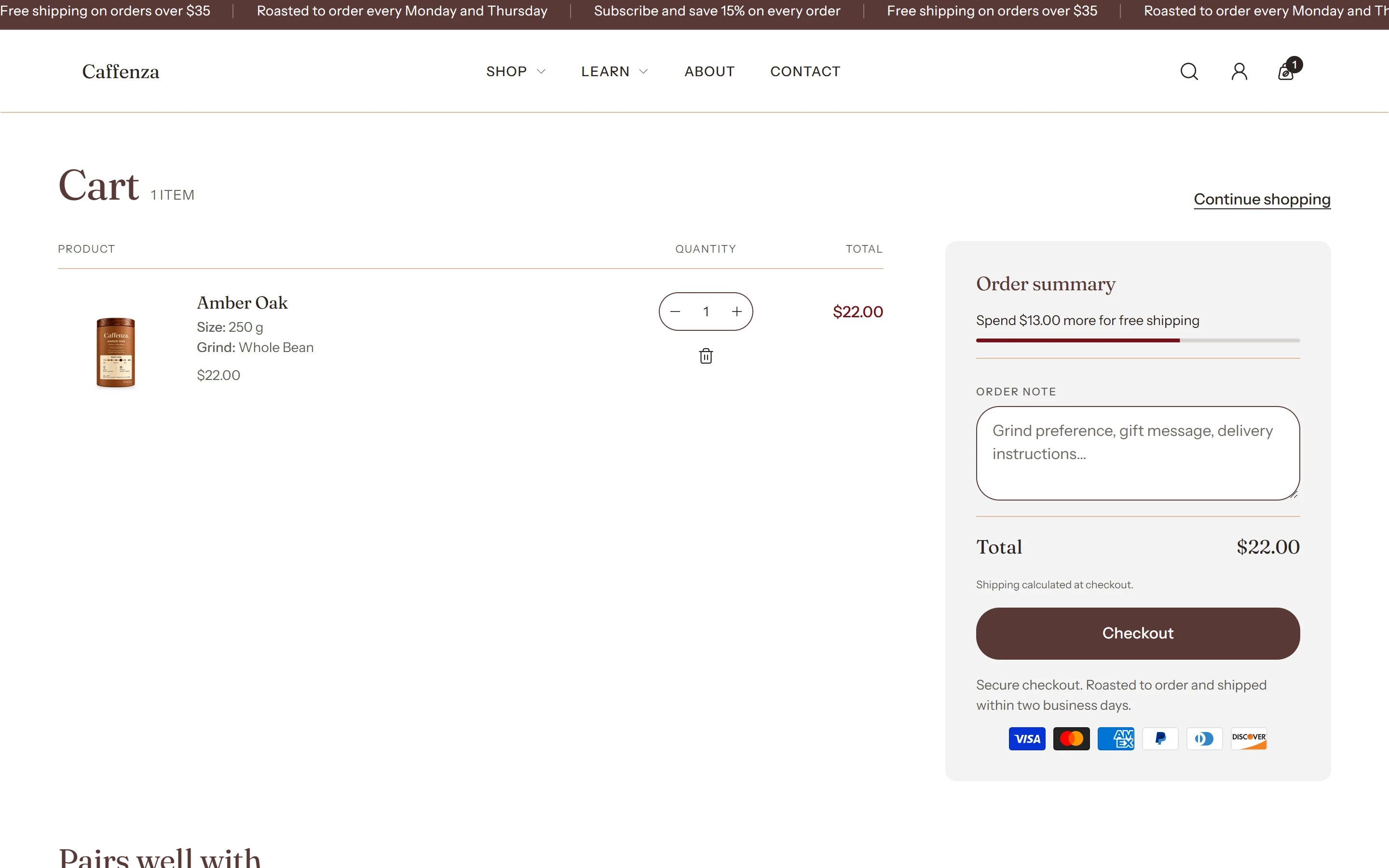
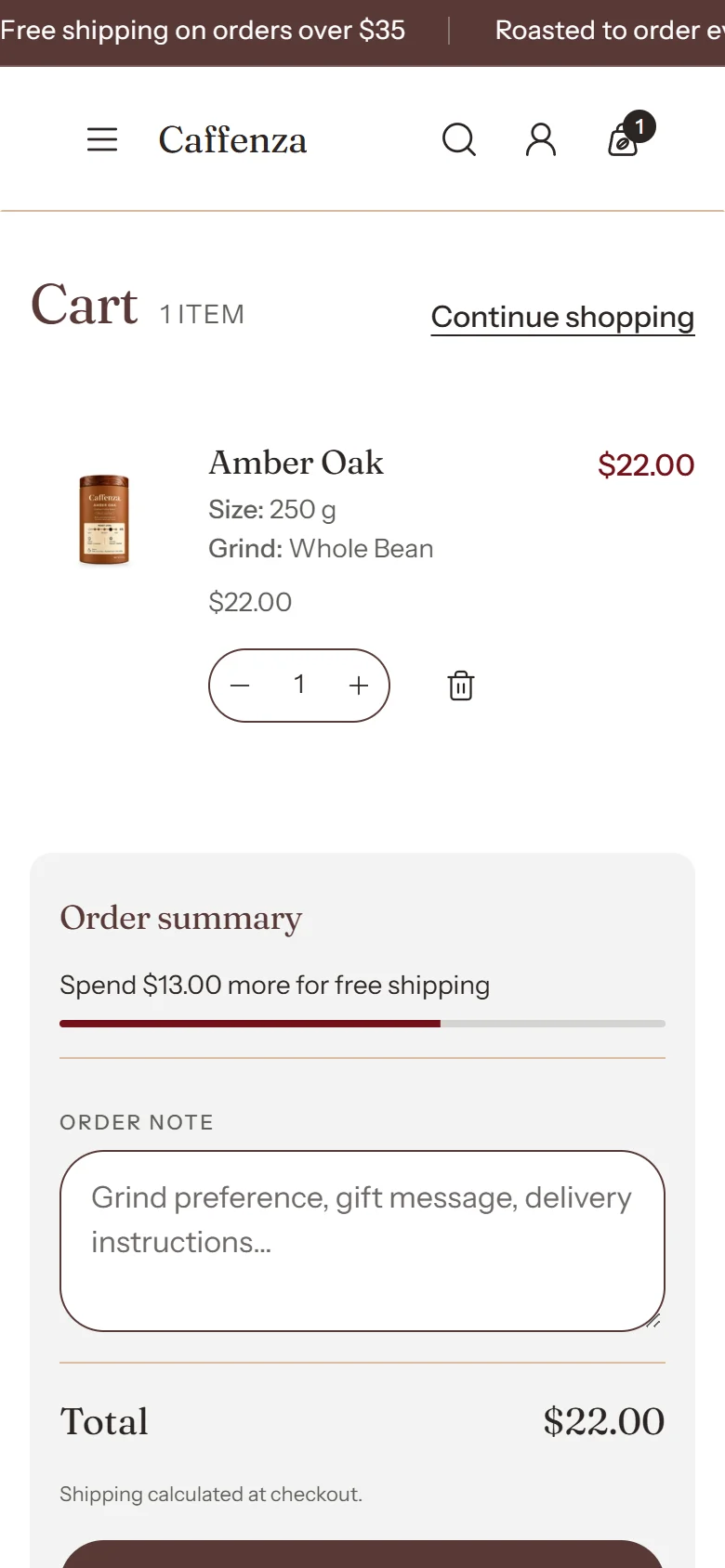
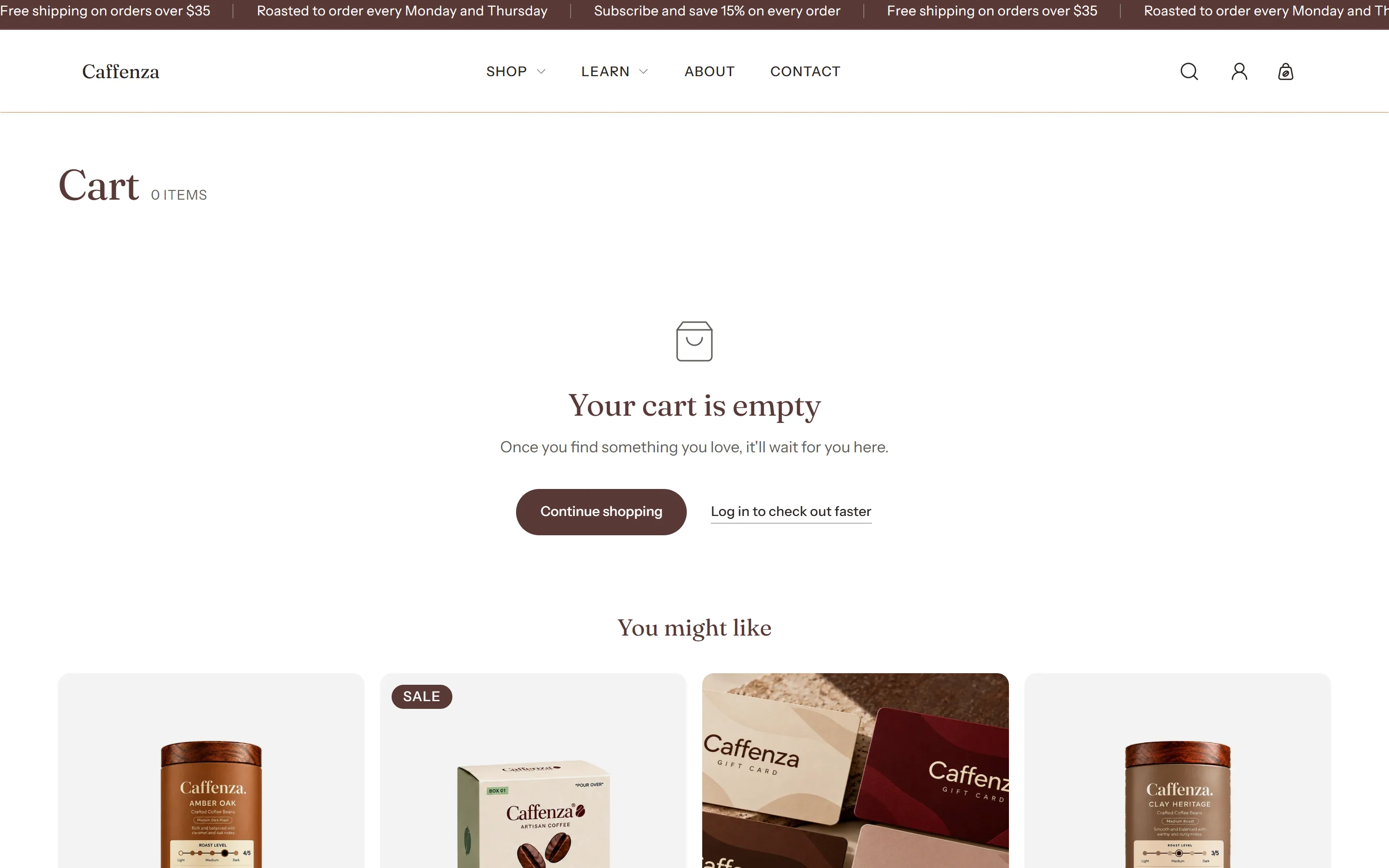
The cart page uses the same items and summary as the cart drawer. Add or reorder its blocks: free shipping goal, order note, discount code, trust row and recommendations. Store-wide cart options are in Cart settings.
Screenshots
Settings
| Setting | Options | What it does |
|---|---|---|
| Section appearance | ||
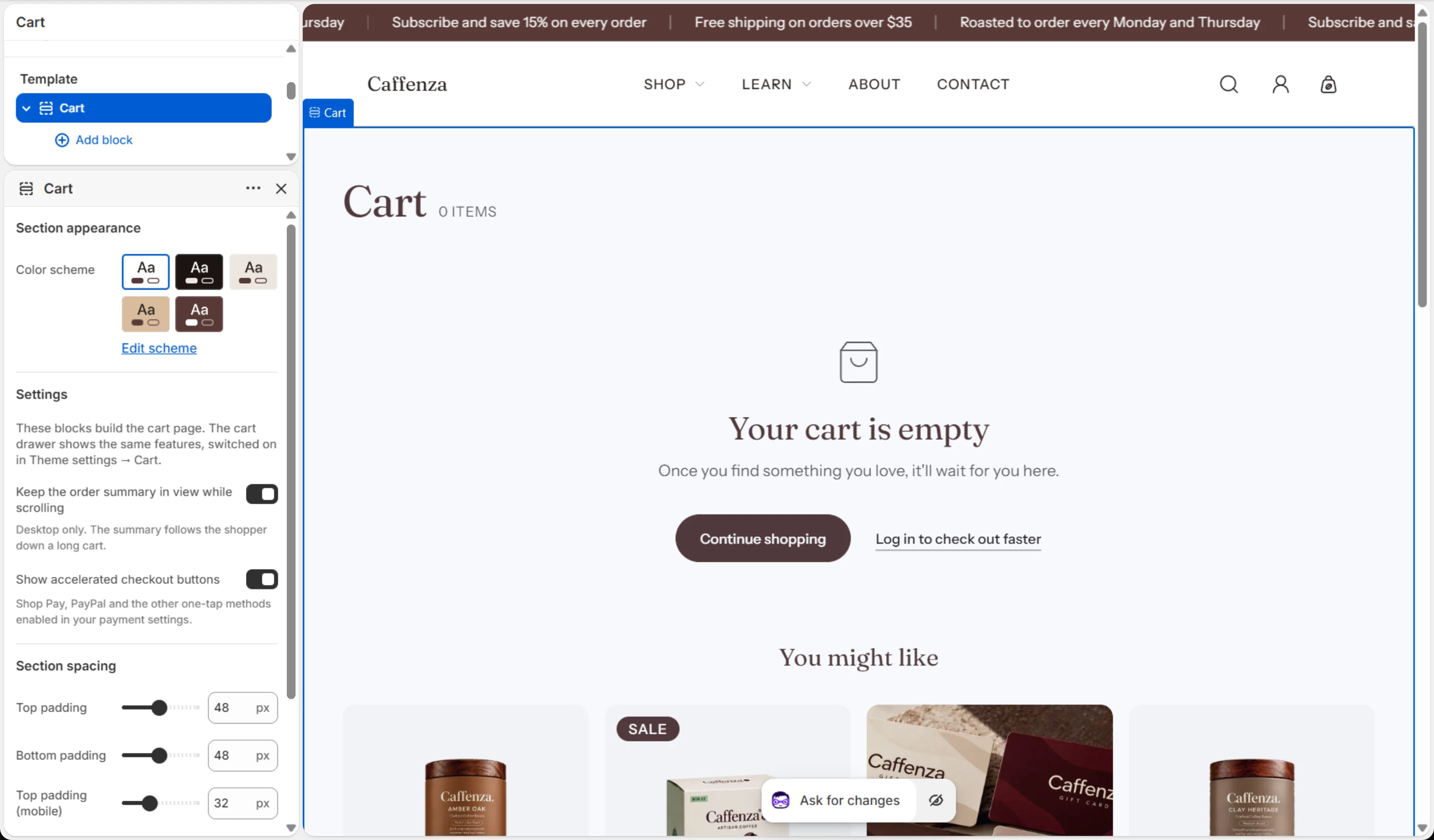
| Color scheme | Color scheme | |
| Settings | ||
| Keep the order summary in view while scrolling | On / Off | Desktop only. The summary follows the shopper down a long cart. |
| Show accelerated checkout buttons | On / Off | Shop Pay, PayPal and the other one-tap methods enabled in your payment settings. |
Blocks
Click Add block under the section in the sidebar. Drag blocks to change their order.
Free shipping goal up to 1
No settings. Drag the block to place it.
Order note up to 1
No settings. Drag the block to place it.
Discount code up to 1
No settings. Drag the block to place it.
Trust row up to 1
| Setting | Options | What it does |
|---|---|---|
| Text | Rich text | |
| Show payment icons | On / Off |
Recommendations up to 1
| Setting | Options | What it does |
|---|---|---|
| Heading | Text (bold, italic, links) | Italicized words switch to the Accent font from Theme settings → Typography. They stay italic and keep the color of the text around them. |
| Heading size | Small · Medium · Large · Extra large | |
| Heading level | H1 · H2 · H3 · H4 · H5 · H6 | Adjust for page structure — one H1 per page. Size is controlled separately. |
| Recommendation type | Related products · Complementary products | |
| Number of products to show | 2–8 |
This section also accepts Custom Liquid blocks and app blocks. It also has the shared Animate on scroll and Section spacing settings.