Metafields and dynamic sources
Show different content on each product with one template.
A metafield is an extra field on a product, collection, page or blog post, such as “Roast level” or “Origin”. A dynamic source connects a theme setting to that field, so one template shows different content for each product.
Connect a setting to a metafield
- Create the metafield definition in Settings → Metafields and metaobjects.
- Fill in the value on each product.
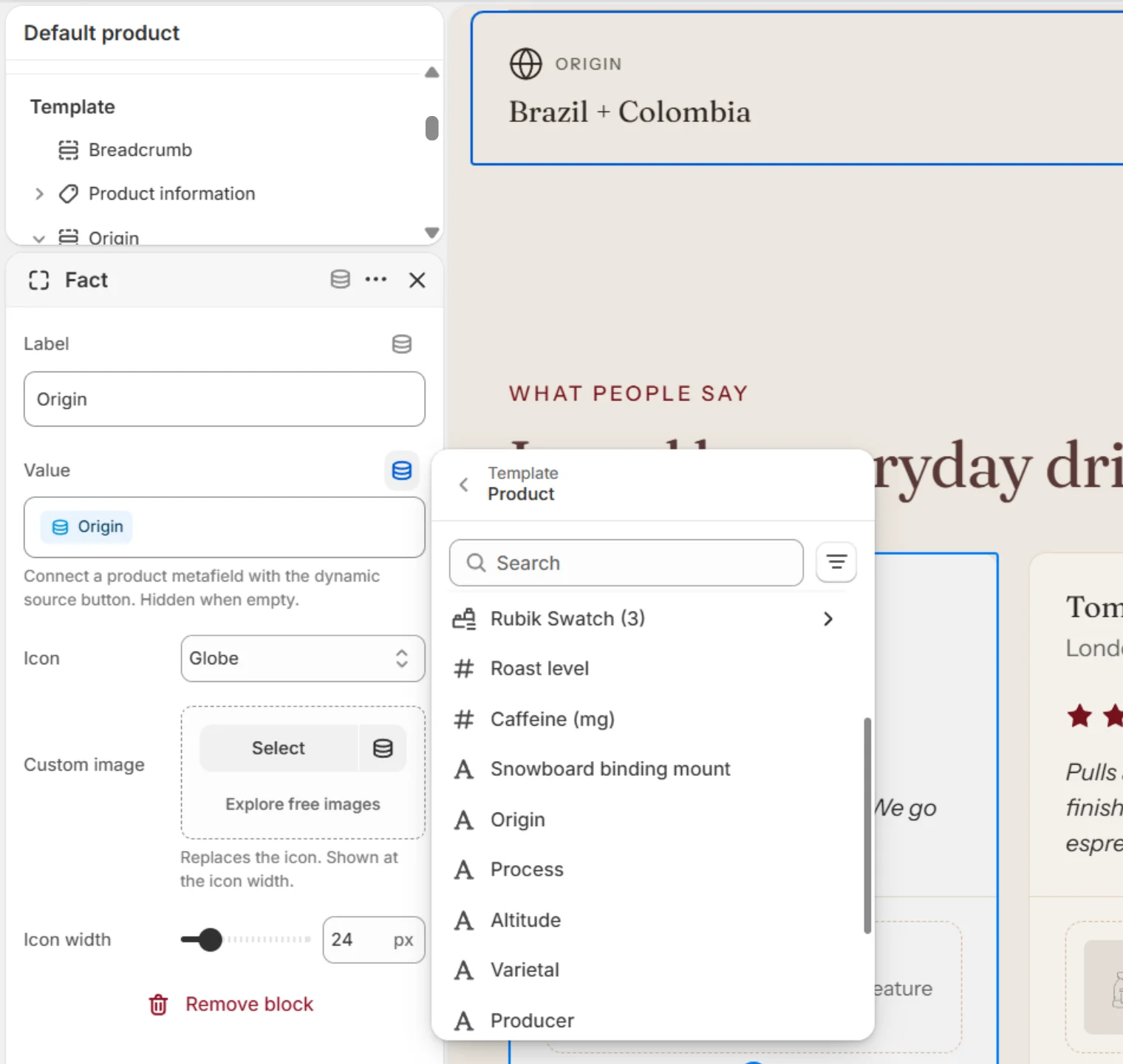
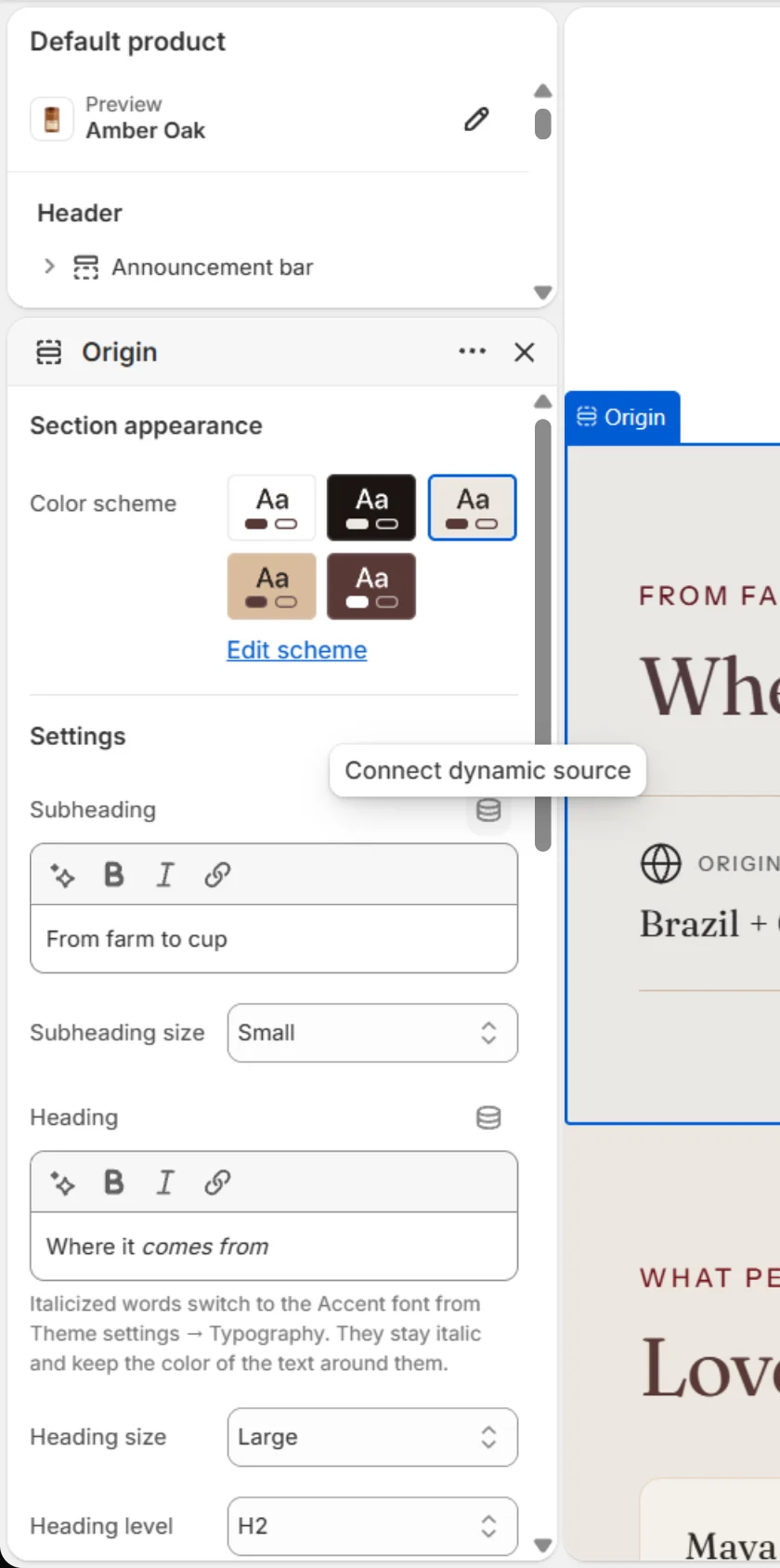
- In the theme editor, hover a text or image setting and click the Connect dynamic source icon.
- Choose the metafield. The preview now shows each product’s own value.
For the coffee fields Caffenza uses, see Coffee product details.
Screenshots