Menus and navigation
Create the main menu, dropdowns and footer menus.
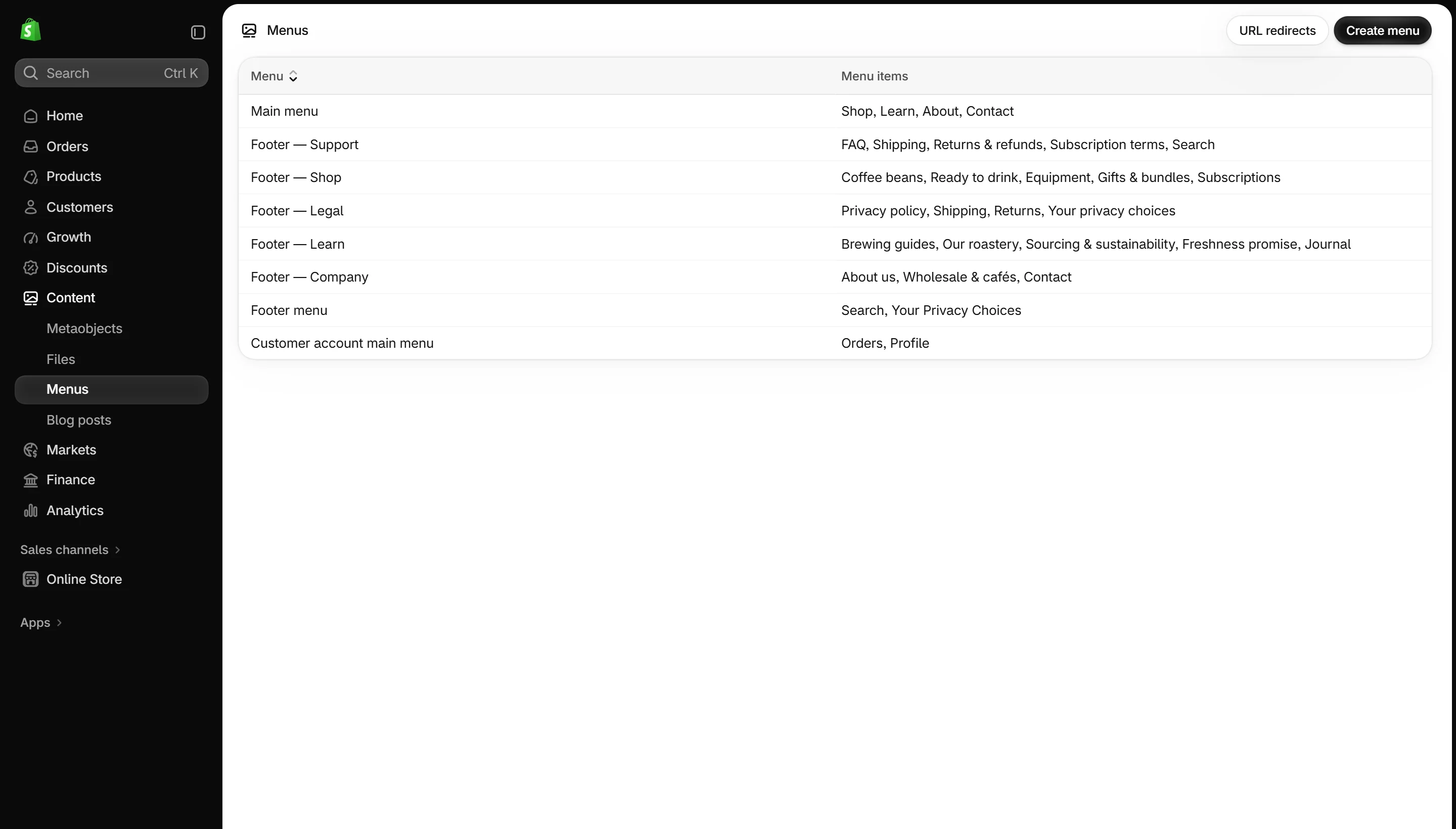
- In Shopify admin, go to Content → Menus.
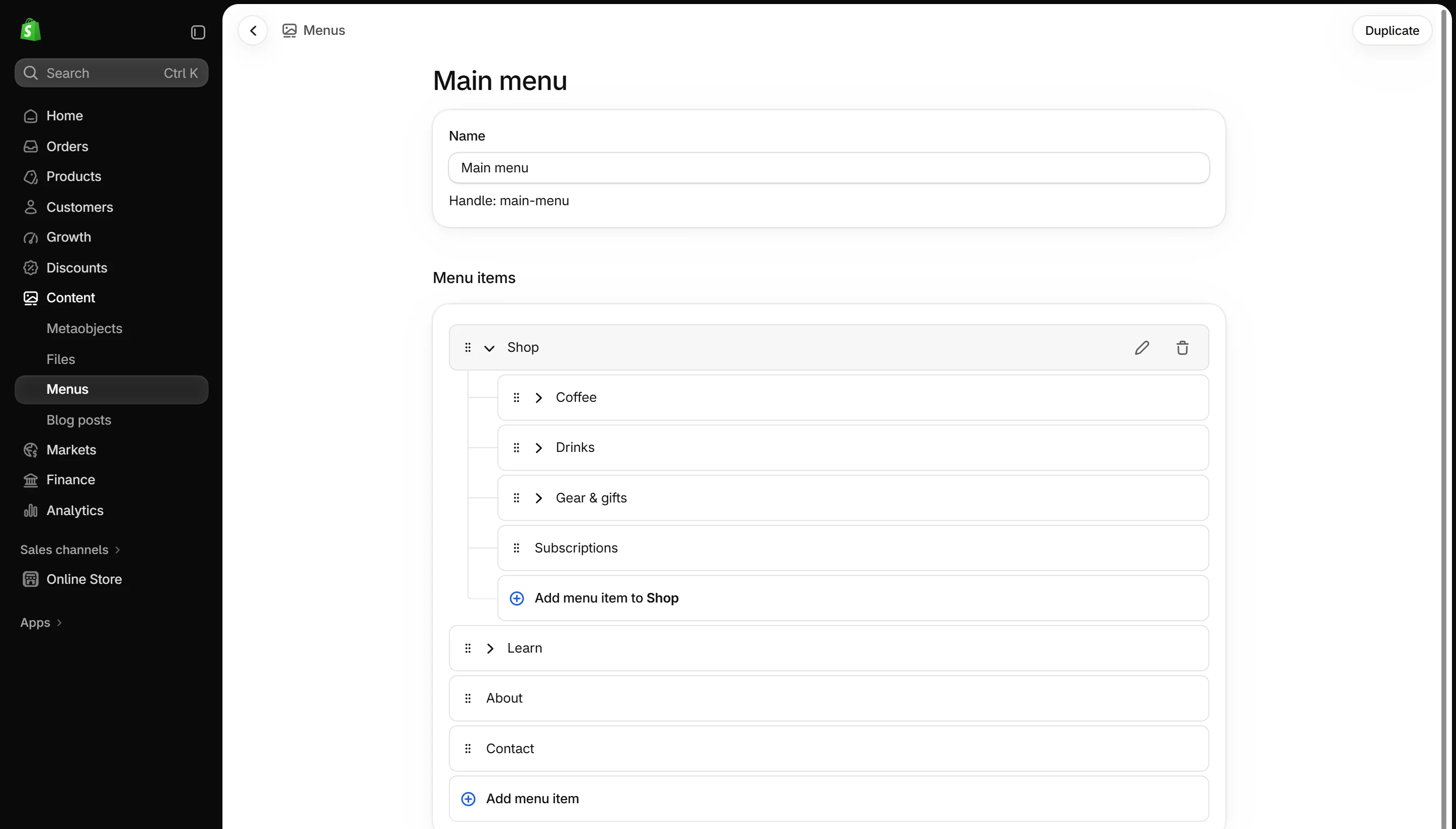
- Open Main menu or click Create menu.
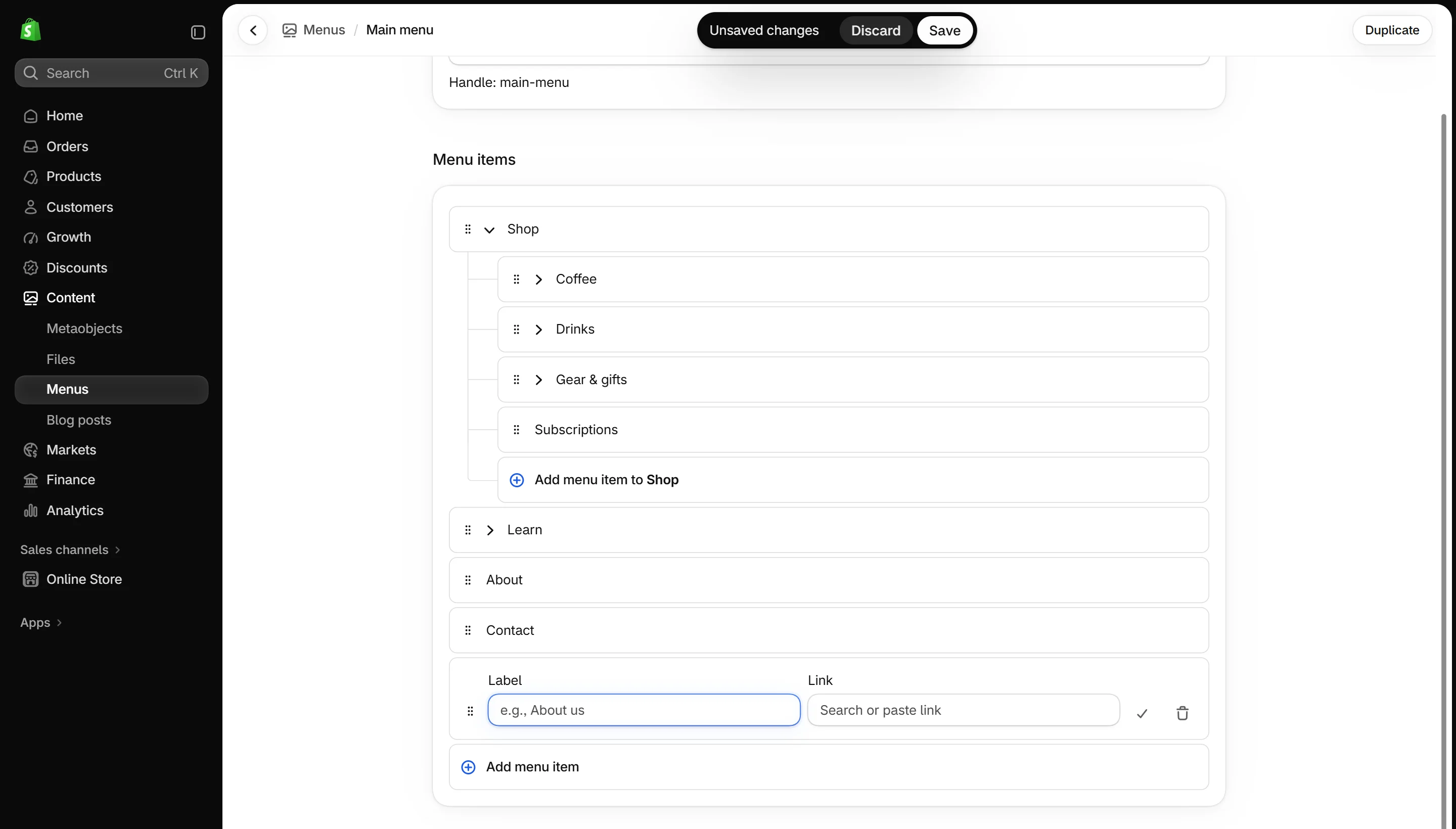
- Click Add menu item, give it a name and link it to a collection, product, page or blog.
- Drag an item under another one to make a dropdown. You can nest up to three levels.
- Save, then pick the menu in the Header or Footer.
Suggested menu for a coffee store
| Top level | Dropdown items |
|---|---|
| Coffee | Single origin · Blends · Decaf · Capsules |
| Tea | Black · Green · Herbal |
| Equipment | Grinders · Brewers · Kettles · Cups |
| Subscriptions | — |
| Learn | Brew guides · Recipes · Our story |
| Visit us | — |
Tip
Use mega menu blocks to turn Coffee and Equipment into big dropdowns with products and images.
Screenshots