Newsletter pop-up
A signup pop-up with an optional discount code.
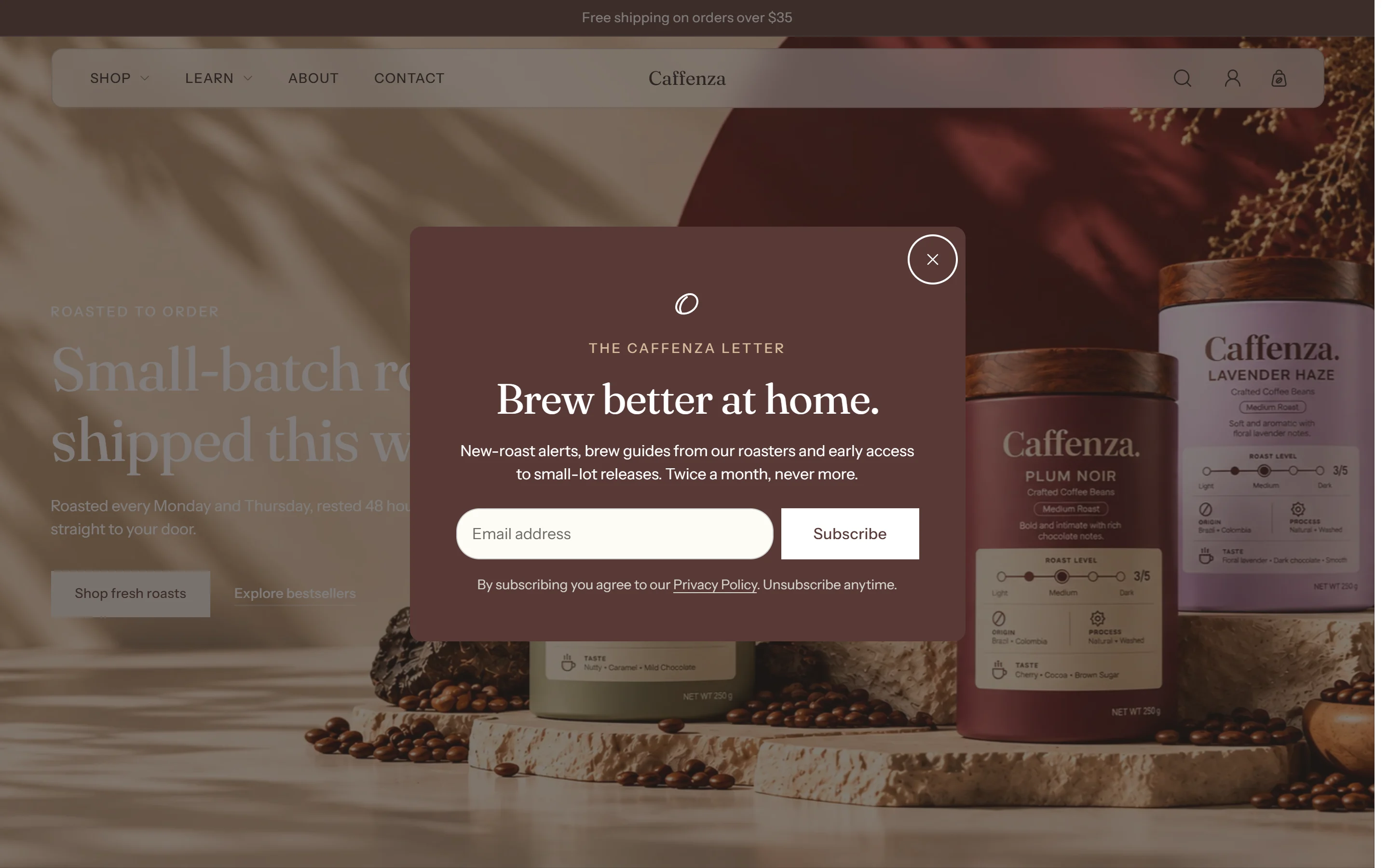
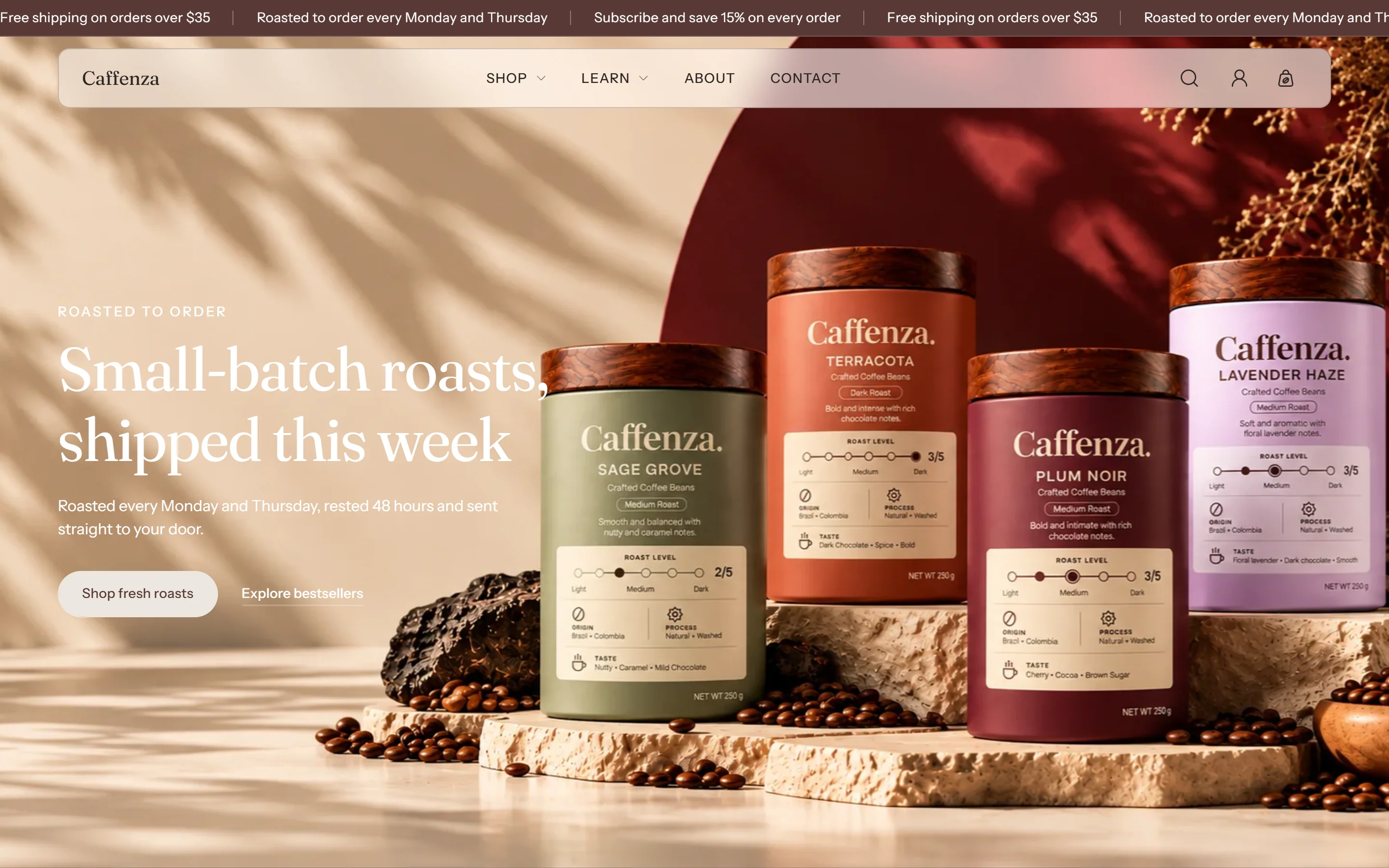
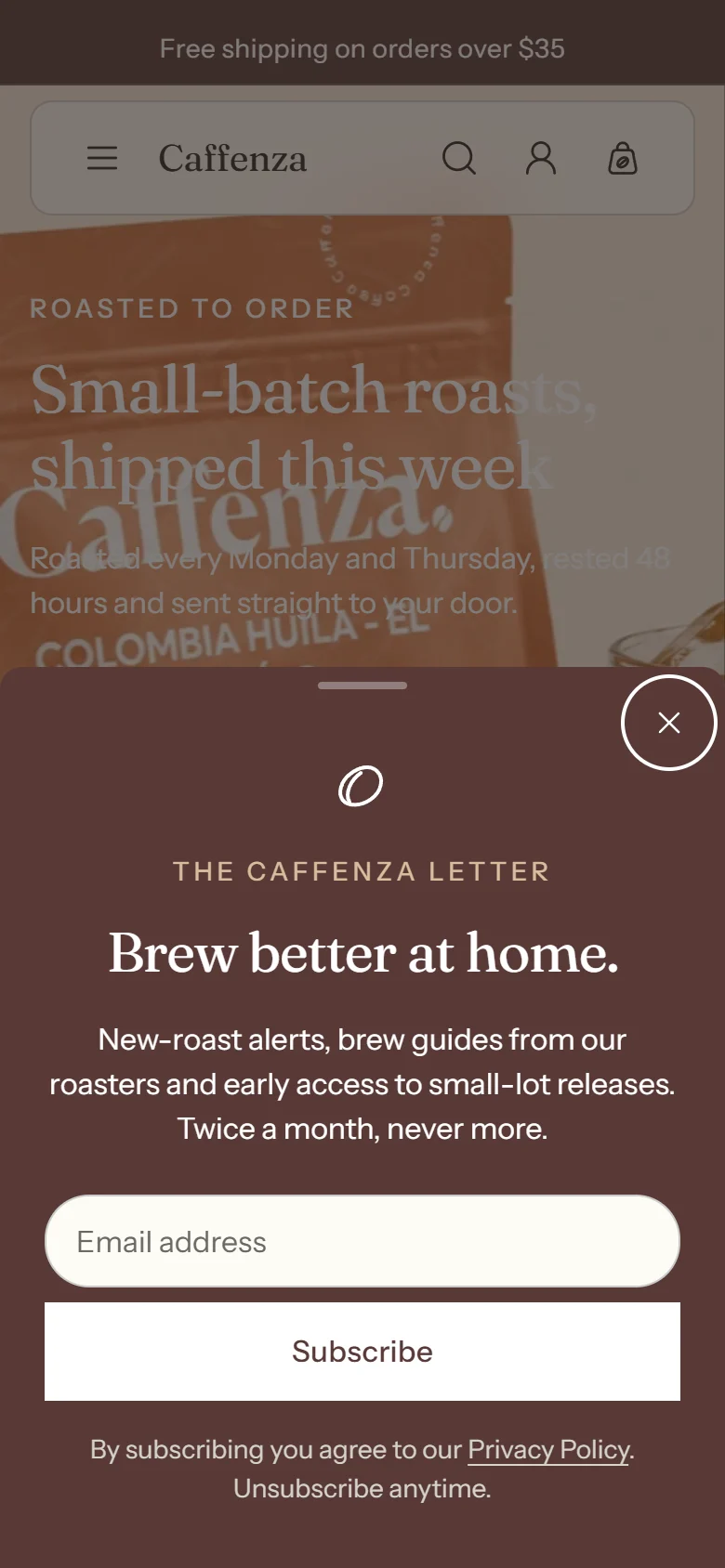
The pop-up appears after a delay you choose. After signup it can show a discount code and a button that applies the code to the cart.
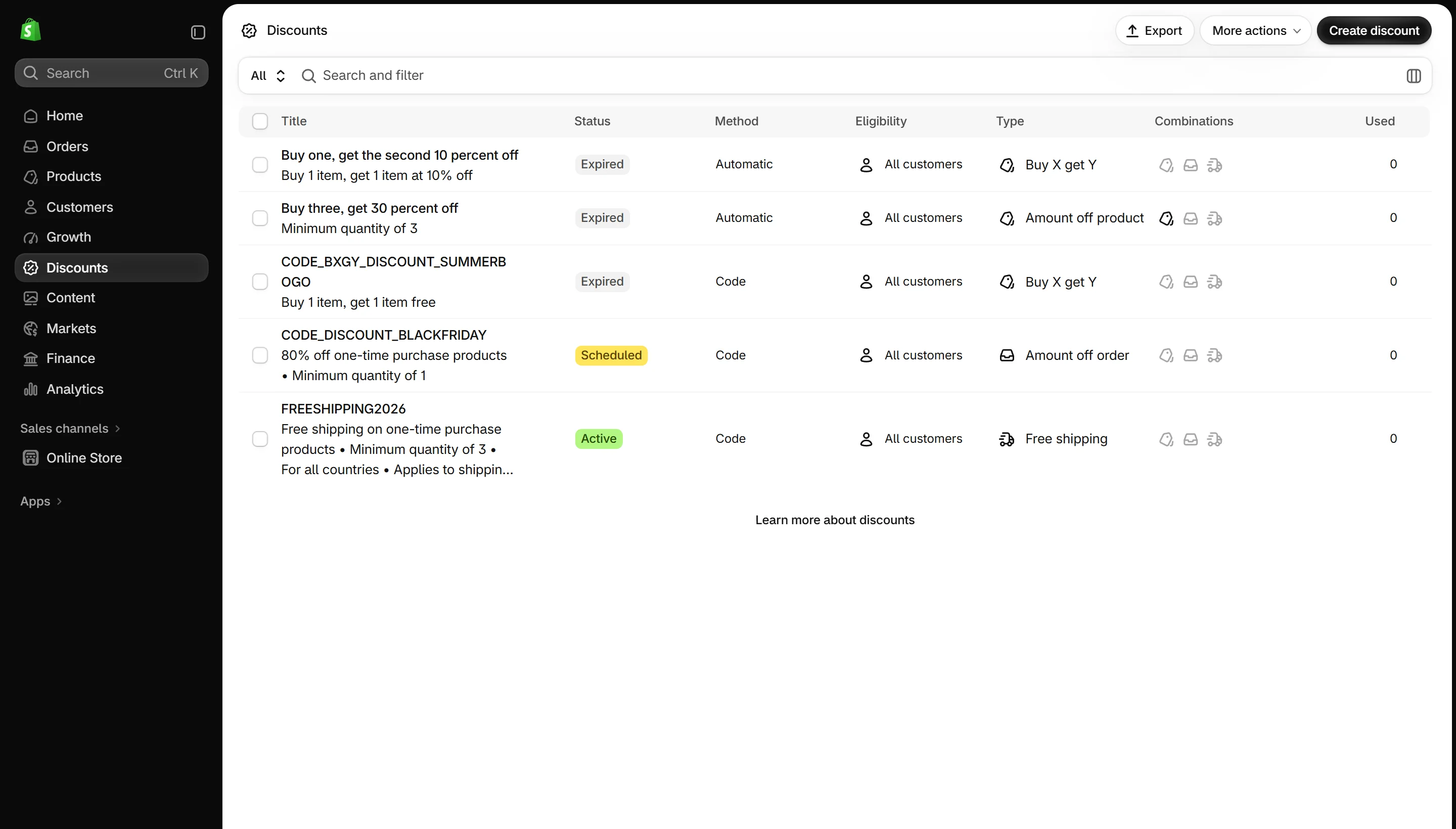
- Create the discount code in Discounts first, for example
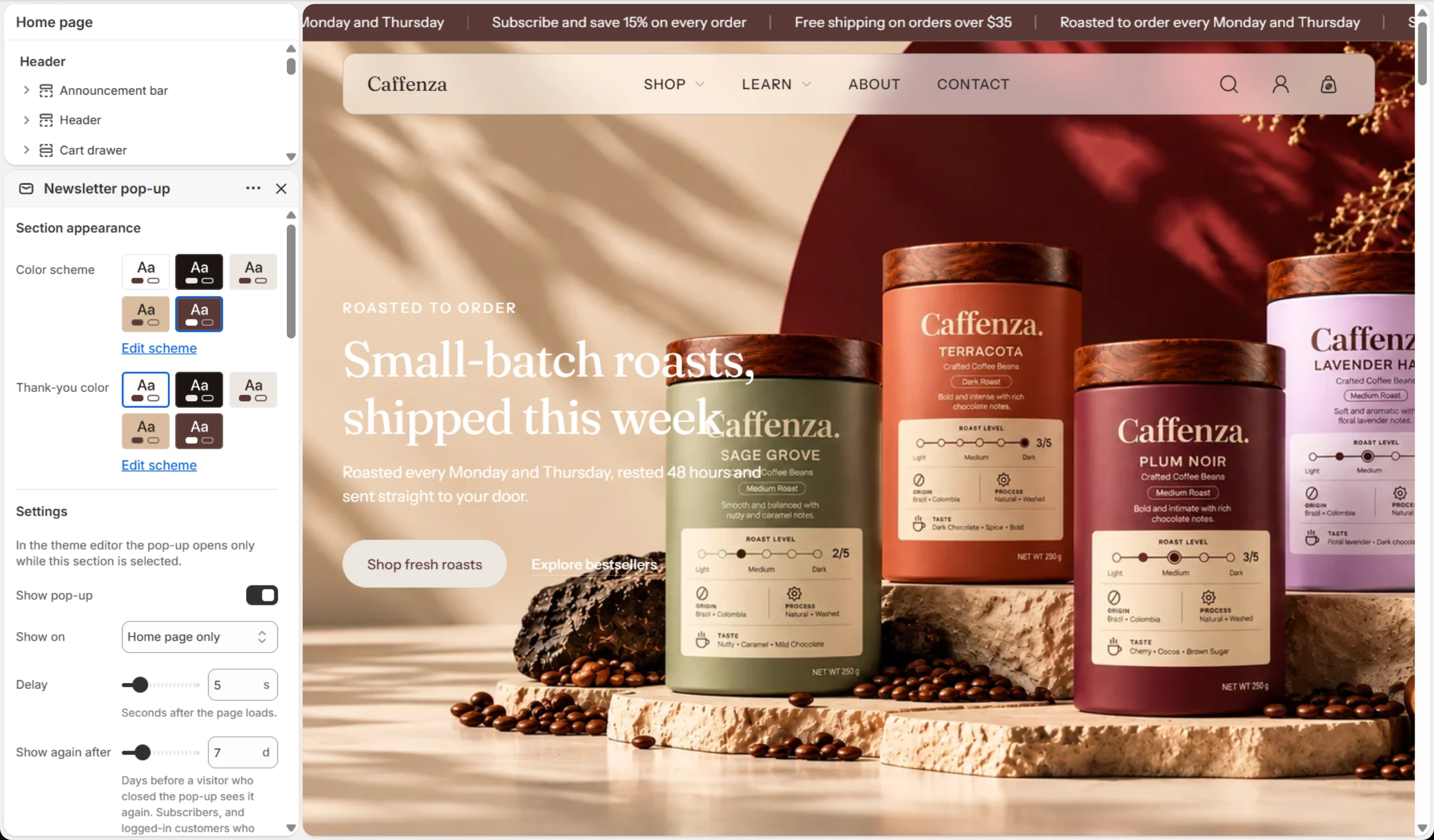
WELCOME10. - In the theme editor, click Newsletter pop-up in the Footer group and turn on Show pop-up.
- Enter the code under After signup. Turn on Preview the thank-you view to check it.
Tip
Subscribers and logged-in customers who accept marketing never see the pop-up. Keep the delay at 5 seconds or more so it does not interrupt shoppers straight away.
Screenshots
Settings
| Setting | Options | What it does |
|---|---|---|
| Section appearance | ||
| Color scheme | Color scheme | |
| Thank-you color | Color scheme | |
| Settings | ||
| Show pop-up | On / Off | |
| Show on | Home page only · Every page | |
| Delay | 0–30 s | Seconds after the page loads. |
| Show again after | 1–30 d | Days before a visitor who closed the pop-up sees it again. Subscribers, and logged-in customers who accept marketing, never see it. |
| Content | ||
| Icon | None · Award · Bag · Coffee bean · Book · Building · Coffee cup · Envelope · Globe · Headset · Leaf · Lock · Refresh · Shield check · Star · Truck | |
| Custom image | Image | Replaces the icon. Shown at the icon width. |
| Icon width | 16–64 px | |
| Subheading | Text (bold, italic, links) | |
| Subheading size | Small · Medium · Large | |
| Heading | Text (bold, italic, links) | Italicized words switch to the Accent font from Theme settings → Typography. They stay italic and keep the color of the text around them. |
| Heading size | Small · Medium · Large · Extra large | |
| Heading level | H1 · H2 · H3 · H4 · H5 · H6 | Adjust for page structure — one H1 per page. Size is controlled separately. |
| Text | Rich text | |
| Text size | Small · Medium · Large | |
| Newsletter | ||
| Submit button label | Text | |
| Button style | Primary · Secondary · Ghost · Link | |
| Button size | Small · Medium · Large | |
| Note below the form | Text (bold, italic, links) | |
| After signup | ||
| Preview the thank-you view | On / Off | Theme editor only. Shoppers see this view after they subscribe. |
| Success subheading | Text (bold, italic, links) | |
| Success heading | Text (bold, italic, links) | Italicized words switch to the Accent font from Theme settings → Typography. They stay italic and keep the color of the text around them. |
| Success message | Rich text | |
| Discount code | Text | Create the code in Discounts first. Leave blank to show only the thank-you message. |
| Note below the code | Text (bold, italic, links) | |
| Apply the code to the cart | On / Off | The button adds the code to the cart, then opens its link. |
| Button label | Text | |
| Link | Link | Leave blank and the button closes the pop-up. |
| Button style | Primary · Secondary · Ghost · Link | |
| Button size | Small · Medium · Large | |