Markets, languages and currency
Sell in other countries, currencies and languages.
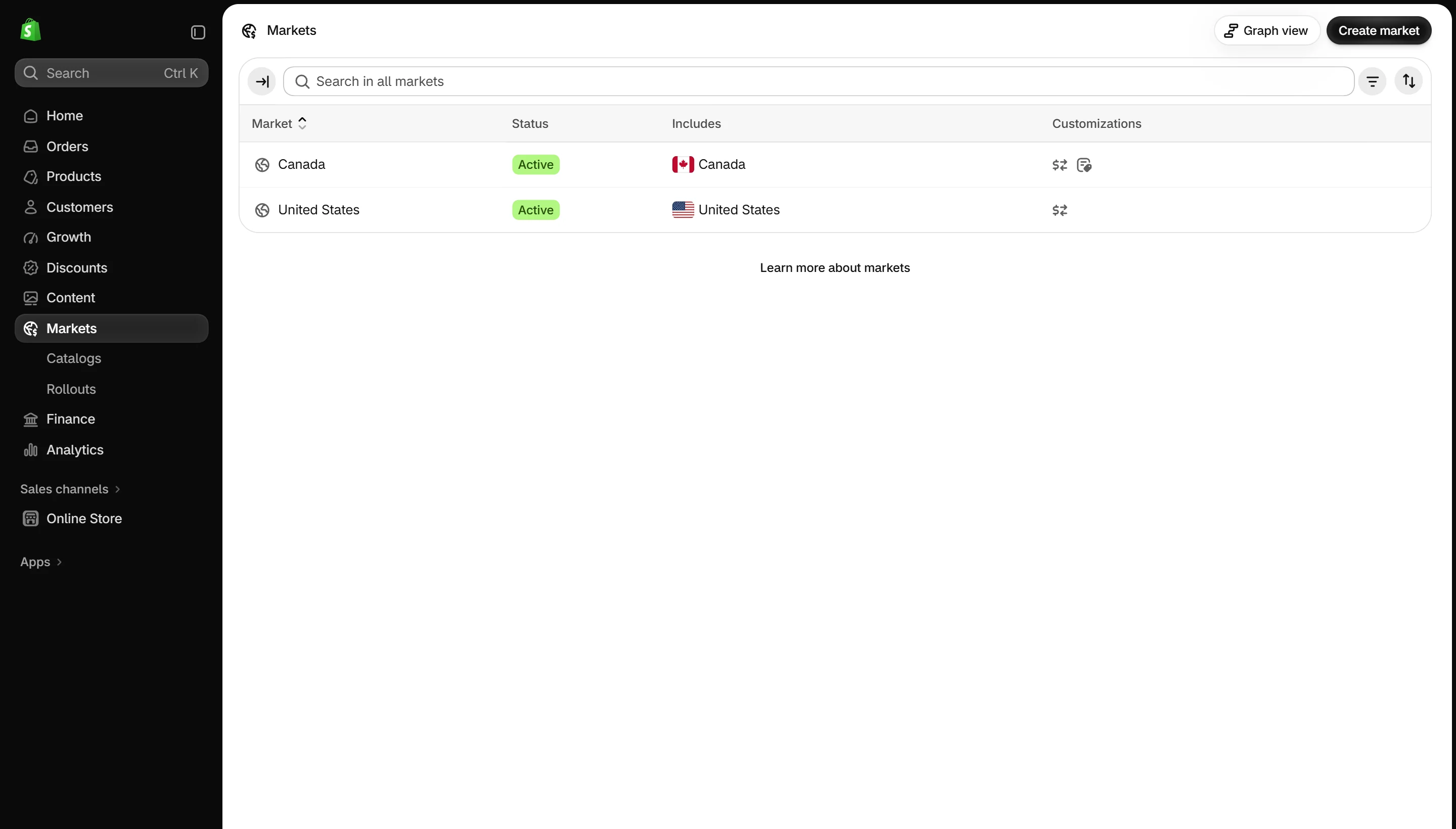
- Set up countries and currencies in Settings → Markets.
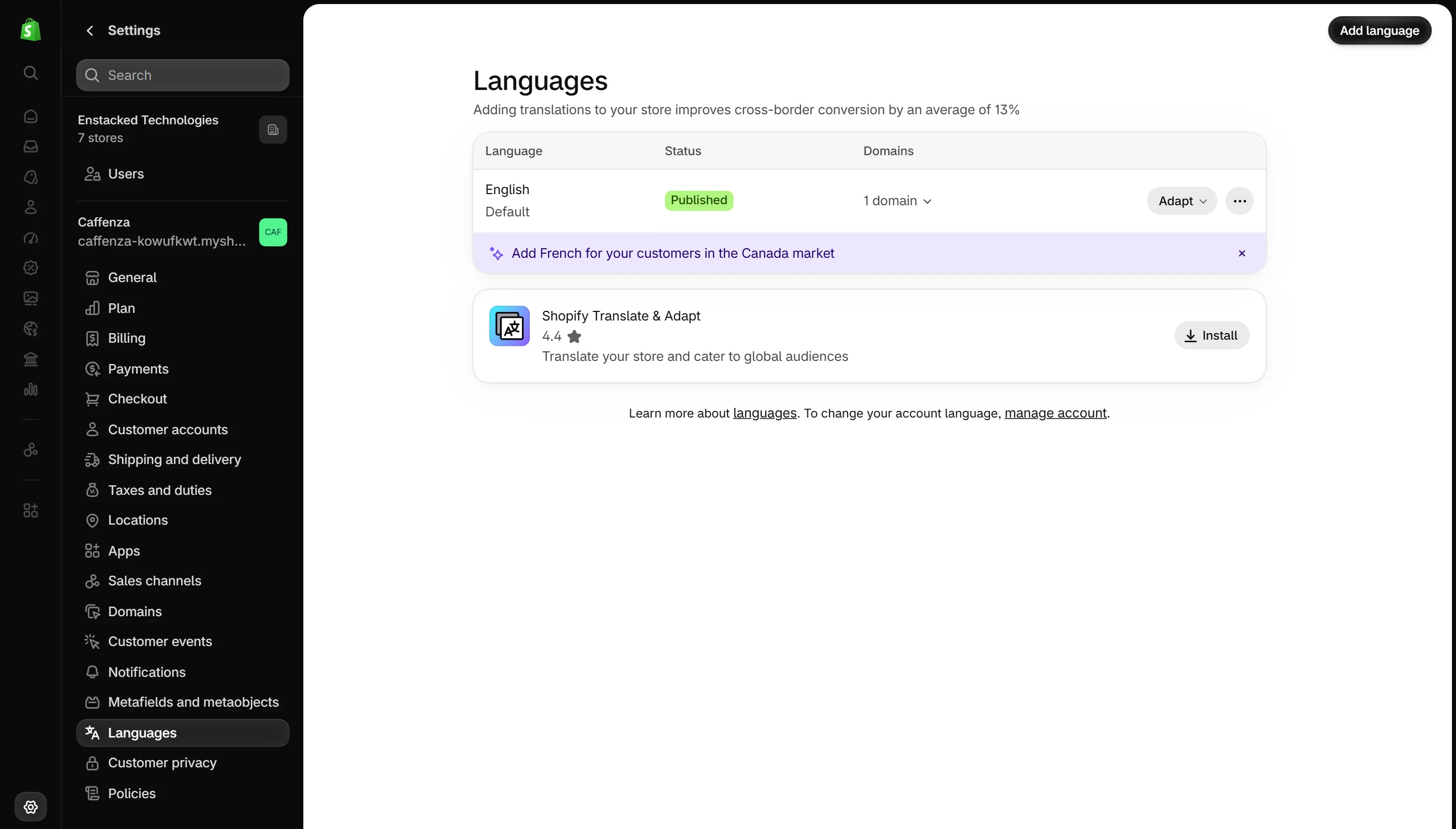
- Add languages in Settings → Languages and translate with the free Translate & Adapt app.
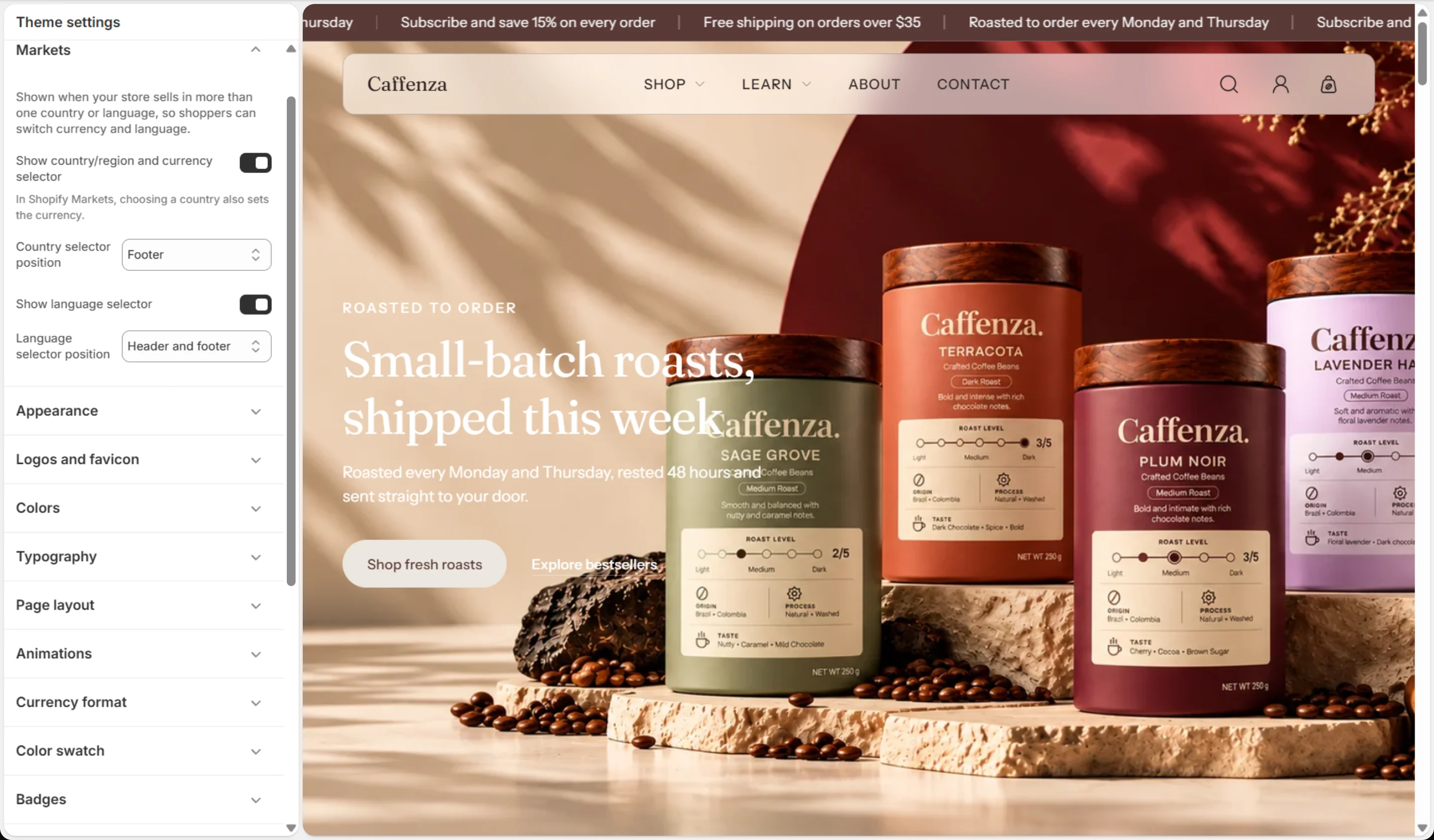
- In the theme editor, open Theme settings → Markets and choose where the country and language selectors show.
Important
Translate mega menu Menu item titles and menu badge links too. They match menu titles by text. See Mega menu.
Note
The free shipping goal needs an amount for each currency. See Cart settings.
Screenshots