Apps and app blocks
Add reviews, subscriptions, upsells and other apps to the theme.
App blocks
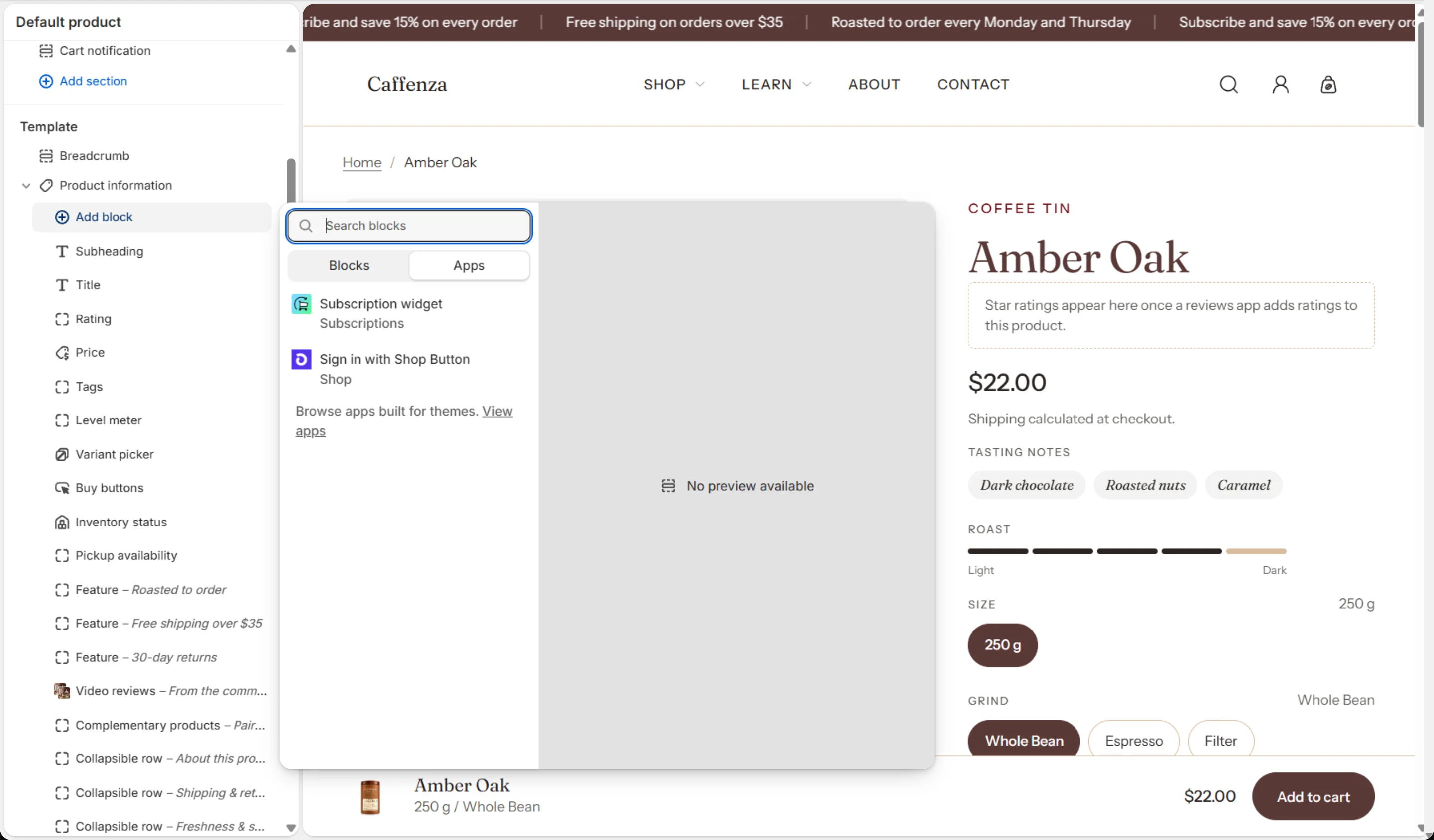
Many apps add a block you place in the theme editor, for example a reviews widget on the product page. Click Add block in a section and look under Apps. Caffenza accepts app blocks in most sections, including Product information, Cart, Cart drawer, Header and Footer.
App embeds
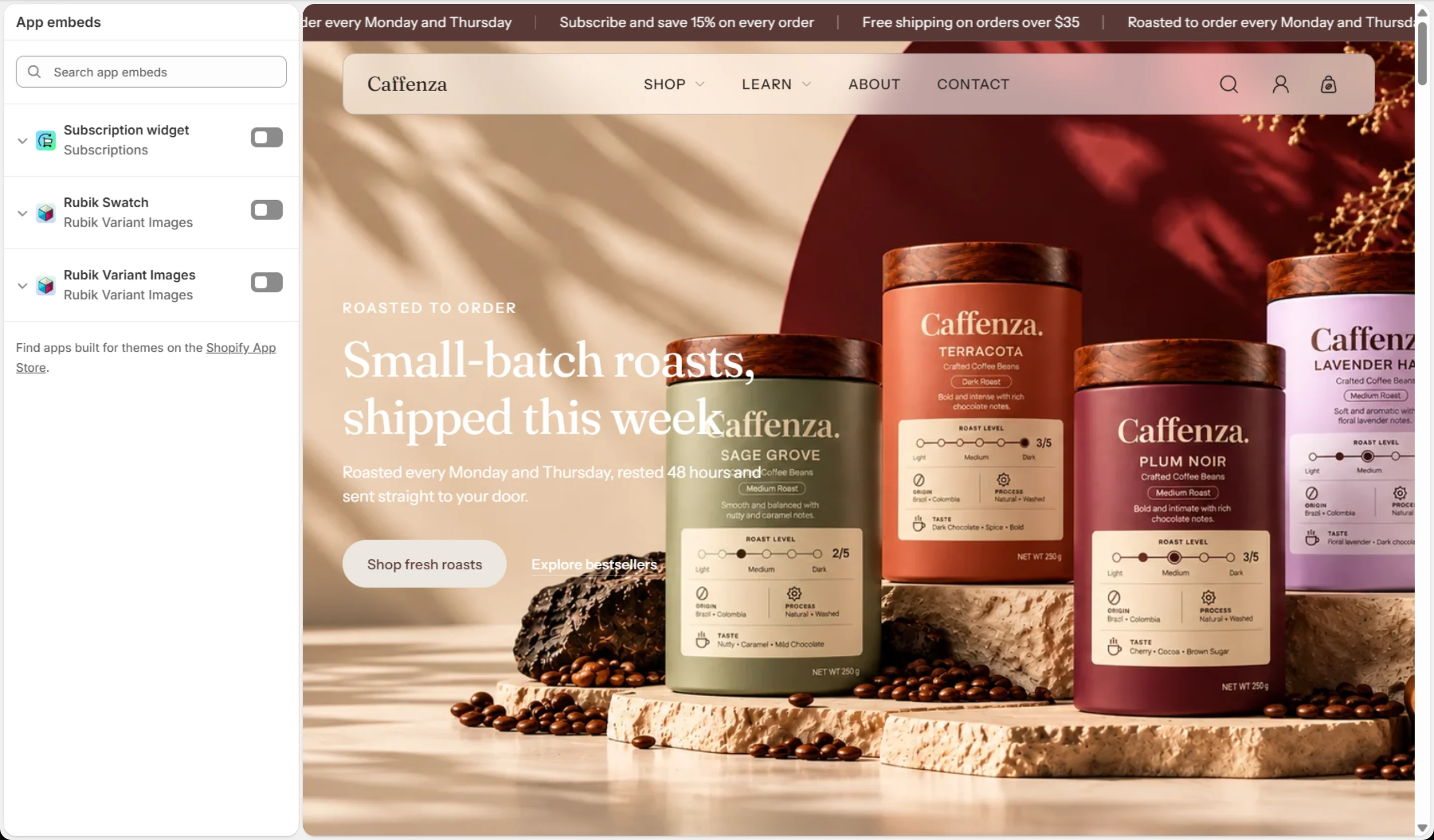
Some apps run on every page, such as chat widgets. Turn them on in Theme settings → App embeds (the puzzle icon).
Recommended apps for food and drink stores
| Need | App type |
|---|---|
| Filters and complementary products | Shopify Search & Discovery (free, by Shopify) |
| Subscriptions | Shopify Subscriptions or another subscription app |
| Product reviews | A reviews app that saves ratings to Shopify’s standard rating metafields |
| Translations | Translate & Adapt (free, by Shopify) |
| Local delivery and pickup | Built into Shopify: Settings → Shipping and delivery |
Tip
When you remove an app, also remove its blocks from the theme editor and turn off its app embed.
Screenshots