General, markets and currency
Back to top button, breadcrumbs, country and language selectors, currency codes.
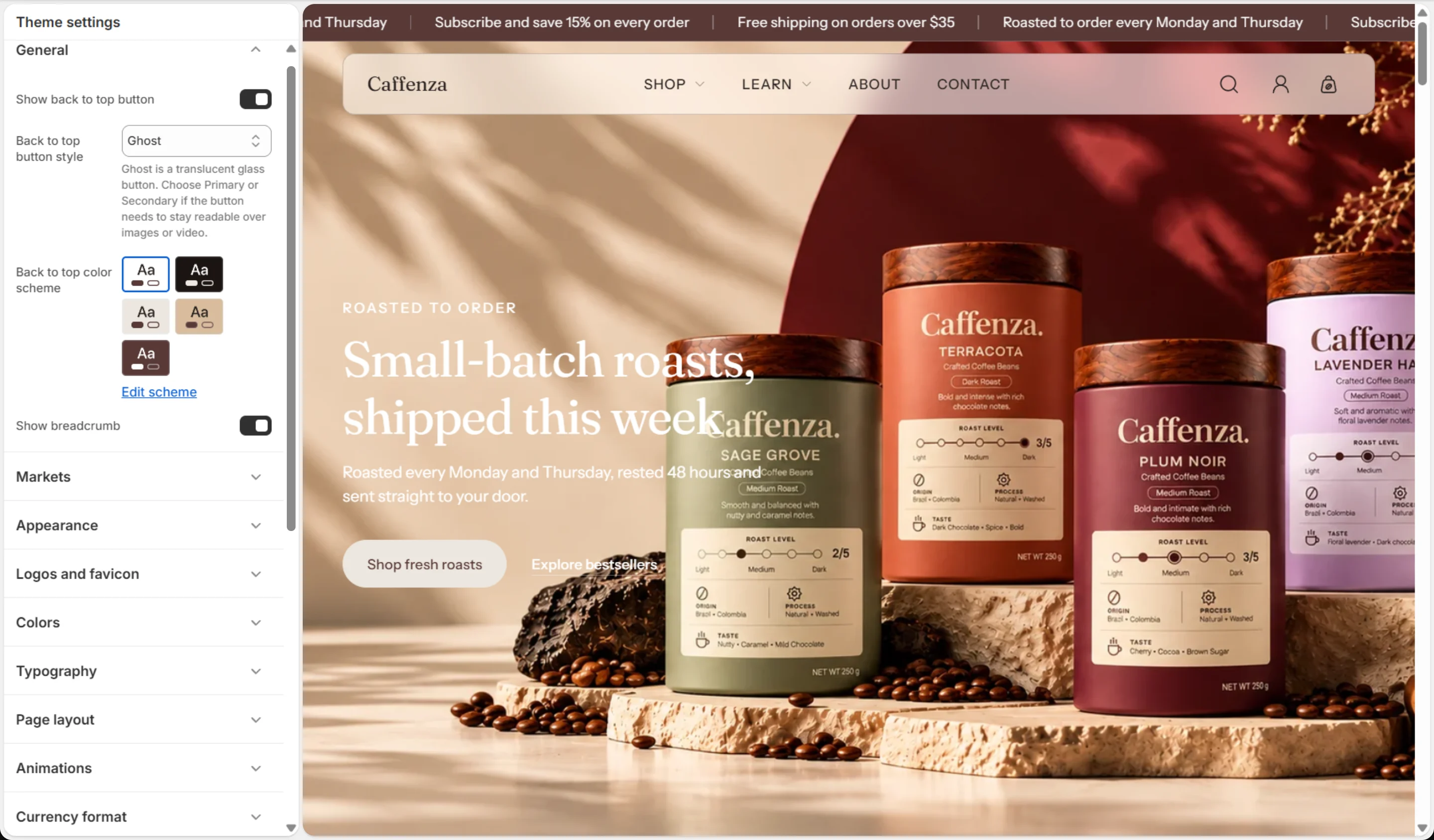
Open Theme settings → General, Markets and Currency format.
The country and language selectors only appear when you sell in more than one country or language. Set those up in Shopify admin first. See Markets and languages.
Screenshots
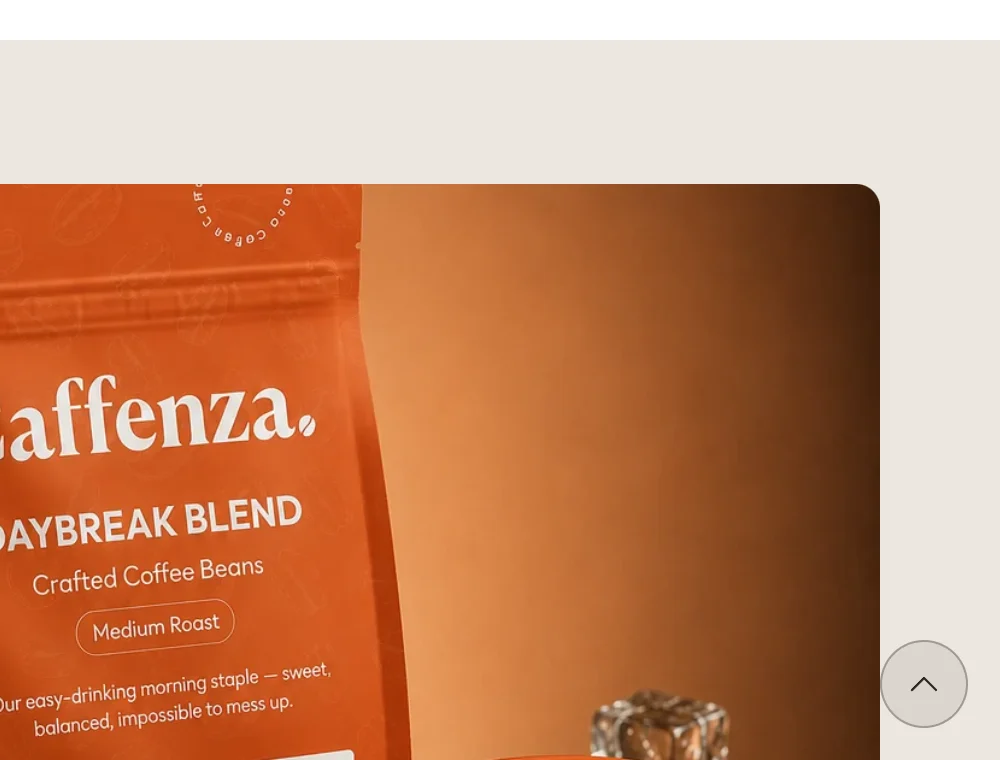


General
| Setting | Options | What it does |
|---|---|---|
| Show back to top button | On / Off | |
| Back to top button style | Primary · Secondary · Ghost | Ghost is a translucent glass button. Choose Primary or Secondary if the button needs to stay readable over images or video. |
| Back to top color scheme | Color scheme | |
| Show breadcrumb | On / Off |
Markets
| Setting | Options | What it does |
|---|---|---|
| Show country/region and currency selector | On / Off | In Shopify Markets, choosing a country also sets the currency. |
| Country selector position | Announcement bar · Footer · Announcement bar and footer | |
| Show language selector | On / Off | |
| Language selector position | Announcement bar · Header · Footer · Announcement bar and footer · Header and footer |
Currency format
| Setting | Options | What it does |
|---|---|---|
| Show currency codes | On / Off |