Product facts
Origin, altitude, varietal and brew guide facts on product pages.
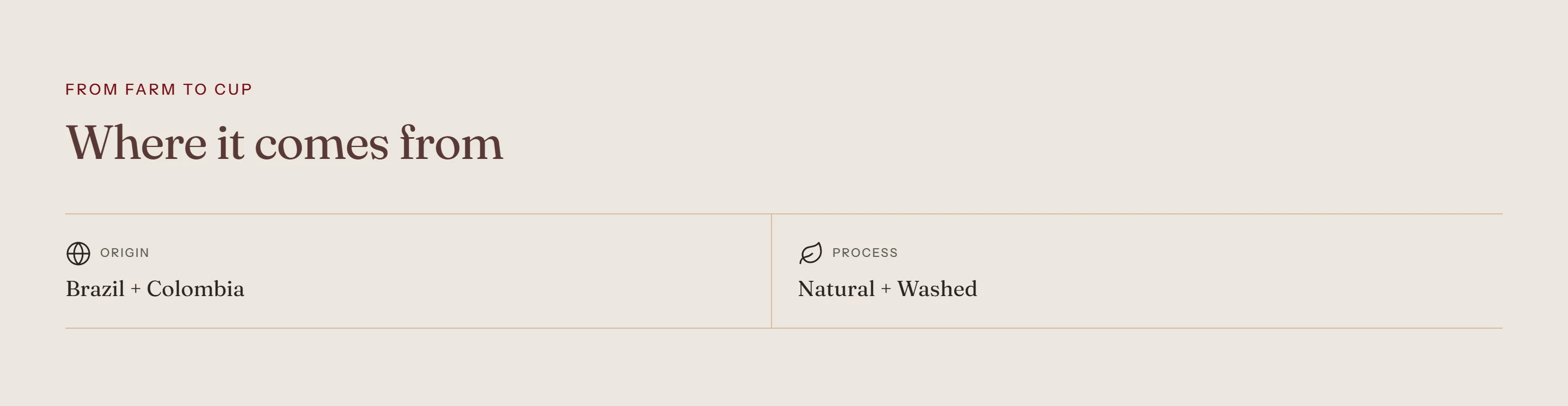
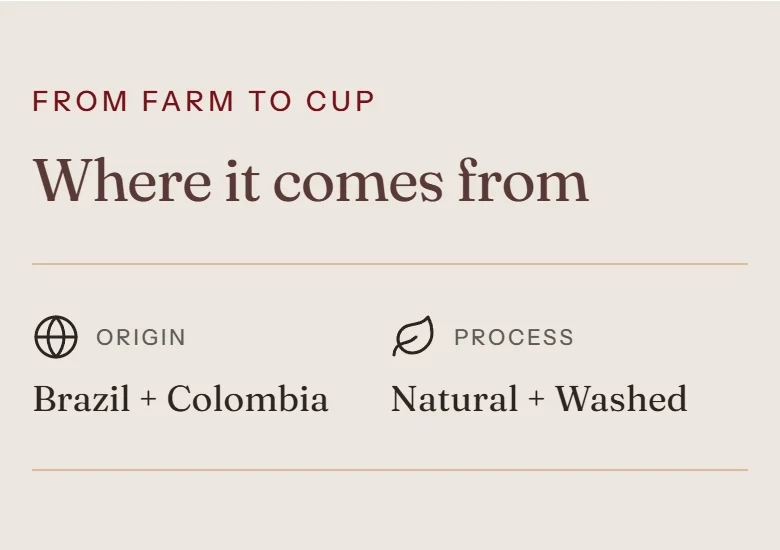
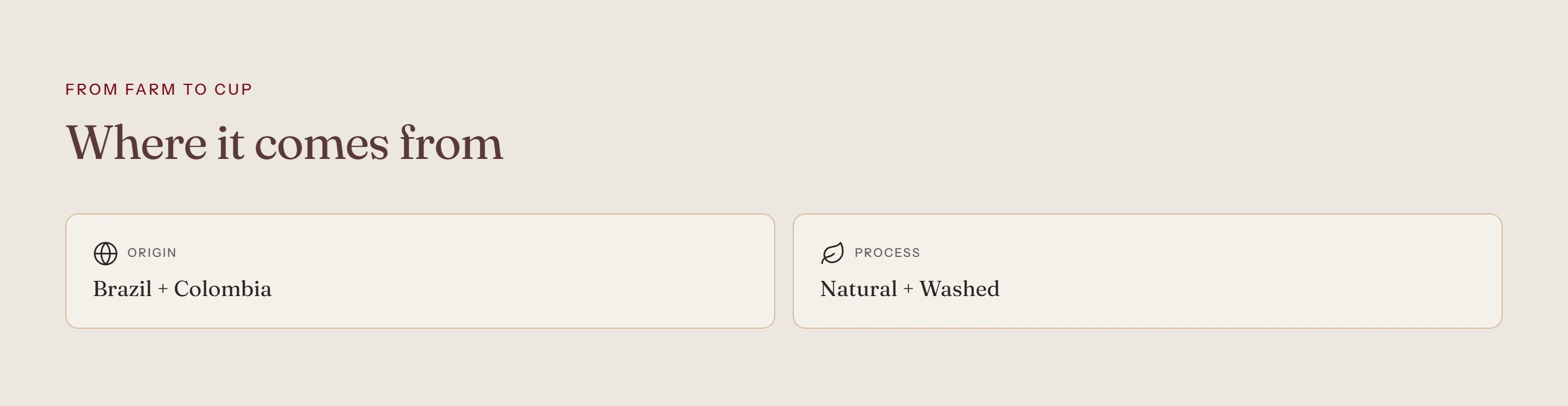
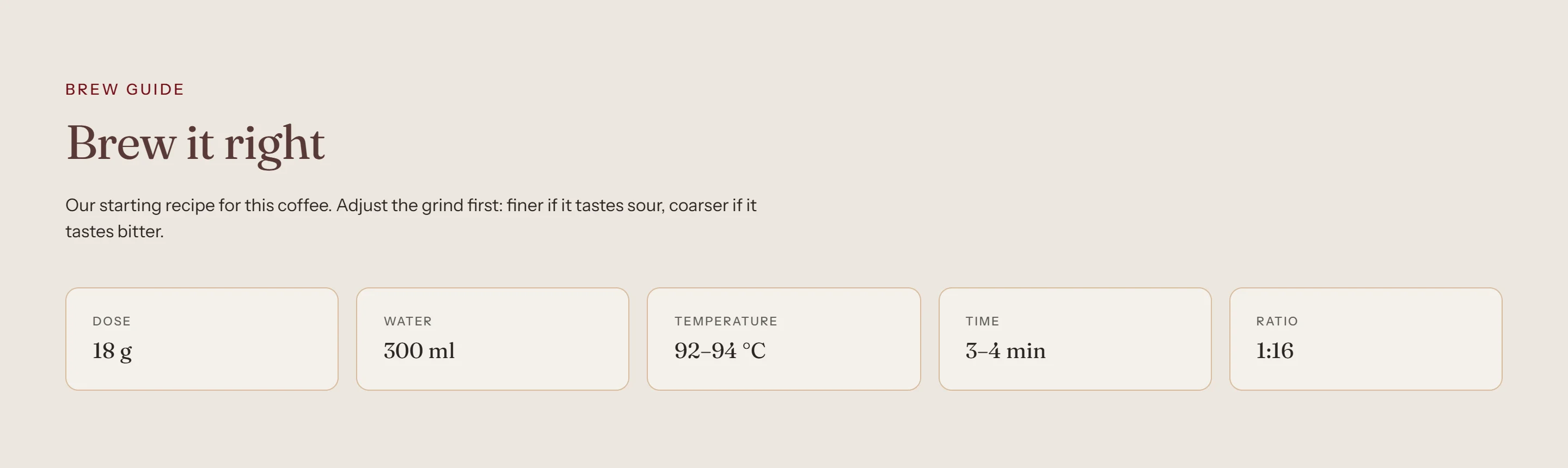
Product facts show short facts as a strip or as cards, often with icons: Origin, Altitude, Varietal, Producer, Harvest, or a brew guide with Dose, Water, Temperature, Time and Ratio. The product template includes two Product facts sections already.
- Open a product template in the theme editor.
- Select Product facts and click Add block → Fact.
- Enter a label, then connect Value to a metafield with the dynamic source icon.
Tip
Facts with an empty value are hidden, so products without that data still look tidy.
Screenshots
Settings
| Setting | Options | What it does |
|---|---|---|
| Section appearance | ||
| Color scheme | Color scheme | |
| Settings | ||
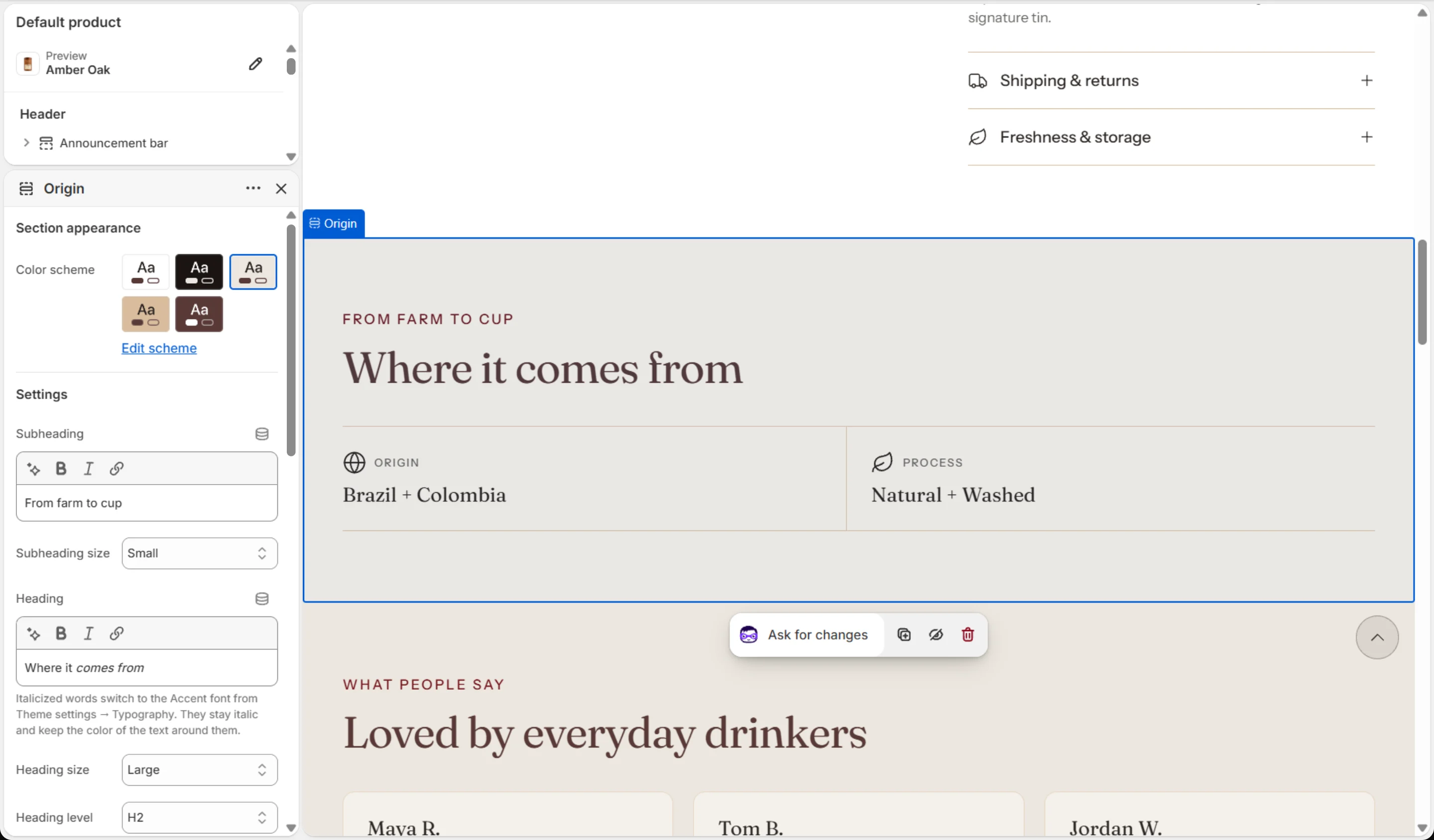
| Subheading | Text (bold, italic, links) | |
| Subheading size | Small · Medium · Large | |
| Heading | Text (bold, italic, links) | Italicized words switch to the Accent font from Theme settings → Typography. They stay italic and keep the color of the text around them. |
| Heading size | Small · Medium · Large · Extra large | |
| Heading level | H2 · H3 · H4 · H5 · H6 | Adjust for page structure — one H1 per page. Size is controlled separately. |
| Text | Rich text | |
| Text size | Small · Medium · Large | |
| Layout | Strip · Cards | |
| Columns on desktop | 2–6 | |
| Image | Image | Optional. Connect a product image with the dynamic source button. |
| Image position | First · Last | |
| Animations | ||
Blocks
Click Add block under the section in the sidebar. Drag blocks to change their order.
Fact
| Setting | Options | What it does |
|---|---|---|
| Label | Text | |
| Value | Text | Connect a product metafield with the dynamic source button. Hidden when empty. |
| Icon | None · Award · Bag · Coffee bean · Book · Building · Coffee cup · Envelope · Globe · Headset · Leaf · Lock · Refresh · Shield check · Star · Truck | |
| Custom image | Image | Replaces the icon. Shown at the icon width. |
| Icon width | 16–64 px |
It also has the shared Animate on scroll and Section spacing settings.