Settings every section shares
Color scheme, Animate on scroll, section spacing and heading options.
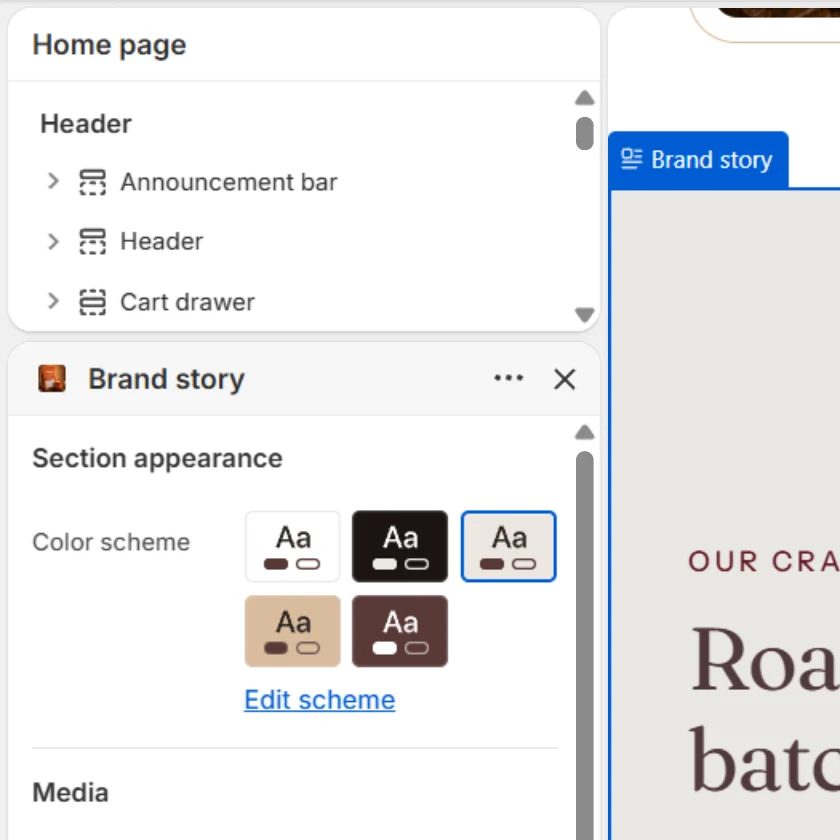
Most Caffenza sections share the same few settings. They work the same way everywhere, so they are explained once here.
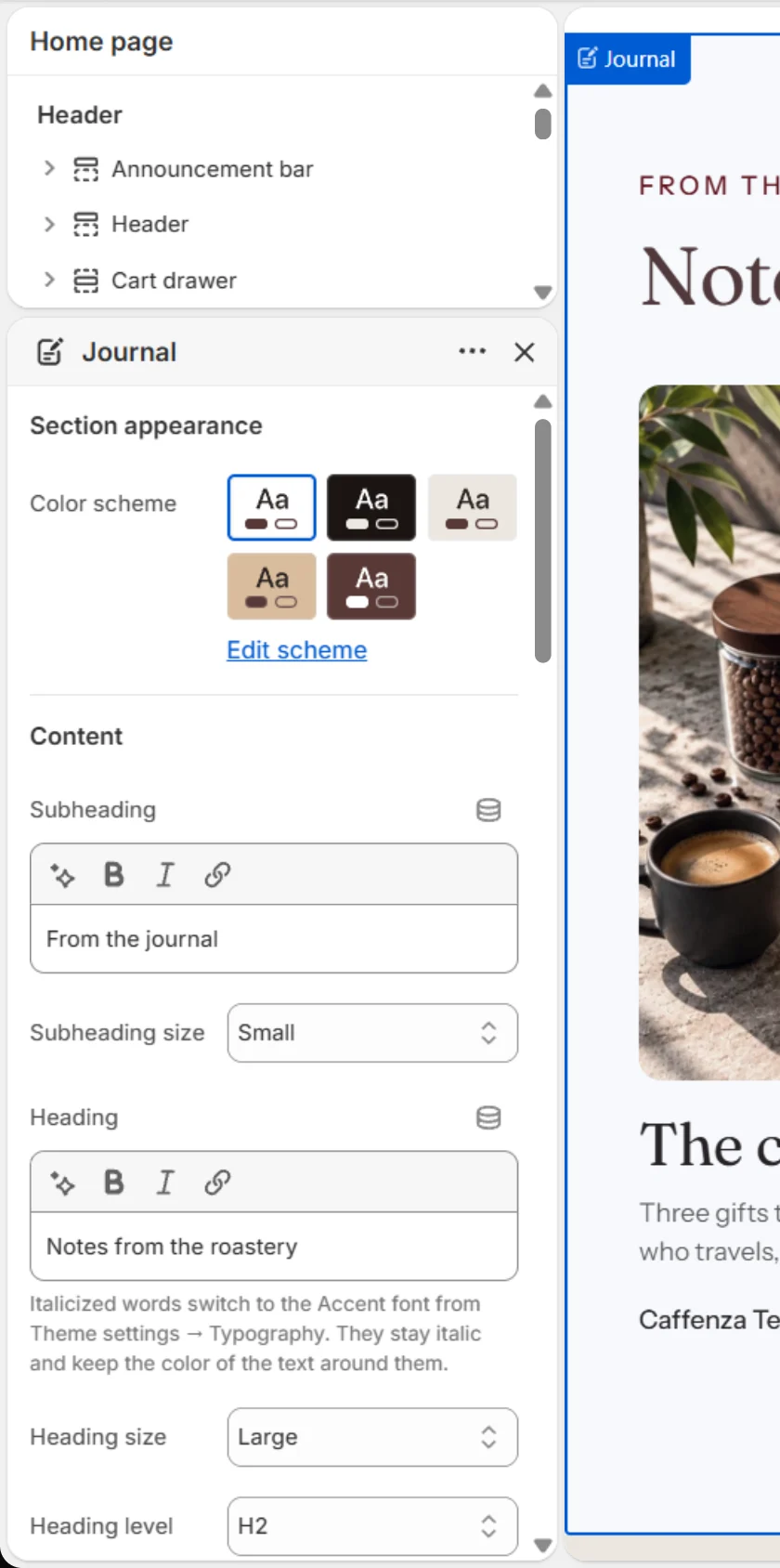
Color scheme
Picks which of your color schemes the section uses: its background, text, buttons and borders. Alternate schemes between sections to separate them visually.
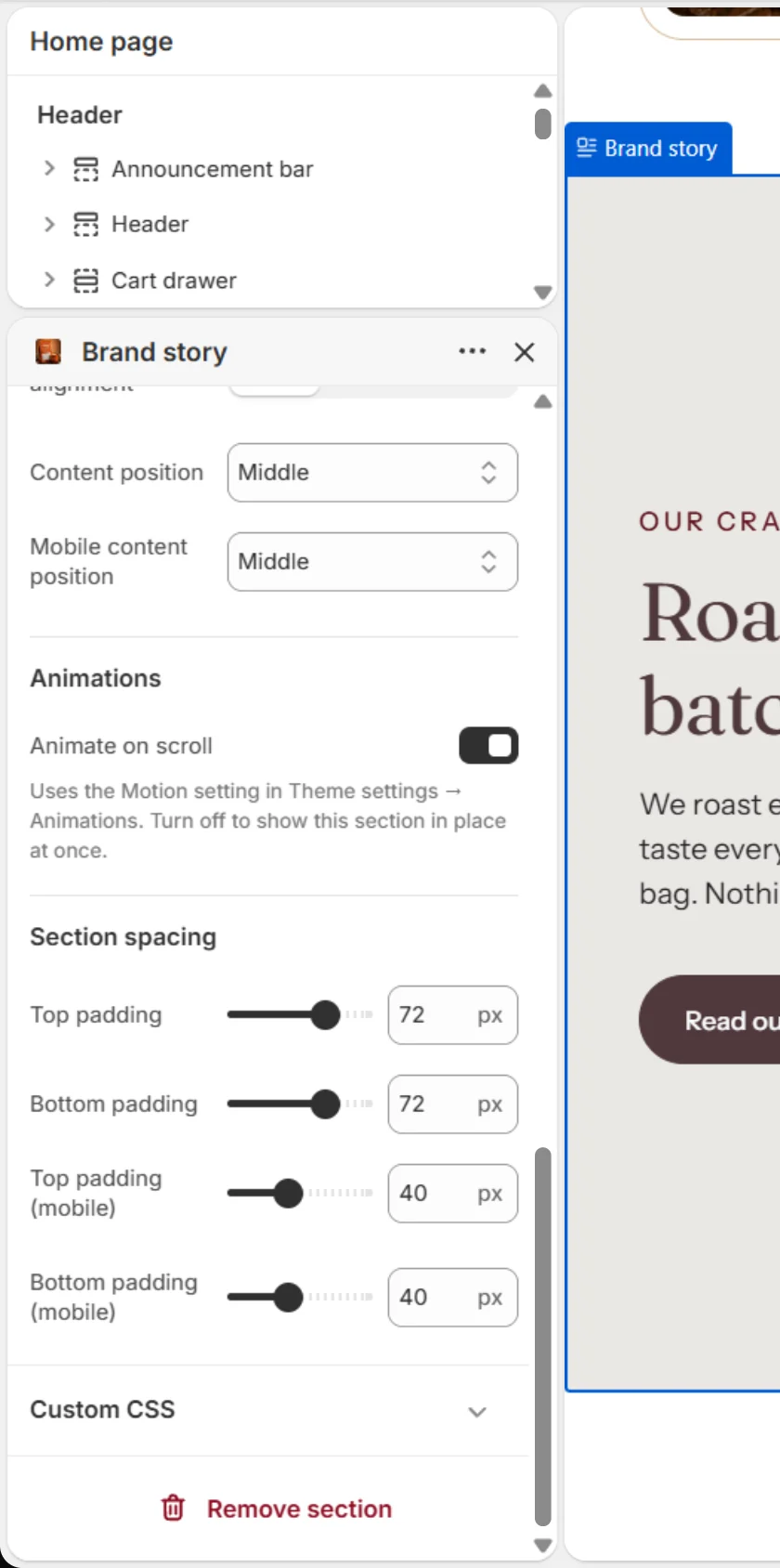
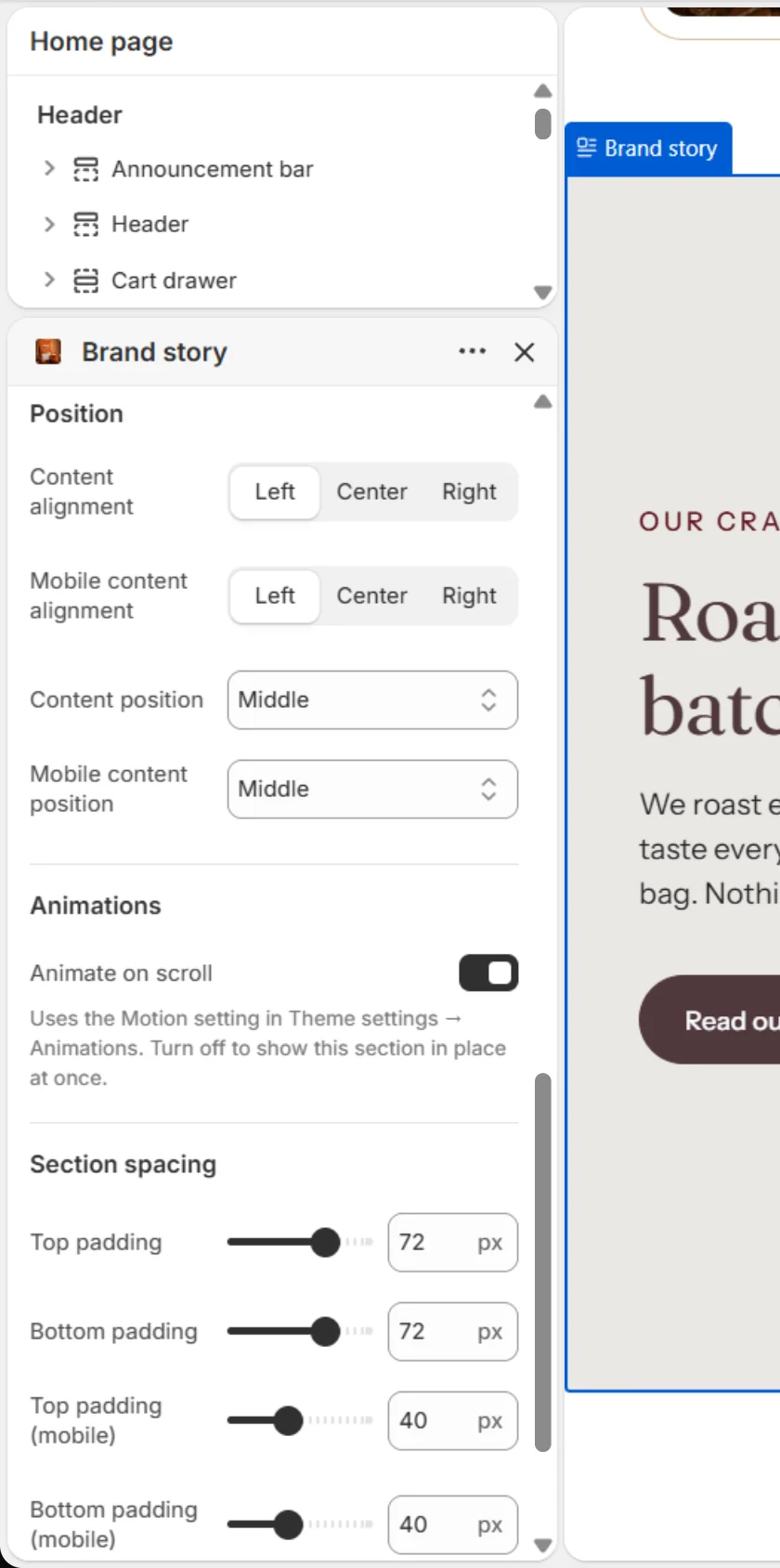
Animate on scroll
When on, the section gently rises into view as shoppers scroll. The style comes from Theme settings → Animations → Motion. Turn it off to show the section in place straight away. Shoppers who ask their device for reduced motion never see the animation.
Section spacing
| Setting | Options | What it does |
|---|---|---|
| Top padding | 0–100 px | Space above the content on desktop. |
| Bottom padding | 0–100 px | Space below the content on desktop. |
| Top padding (mobile) | 0–100 px | Space above the content on phones. |
| Bottom padding (mobile) | 0–100 px | Space below the content on phones. |
There is also a store-wide Vertical space between sections in Page layout.
Heading, subheading and text
| Setting | What it does |
|---|---|
| Heading size | Small, Medium, Large or Extra large. The actual sizes come from Typography. |
| Heading level | H1 to H6 for search engines and screen readers. Use one H1 per page. Size is set separately. |
| Subheading style | Plain text or a small pill, where available. |
| Italic words | Italic words in a heading use the Accent font. |
Buttons
| Setting | Options |
|---|---|
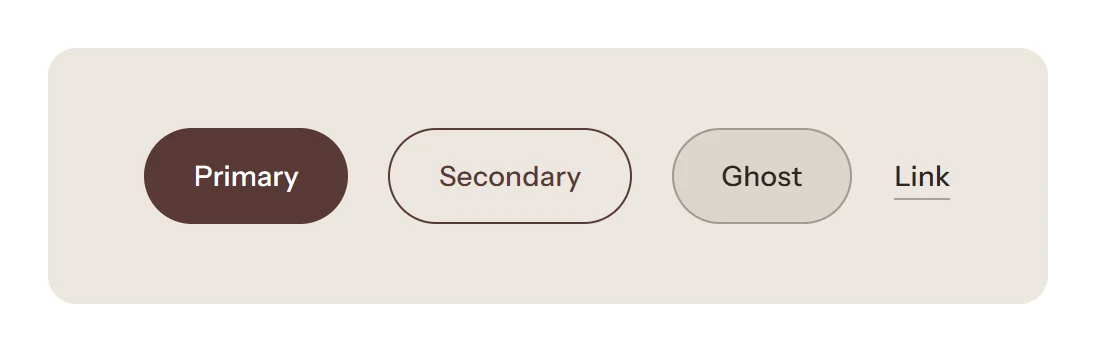
| Button style | Primary (filled), Secondary (outlined), Ghost (glass, for images) or Link (text link). |
| Button size | Small, Medium or Large. |
| Open in a new tab | Use only for links to other websites. |
Carousel controls
Sections that can slide share these options: Show previous/next arrows, Pagination style (Progress bar, Counter with line, Dots, Counter or None), Control alignment and Loop slides.
Custom Liquid and app blocks
Many sections accept a Custom Liquid block (for small code snippets) and app blocks from apps you install. See Apps and app blocks.
Screenshots