Product cards
Card media, coffee specs, roast meter, badges, swatches and quick add.
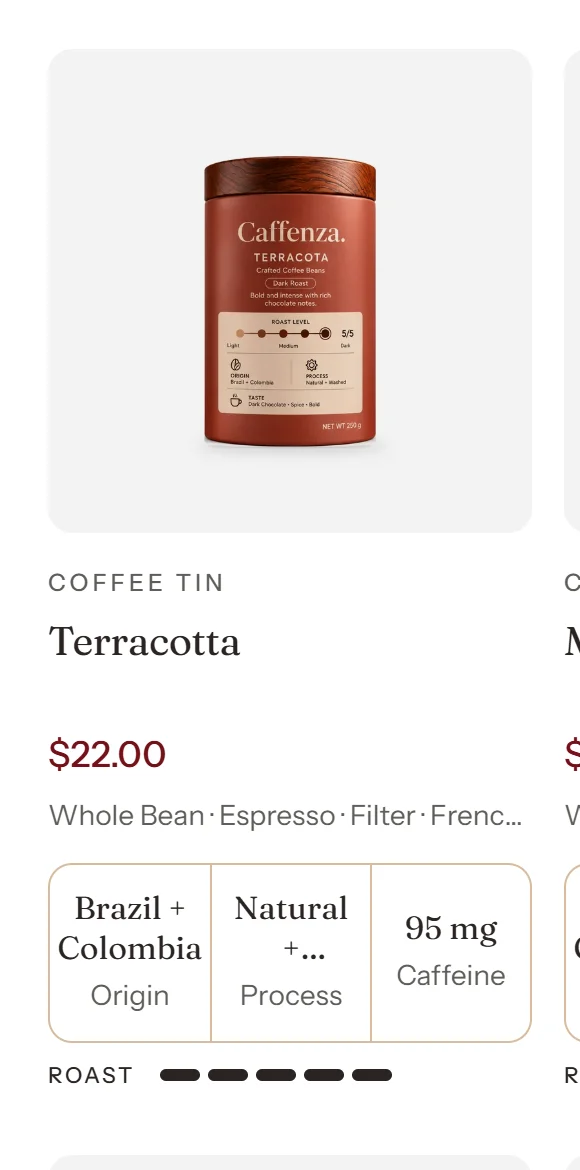
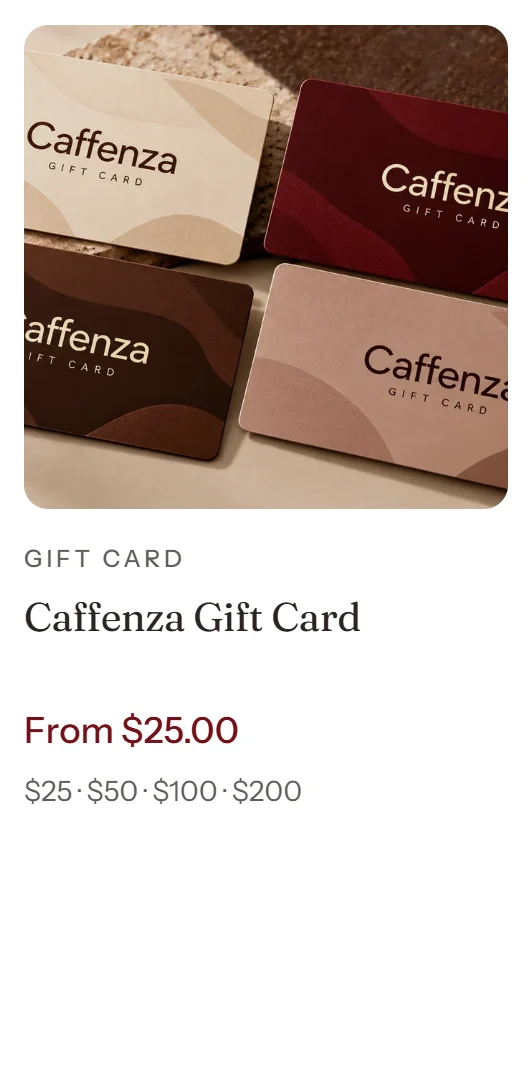
Product cards appear in collections, search results, featured products, mega menus and recommendations. Set them once in Theme settings → Product card and they look the same everywhere.
Card styles
Sections that show products let you choose a card style:
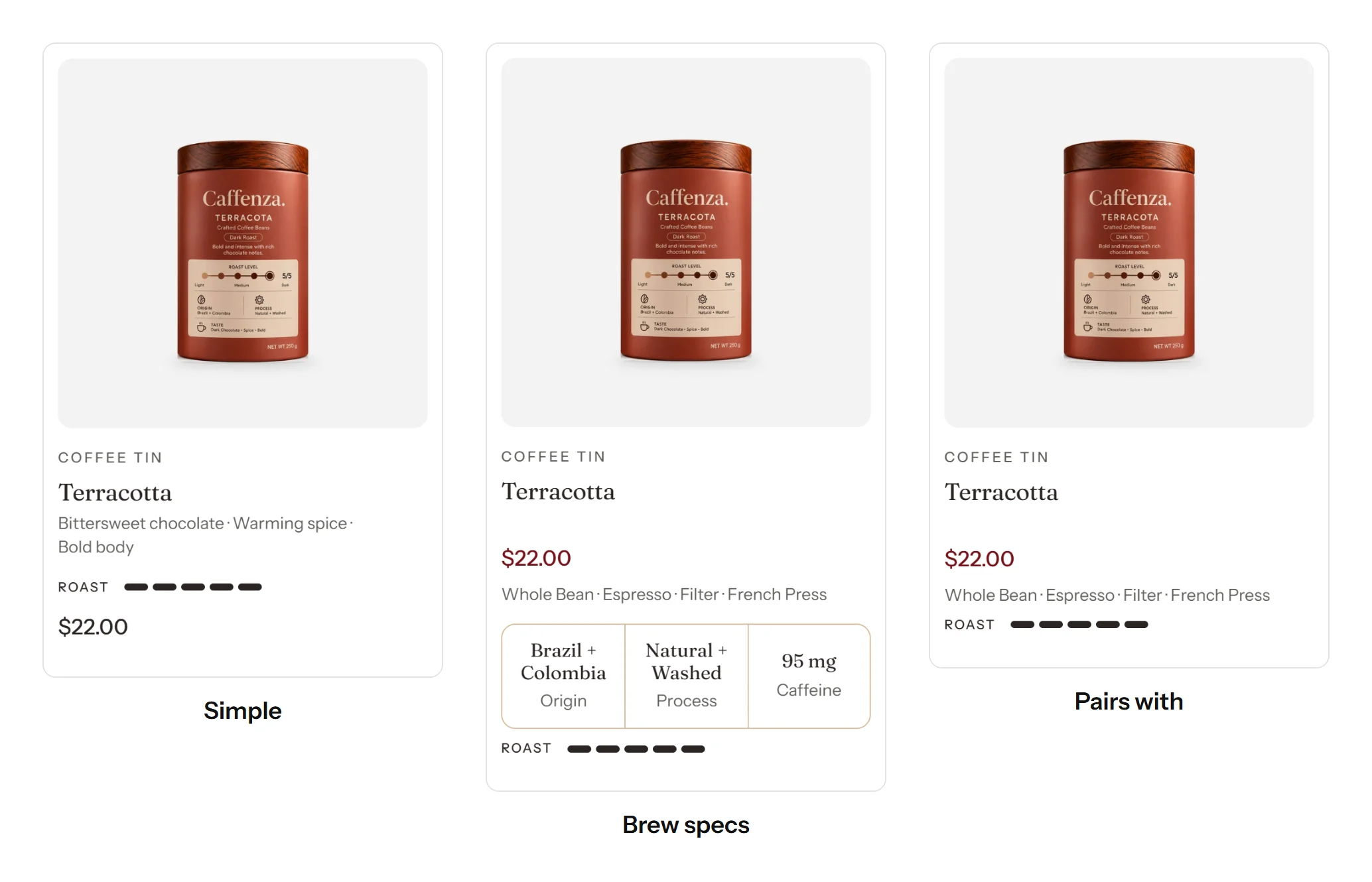
| Style | Shows |
|---|---|
| Simple | One detail line (for example tasting notes), the price and the level meter. |
| Brew specs | Up to three spec cells, such as Origin, Process and Caffeine. |
| Pairs with | A companion product, for example a grinder that pairs with a coffee. |
The specs, meter, detail line and companion come from product metafields. Follow Coffee product details to set them up.
Badges
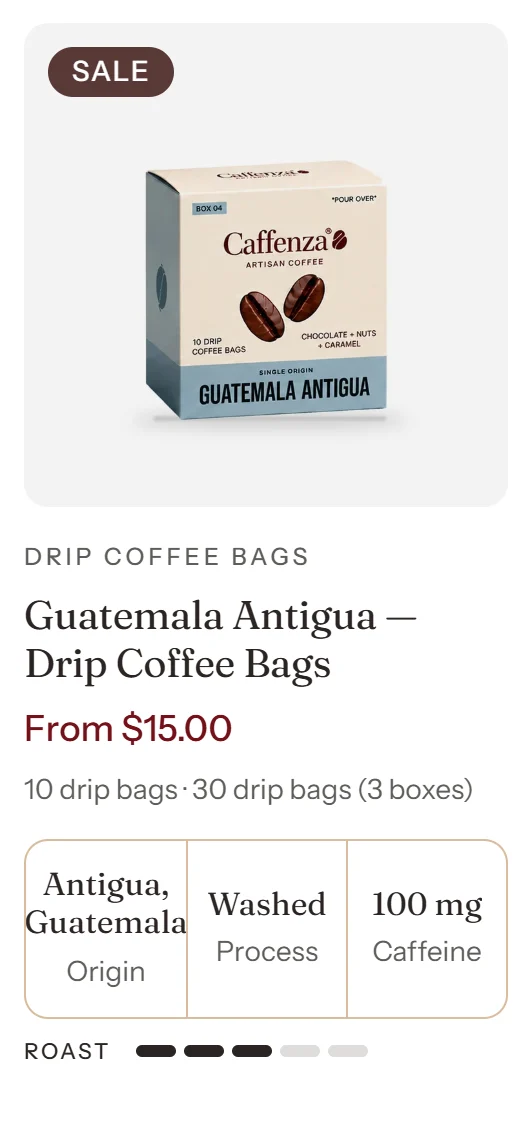
Only one badge shows on a card, in this order: Sold out, then your own badge from the caffenza.card_badge metafield (for example “Bestseller” or “New”), then the origin badge, then Sale.
Product ratings only appear when a reviews app saves ratings to the standard reviews.rating and reviews.rating_count metafields. The theme never shows fake stars.
Screenshots
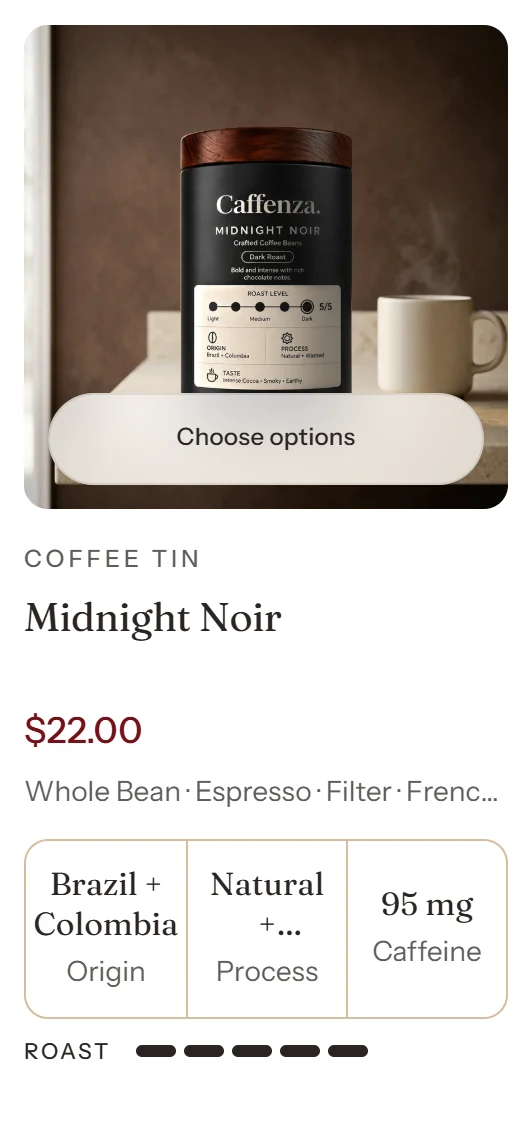
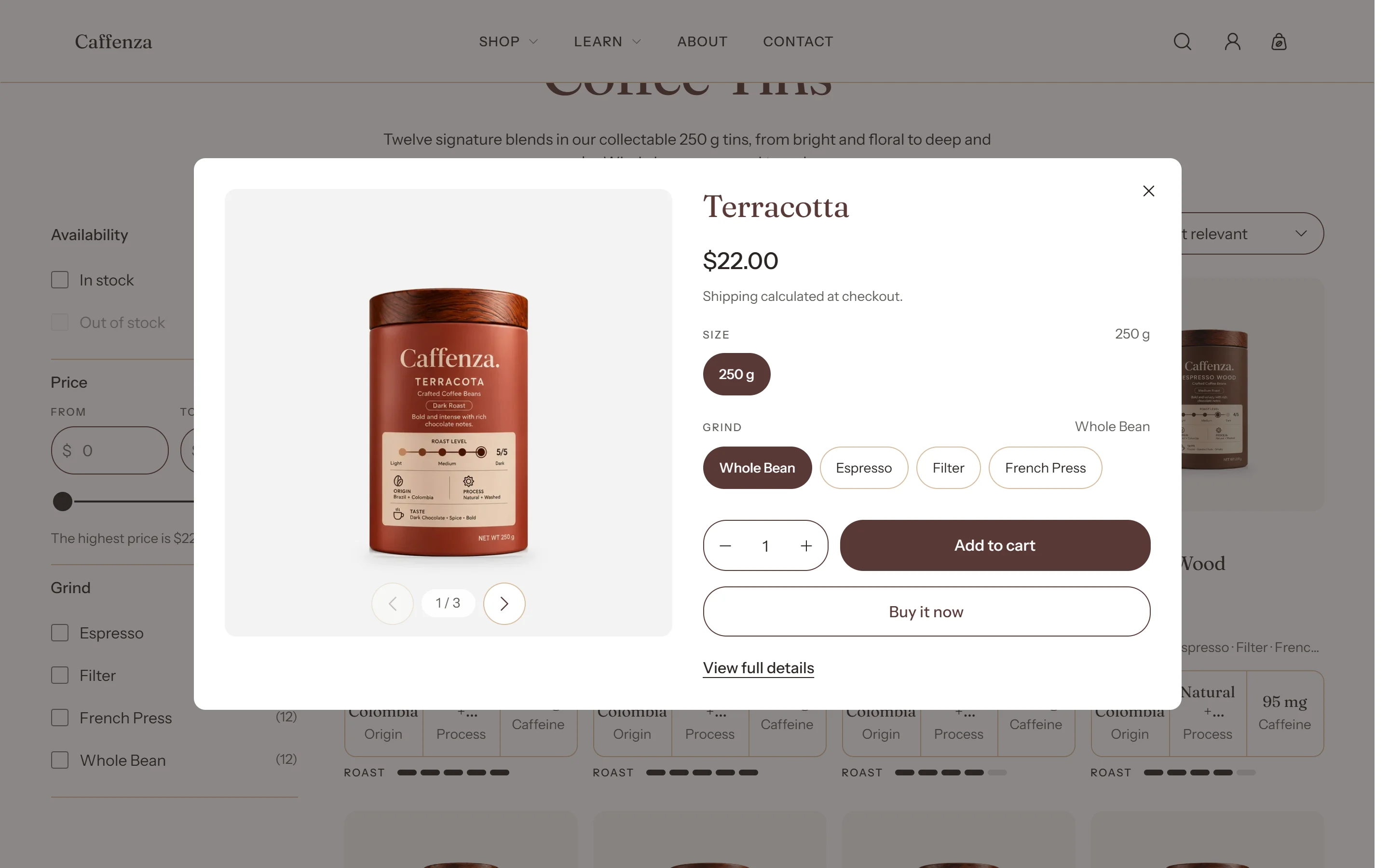
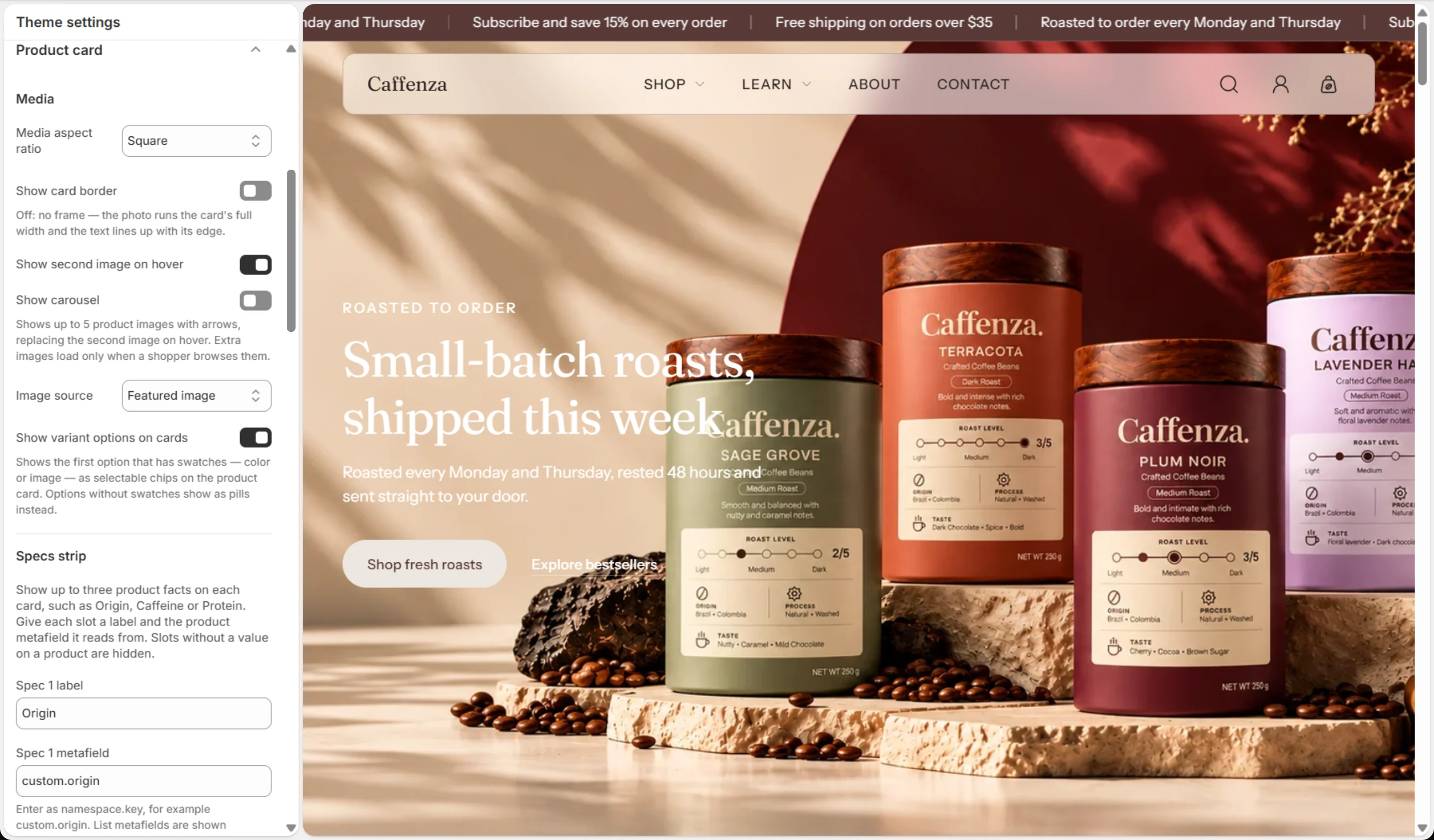
Product card
| Setting | Options | What it does |
|---|---|---|
| Media | ||
| Media aspect ratio | Portrait · Square · Landscape · Adapt to image | |
| Show card border | On / Off | Off: no frame — the photo runs the card's full width and the text lines up with its edge. |
| Show second image on hover | On / Off | |
| Show carousel | On / Off | Shows up to 5 product images with arrows, replacing the second image on hover. Extra images load only when a shopper browses them. |
| Image source | Featured image · First variant image | |
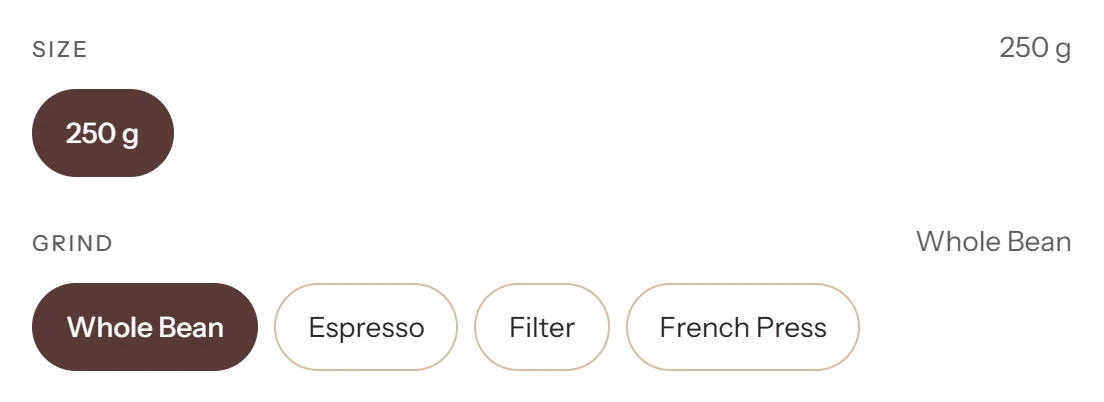
| Show variant options on cards | On / Off | Shows the first option that has swatches — color or image — as selectable chips on the product card. Options without swatches show as pills instead. |
| Specs strip | ||
| Spec 1 label | Text | |
| Spec 1 metafield | Text | Enter as namespace.key, for example custom.origin. List metafields are shown comma-separated. |
| Spec 1 suffix | Text | Optional unit shown after the value, for example mg or g. |
| Spec 2 label | Text | |
| Spec 2 metafield | Text | Enter as namespace.key, for example custom.origin. List metafields are shown comma-separated. |
| Spec 2 suffix | Text | Optional unit shown after the value, for example mg or g. |
| Spec 3 label | Text | |
| Spec 3 metafield | Text | Enter as namespace.key, for example custom.origin. List metafields are shown comma-separated. |
| Spec 3 suffix | Text | Optional unit shown after the value, for example mg or g. |
| Level meter | ||
| Meter label | Text | |
| Meter metafield | Text | A number (integer) metafield, entered as namespace.key, for example custom.roast_level. |
| Meter maximum | 3–10 | |
| Detail line | ||
| Detail metafield | Text | One line under the product name on simple cards, entered as namespace.key, for example custom.tasting_notes. |
| Promotion | ||
| Quick add | On / Off | |
| Quick view | On / Off | Adds a Quick view button to product cards that opens the product in a dialog, without leaving the page. |
| Show product vendor | On / Off | |
| Show product rating | On / Off | Renders only from a connected reviews app or metafield — never a placeholder value. |
| Show sold out badge | On / Off | |
| Show discount badge | On / Off | |
| Show discount as | Percentage · Saving amount | |
| Show subscription offer | On / Off | Adds a line under the price on products sold by subscription, such as "Subscribe & save 10%". The saving is the best one among the product's subscription plans. Plans come from a subscription app. |
| Dynamic icons list | ||
| Icon metafield | Text | |
| Label metafield | Text | |
Badges
| Setting | Options | What it does |
|---|---|---|
| Position on cards | Top left · Top right · Bottom left · Bottom right | |
| Corner radius | 0–24 px |
Color swatch
| Setting | Options | What it does |
|---|---|---|
| Round color swatches | On / Off | |
| Variant images | ||
| Width | 24–80 px | |
| Height | 24–80 px | |
| Borders | On / Off | |
| Border thickness | 0–4 px | |
| Border opacity | 0–100 % | |
| Variant pills / inputs | ||
| Border thickness | 0–4 px | |
| Width | 40–100 px | |
| Variant picker | ||
| Option style | Pills · Dropdown | Applies to the product page, featured product and quick view. A dropdown suits options with many values; color swatches show inside its list. |
| Show prices on options | On / Off | Shown only when an option's values cost different amounts, for example sizes, with the unit price when the product has one. |