Search page
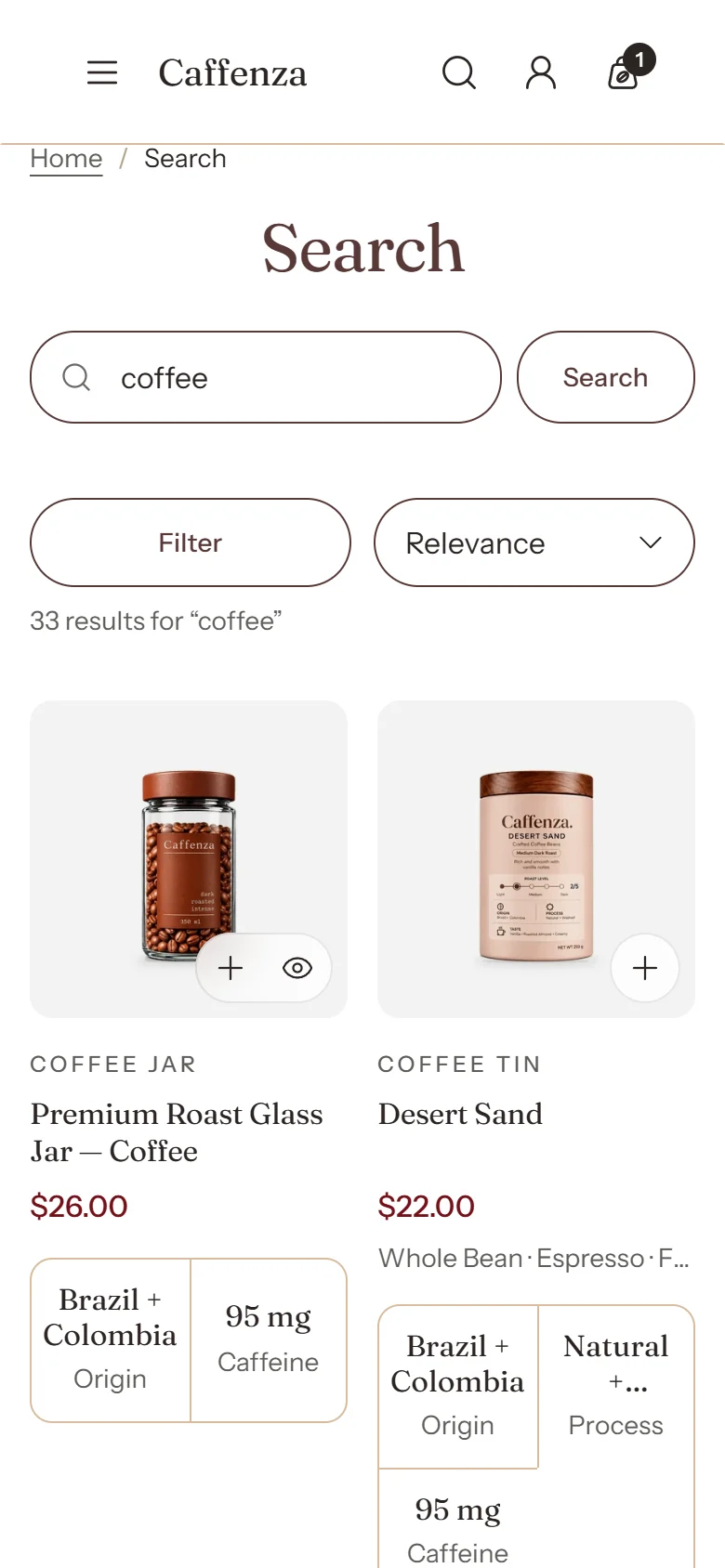
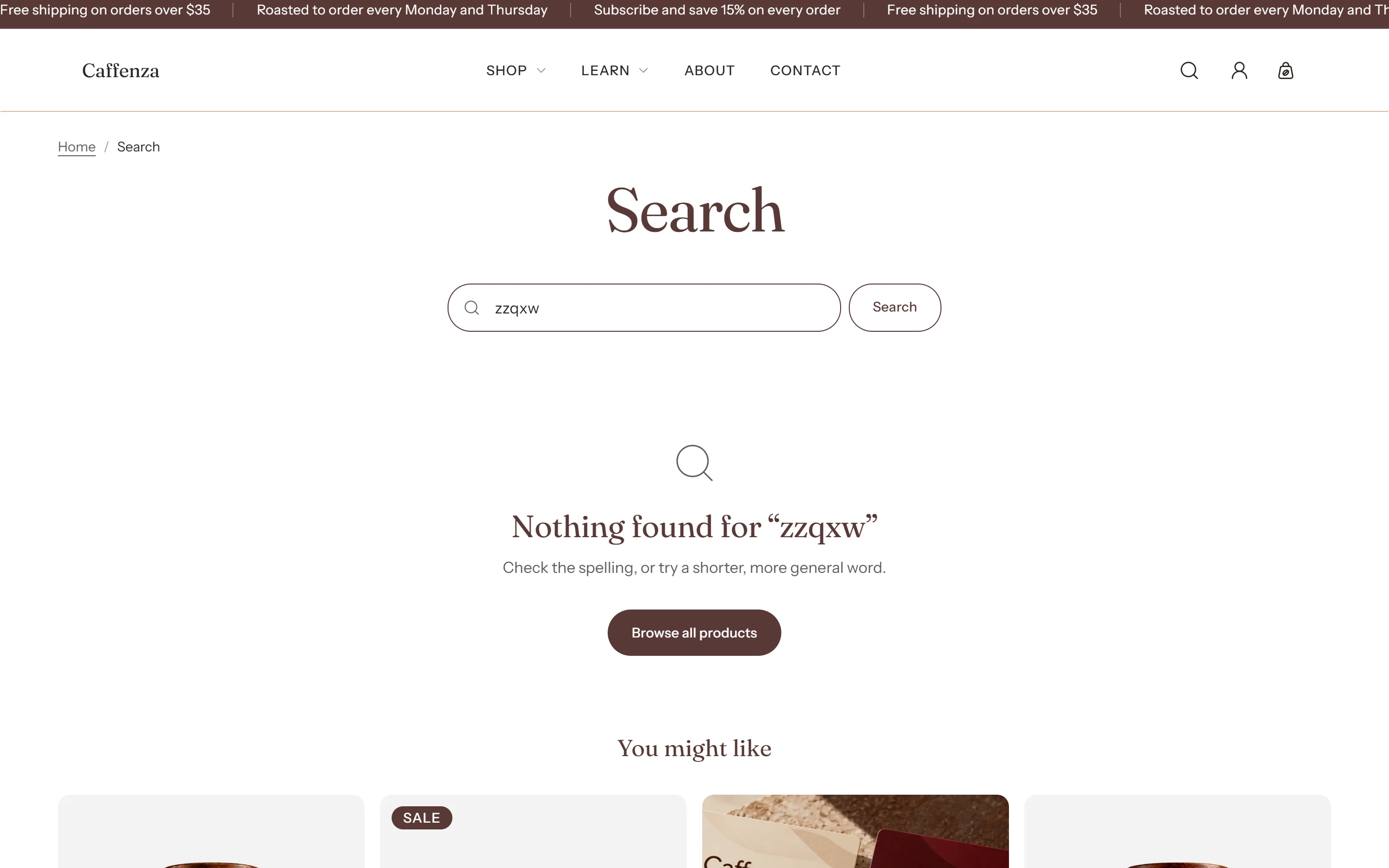
Search results, filters and the search panel.
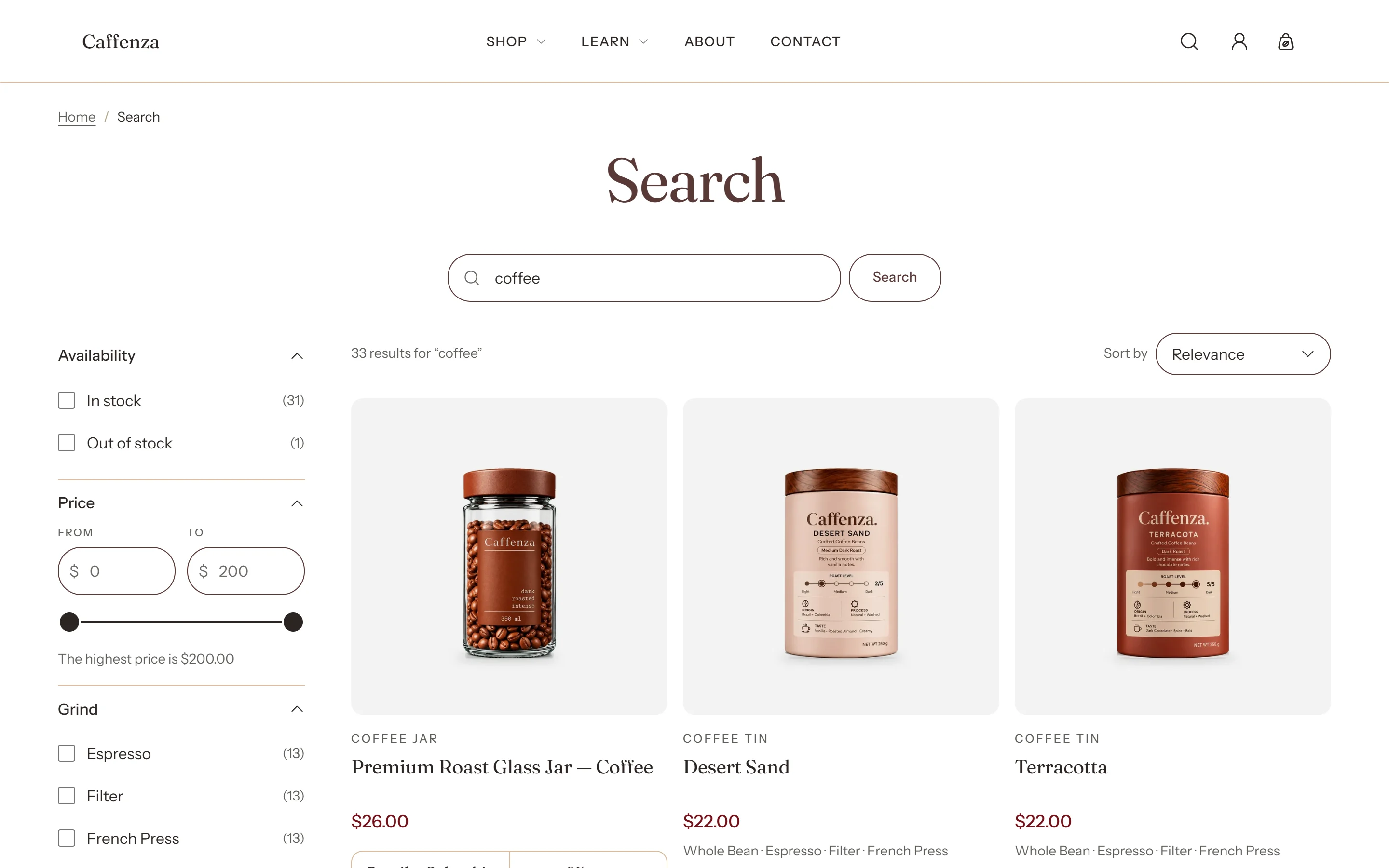
Search results can include products, pages and blog posts (see Search settings). The search panel that opens from the header is set up in Header → Search panel.
Screenshots
Settings
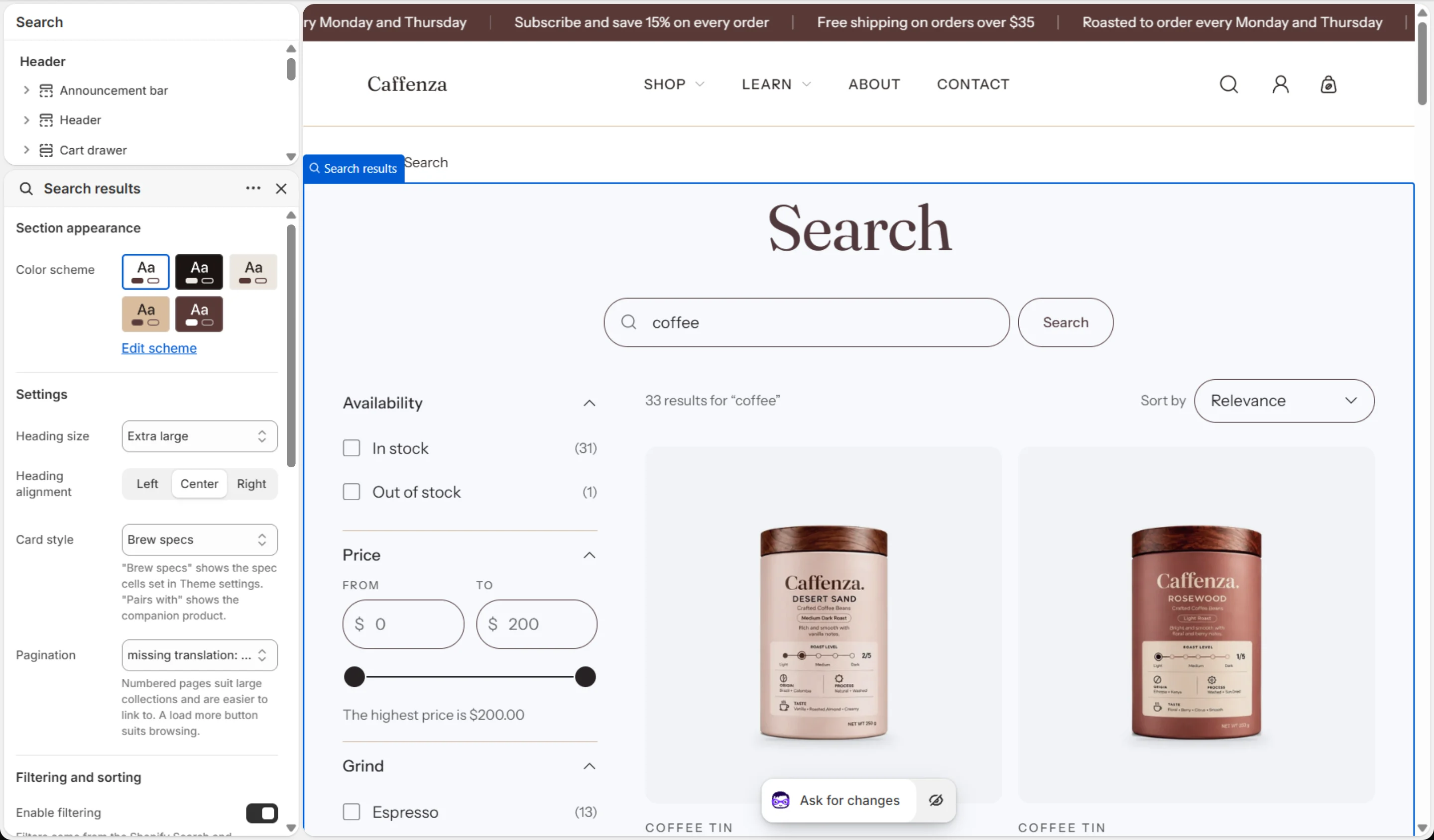
| Setting | Options | What it does |
|---|---|---|
| Section appearance | ||
| Color scheme | Color scheme | |
| Settings | ||
| Heading size | Small · Medium · Large · Extra large | |
| Heading alignment | Left · Center · Right | |
| Card style | Brew specs · Pairs with | "Brew specs" shows the spec cells set in Theme settings. "Pairs with" shows the companion product. |
| Pagination | Numbered · Load more button | Numbered pages suit large collections and are easier to link to. A load more button suits browsing. |
| Filtering and sorting | ||
| Enable filtering | On / Off | Filters come from the Shopify Search and Discovery app. Collections with more than 5,000 products show no filters. The price filter shows only in your store's default currency. |
| Desktop filter layout | Sidebar · Filter bar · Drawer | On phones, filters always open in a drawer. |
| Filter groups open by default | 0–10 | Applies to the sidebar and drawer layouts. A group with an active filter always opens. |
| Values shown before "Show more" | 5–20 | |
| Show product counts | On / Off | |
| Show active filters | On / Off | |
| Show the filter name in active filters | On / Off | |
| Enable sorting | On / Off | |
| Keep filters and sorting in view | On / Off | The sidebar or filter bar stays on screen while shoppers scroll. On phones, the filter and sort row does. |
This section also accepts Custom Liquid blocks and app blocks. It also has the shared Animate on scroll and Section spacing settings.