Layout, appearance and animations
Page width, spacing, corner rounding, icon weight and motion.
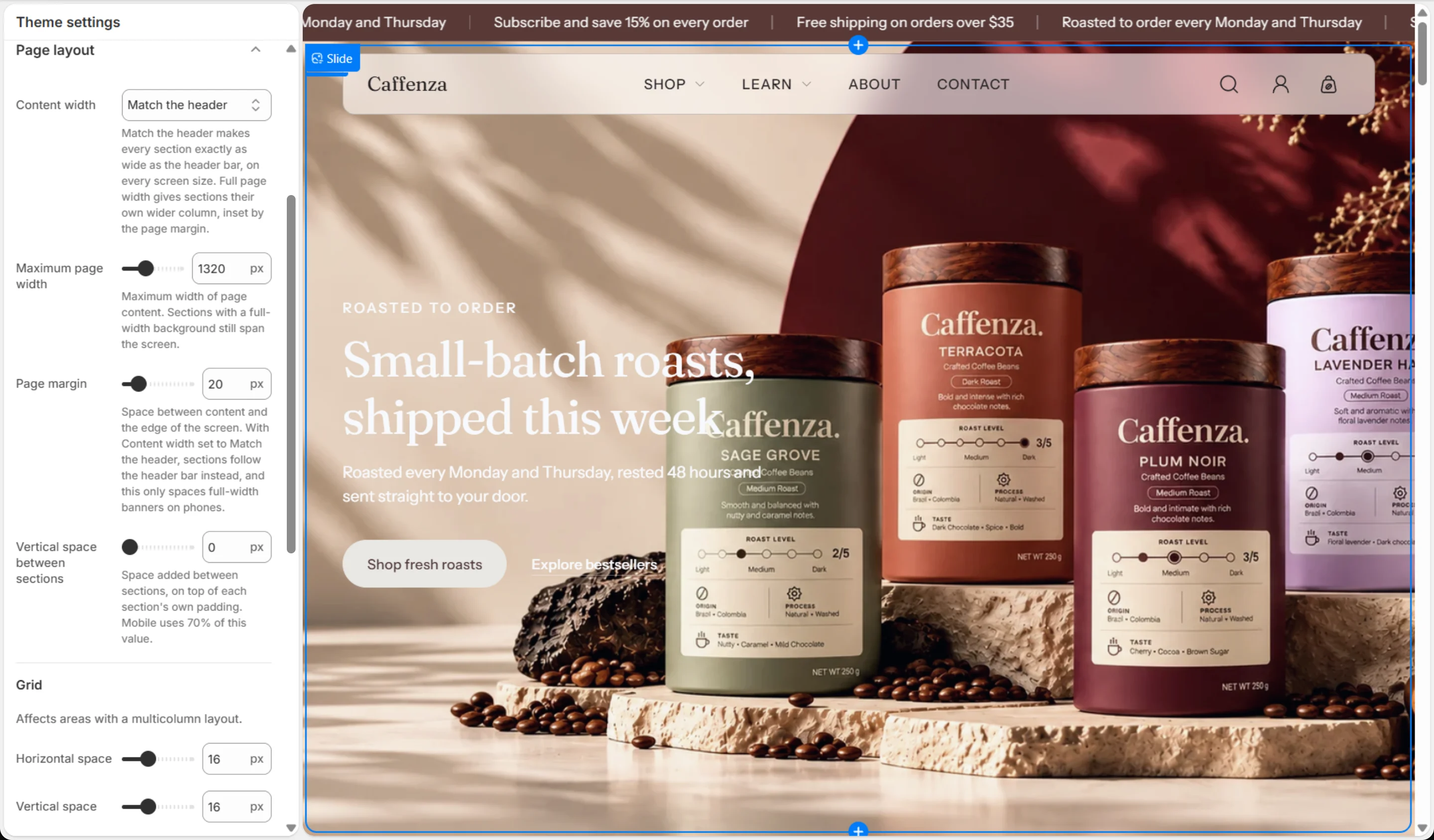
These settings shape the overall look of the store. You find them in Theme settings → Page layout, Appearance and Animations.
Tip
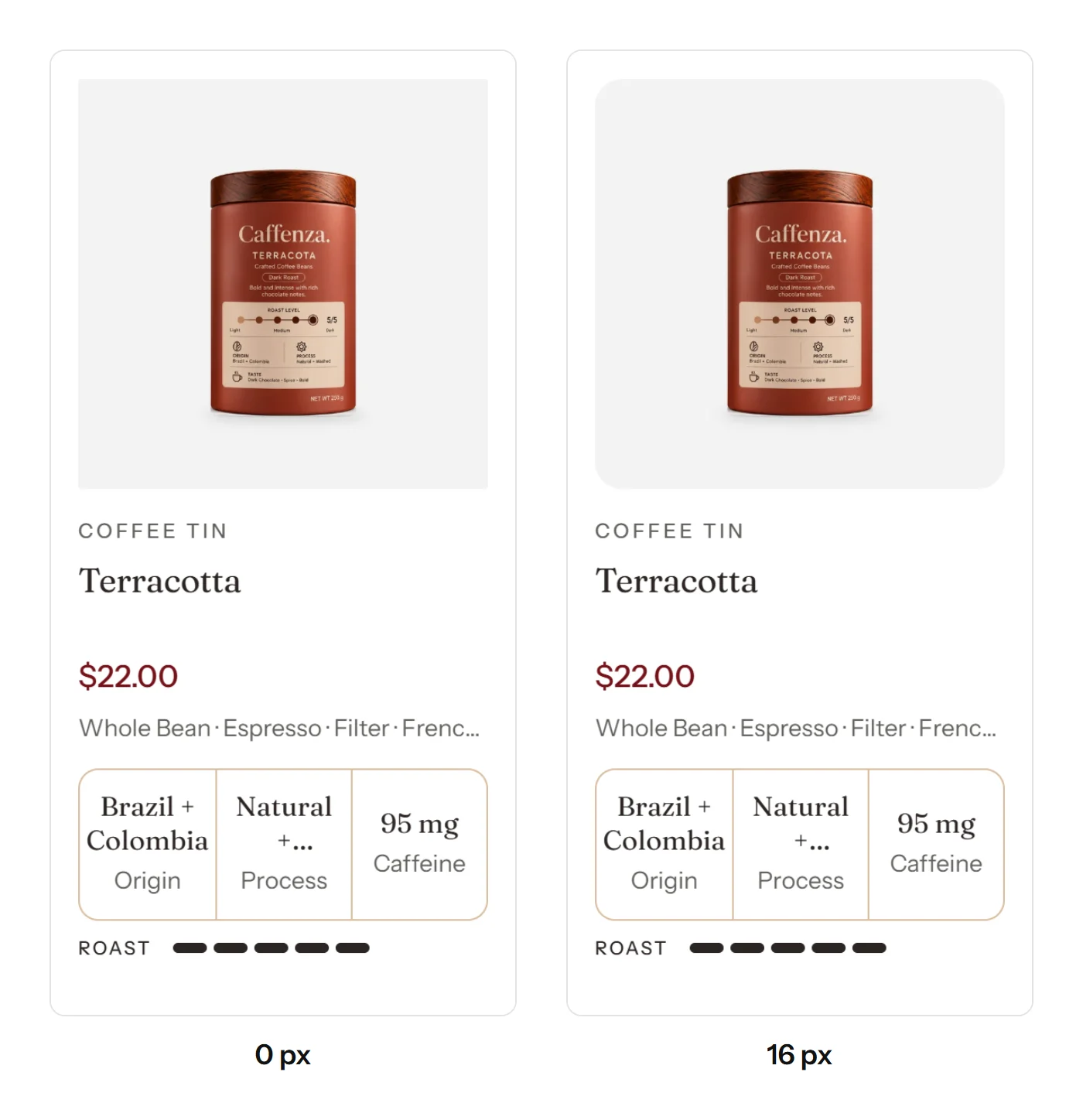
Corner radius settings apply everywhere at once: buttons, option pills, product cards, inputs and pop-ups. Use 0 for a sharp, modern look and 8–16 px for a softer, friendly café feel.
Screenshots

Page layout
| Setting | Options | What it does |
|---|---|---|
| Content width | Match the header · Full page width | Match the header makes every section exactly as wide as the header bar, on every screen size. Full page width gives sections their own wider column, inset by the page margin. |
| Maximum page width | 1000–1920 px | Maximum width of page content. Sections with a full-width background still span the screen. |
| Page margin | 12–60 px | Space between content and the edge of the screen. With Content width set to Match the header, sections follow the header bar instead, and this only spaces full-width banners on phones. |
| Vertical space between sections | 0–100 px | Space added between sections, on top of each section's own padding. Mobile uses 70% of this value. |
| Grid | ||
| Horizontal space | 4–40 px | |
| Vertical space | 4–40 px | |
Appearance
| Setting | Options | What it does |
|---|---|---|
| Icons | ||
| Icon thickness | 1–3 px | |
| Rounding | ||
| Button corner radius | 0–24 px | Also rounds option pills (product page, cards, filters and tags), so they always match the buttons. |
| Product card radius | 0–24 px | |
| Form input corner radius | 0–24 px | |
| Modal corner radius | 0–24 px | |
Animations
| Setting | Options | What it does |
|---|---|---|
| Motion | Off · Subtle · Standard | Standard: sections, products and photos rise gently into view as shoppers scroll. Subtle: a shorter, quieter fade with no photo zoom. Off: everything appears in place at once. |
| Page transition | On / Off | Pages fade into each other in browsers that support it. Other browsers change pages as normal. |