

Introduction
Most SEO conversations sound the same.
Keywords. Backlinks. Content calendars. Meta descriptions. All important, no argument there. But here’s what rarely comes up in those conversations: the system your content is sitting on.
Because while you’re optimizing headlines and chasing rankings, your CMS might be quietly working against you. Slow page loads. Bloated code. Plugin conflicts that break things at 2 AM. A backend that gives Google’s crawlers more friction than they’re willing to deal with.
That’s where headless SEO changes the conversation.
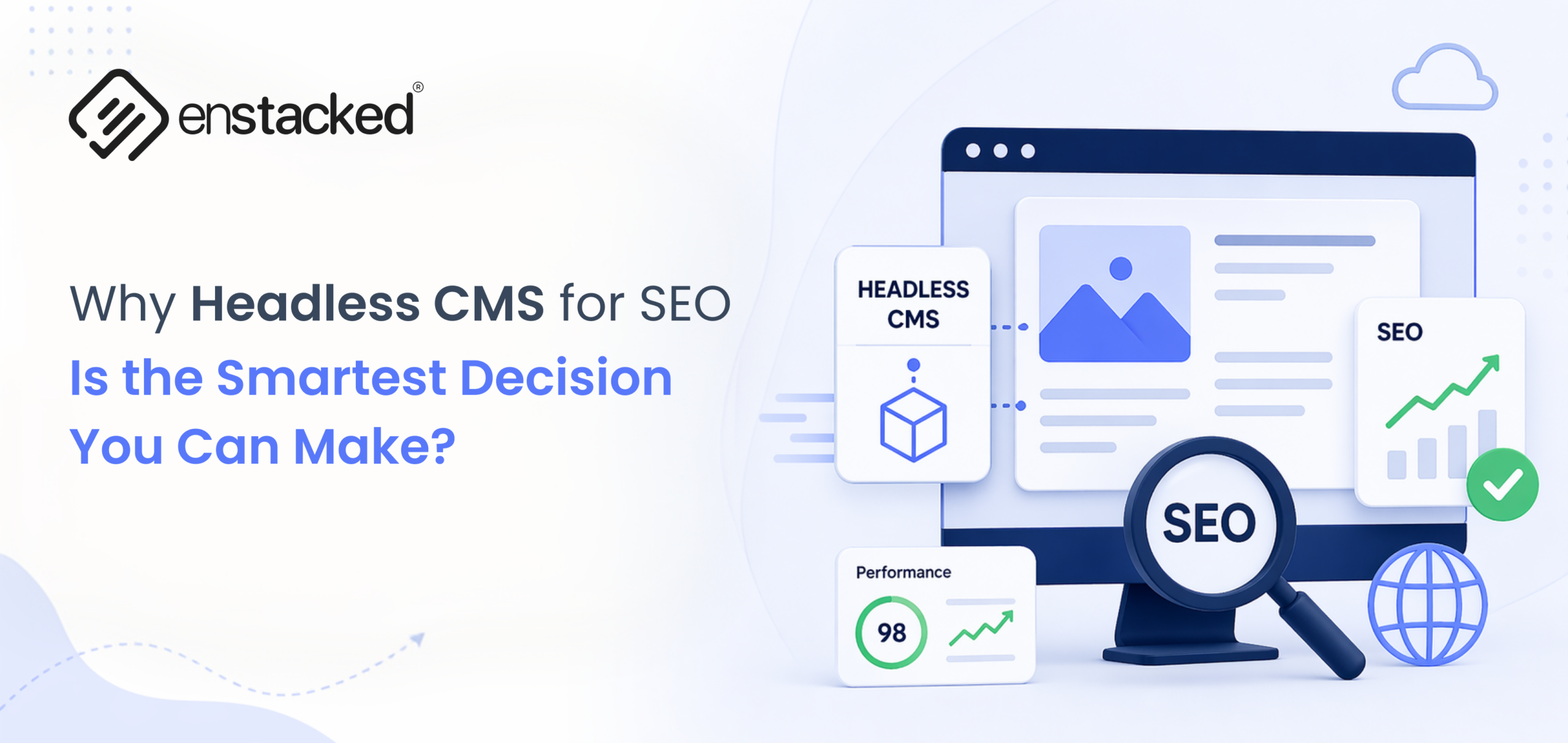
A headless CMS separates your content from your presentation layer, meaning your frontend can be built lean, fast, and fully in your control. The global headless CMS market is expected to grow from $632.5 million in 2022 to $1.6 billion by 2027.
To know more about Headless SEO, how it works, how it helps, what leading companies are doing, and more, then this blog is all you need.
Headless CMS vs Traditional CMS for SEO
When comparing headless CMS vs traditional CMS for SEO, the core difference comes down to speed, control, and how cleanly your site communicates with search engines.
Traditional CMS platforms bundle the frontend and backend together, often resulting in bloated code, slower load times, and limited technical SEO flexibility.
A headless CMS, on the other hand, decouples content from presentation, letting you build a lean, fast frontend that gives you full control over metadata, schema markup, Core Web Vitals, and rendering, all the signals that directly influence rankings.
Headless CMS vs Traditional CMS — SEO Comparison
| SEO Factor | Headless CMS | Traditional CMS |
|---|---|---|
| Page Speed & Core Web Vitals | Excellent, static generation + CDN delivery = near-instant load times | Often poor due to server-rendered pages, heavy themes, and render-blocking scripts |
| Technical SEO Control | Full control with custom meta tags, Open Graph, canonicals, and schema built into frontend | Limited, dependent on plugins and theme structure |
| Structured Data / Schema | Easily mapped from structured content models to JSON-LD schema | Possible but often plugin-dependent and inconsistent |
| Mobile Performance | Lean, optimized frontend frameworks like Next.js, Nuxt, and Gatsby | Theme-dependent, varies widely, often bloated on mobile |
| Crawlability & Indexing | Clean HTML output with minimal JavaScript issues when implemented properly | Can face crawl issues due to heavy JavaScript and plugin conflicts |
| Security & Uptime | No public-facing CMS, reduced attack surface, and stable uptime | Higher risk of vulnerabilities, plugin exploits, and downtime |
| Time to Implement | Higher upfront development investment | Faster to launch, especially for smaller projects |
| Scalability for SEO | Built for scale, handles large content volumes without performance drops | Performance often degrades as content and traffic grow |
If you’re serious about rankings, especially at scale, the architectural advantages of headless aren’t marginal. They’re structural. Faster sites rank better.
More on Why Headless CMS for SEO? (Benefits Explained)
For most teams, headless SEO sounds great in theory: faster sites, cleaner code, better rankings. But what does it actually look like when it’s working?
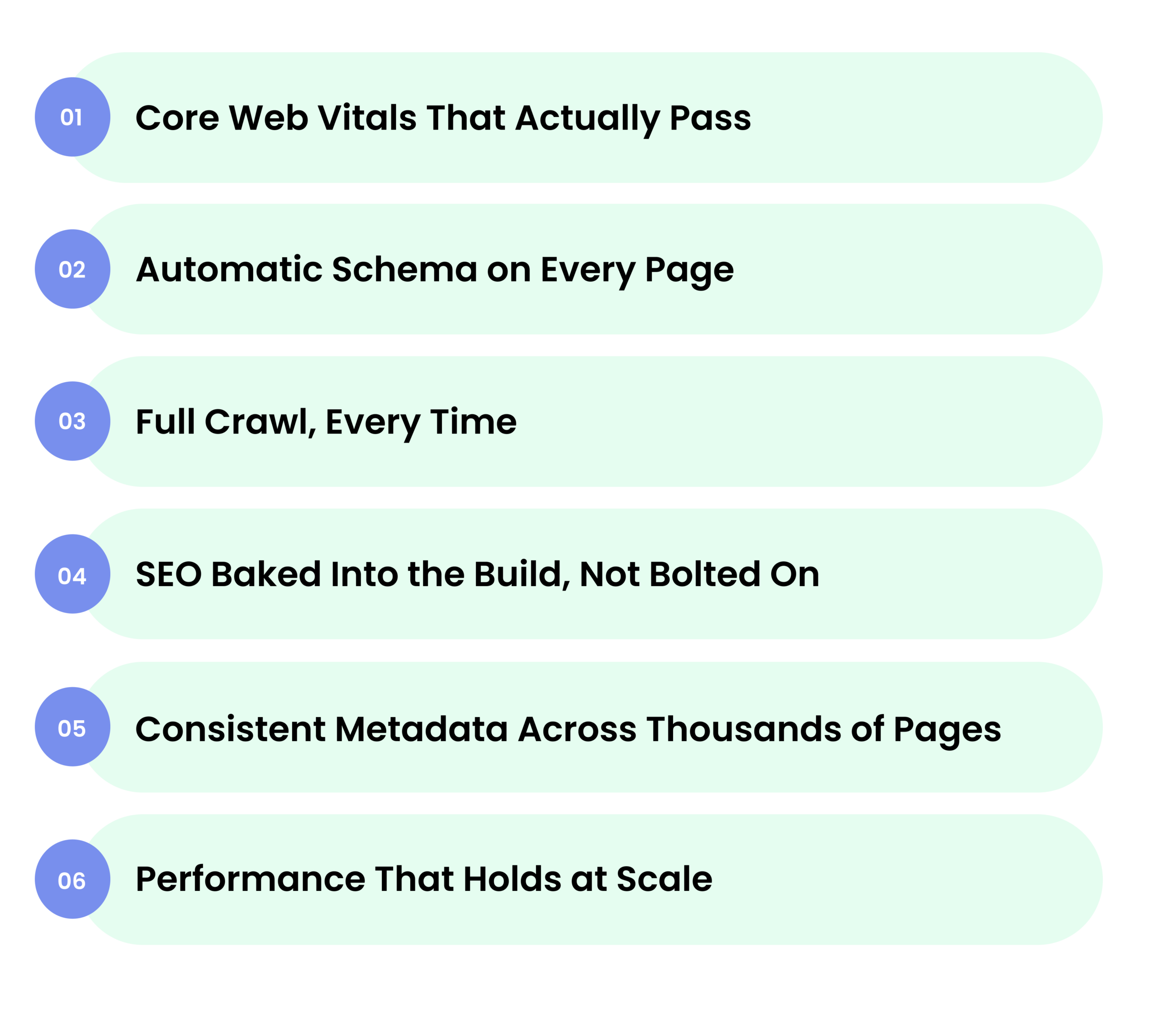
1. Core Web Vitals That Actually Pass
Pages that pass Core Web Vitals are 24% less likely to be abandoned mid-load. Not because of more effort, but better architecture. For businesses, this directly translates to lower bounce rates, longer session times, and pages that Google is far more likely to push up the rankings. In competitive industries, that speed gap alone can be the difference between page one and page two.
2. Slow Sites Lose Revenue Silently
Most businesses don’t realize how much organic real estate they’re leaving on the table simply because their schema markup is inconsistent or missing entirely. A headless CMS fixes this at the architecture level. Structured content models push a clean JSON-LD schema automatically across every page. After this, your team stops chasing featured snippets and starts earning them consistently.
3. Full Crawl, Every Time
Googlebot runs on a crawl budget and heavy JavaScript, conflicting plugins, and inconsistent rendering burn through it fast. Some pages get missed. Some get indexed weeks late. Headless SEO solves this directly. A clean frontend gives Googlebot exactly what it needs, structured HTML without any bloat or interference. It crawls your entire site and indexes it.
4. SEO Baked Into the Build, Not Bolted On
Bolt-on SEO breaks. It needs constant updates, plugin maintenance, and someone watching it. Headless CMS SEO takes a different approach, canonical tags, Open Graph data, dynamic sitemaps, hreflang for multilingual markets, all live at the framework level from day one. Your developers build them in, not on top. That means fewer surprises, less firefighting, and SEO that keeps compounding.
5. Consistent Metadata Across Thousands of Pages
Traditional CMS setups let pages slip through with missing meta descriptions, duplicate title tags, and inconsistent schema. At scale, that inconsistency costs rankings. A structured headless CMS environment gives every content field a defined purpose. That’s what lets sites rank across hundreds of keywords instead of getting stuck on a handful.
6. Performance That Holds at Scale
A traditional CMS handles a small site fine. But push it to 10,000 pages, add traffic spikes, layer in more plugins, and it starts to buckle. But a well-built seo headless CMS doesn’t hit that wall. The architecture scales cleanly, and your site delivers the same performance at 50,000 pages that it delivered at 500. Your SEO investment keeps compounding.
Also Read: Why Top Brands Choose Headless CMS with React and Should You?
Headless WordPress SEO: The Best of Both Worlds?
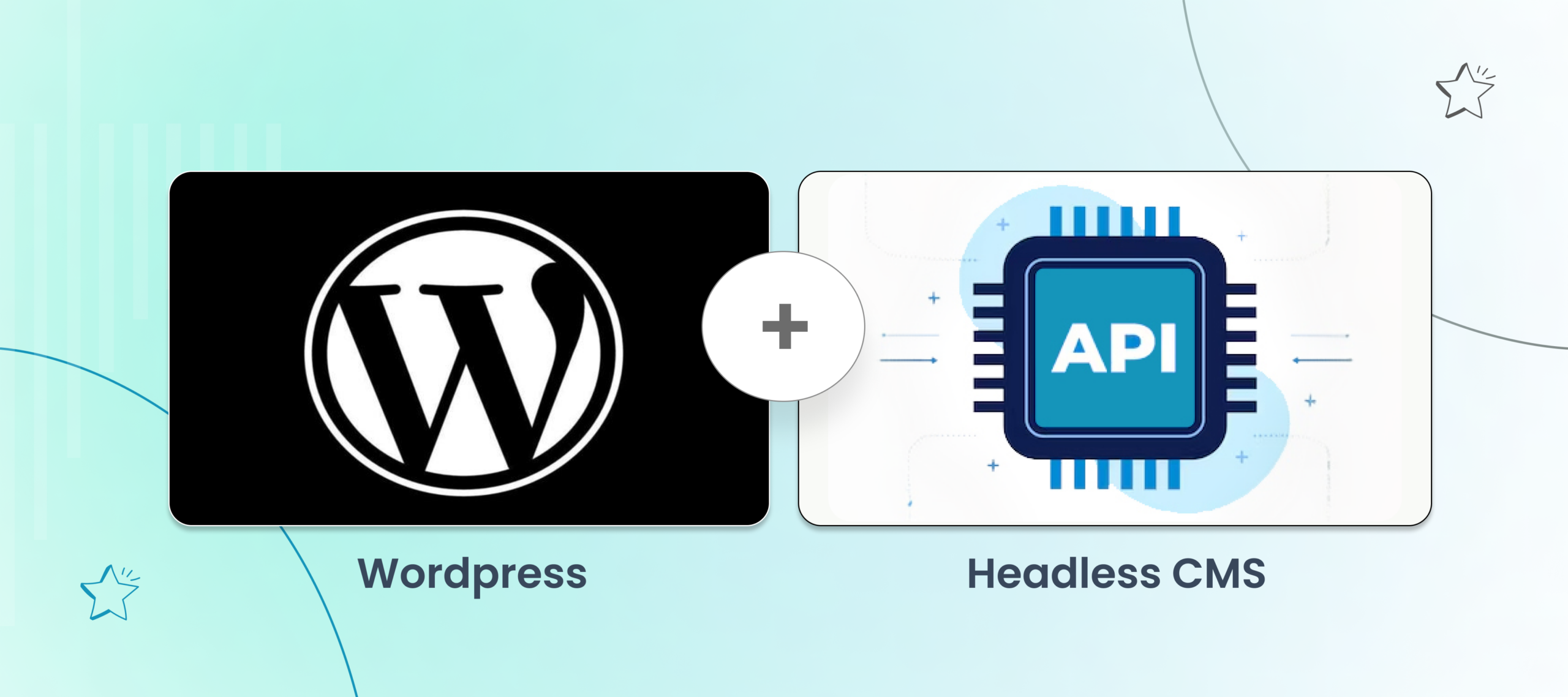
Keep the WordPress backend you know — Your content editors stay in a familiar environment. Pages, posts, custom post types, ACF fields, all still there. The difference is what happens after publishing. Instead of WordPress rendering the frontend, your content gets delivered via REST API or WPGraphQL to a modern frontend framework like Next.js or Nuxt, fast, lean, and fully optimized for search.
Did you know, headless WordPress sites built on Next.js show up to 10x performance improvement over traditional WordPress themes.
- Retain your SEO plugins — One of the biggest concerns teams have about headless WordPress SEO is losing their SEO plugin setup. In a well-architected headless build, Yoast or RankMath metadata gets exposed through the API and consumed by the frontend, so your titles, meta descriptions, canonical tags, and schema markup carry over cleanly. And, you don’t have to rebuild your SEO foundation from scratch.
- Gain full frontend performance control — This is where headless WordPress SEO earns its edge. Swap out the theme-heavy, plugin-bloated traditional WordPress frontend for a statically generated or server-side rendered frontend, and your Core Web Vitals scores transform. Pages that used to load in 4–6 seconds now load in under a second. Google notices. Rankings follow.
- Structured content maps directly to schema — WordPress’s custom fields and post types, when modeled cleanly, become a natural source for JSON-LD structured data. Articles, products, FAQs, and authors, all structured at the content layer, all outputting rich schema on the frontend automatically. This is one of the most direct paths to featured snippets and rich results in headless CMS SEO.
- Better security, more stable uptime — Traditional WordPress is a frequent target, with plugin vulnerabilities, brute force attacks, and core exploits. With headless, your WordPress instance sits behind the API, away from public exposure. The result is a more secure setup, fewer outages, and the kind of consistent uptime that keeps your crawl schedule and rankings stable.
- Multilingual & multi-market SEO ready — Headless WordPress paired with the right frontend gives you clean control over hreflang tags, localized URLs, and market-specific metadata without the usual plugin juggling act that breaks things across languages.
The honest trade-off? Headless WordPress adds frontend complexity. Preview environments need extra configuration.
Some plugins won’t survive the decoupling. And without the right development approach, you can end up with a setup that’s slower and harder to manage than what you started with.
That’s exactly where implementation expertise makes the difference.
At Enstacked, we’ve worked with WordPress-powered sites making the move to headless, handling everything from API architecture and frontend build to SEO migration and ongoing optimization.
Our WordPress headless SEO services are built around making sure your rankings don’t just survive the transition; they improve because of it.
Whether you’re evaluating headless WordPress SEO for the first time or already mid-migration and running into issues, we help you get it right.
Best Practices to Follow for Headless SEO!
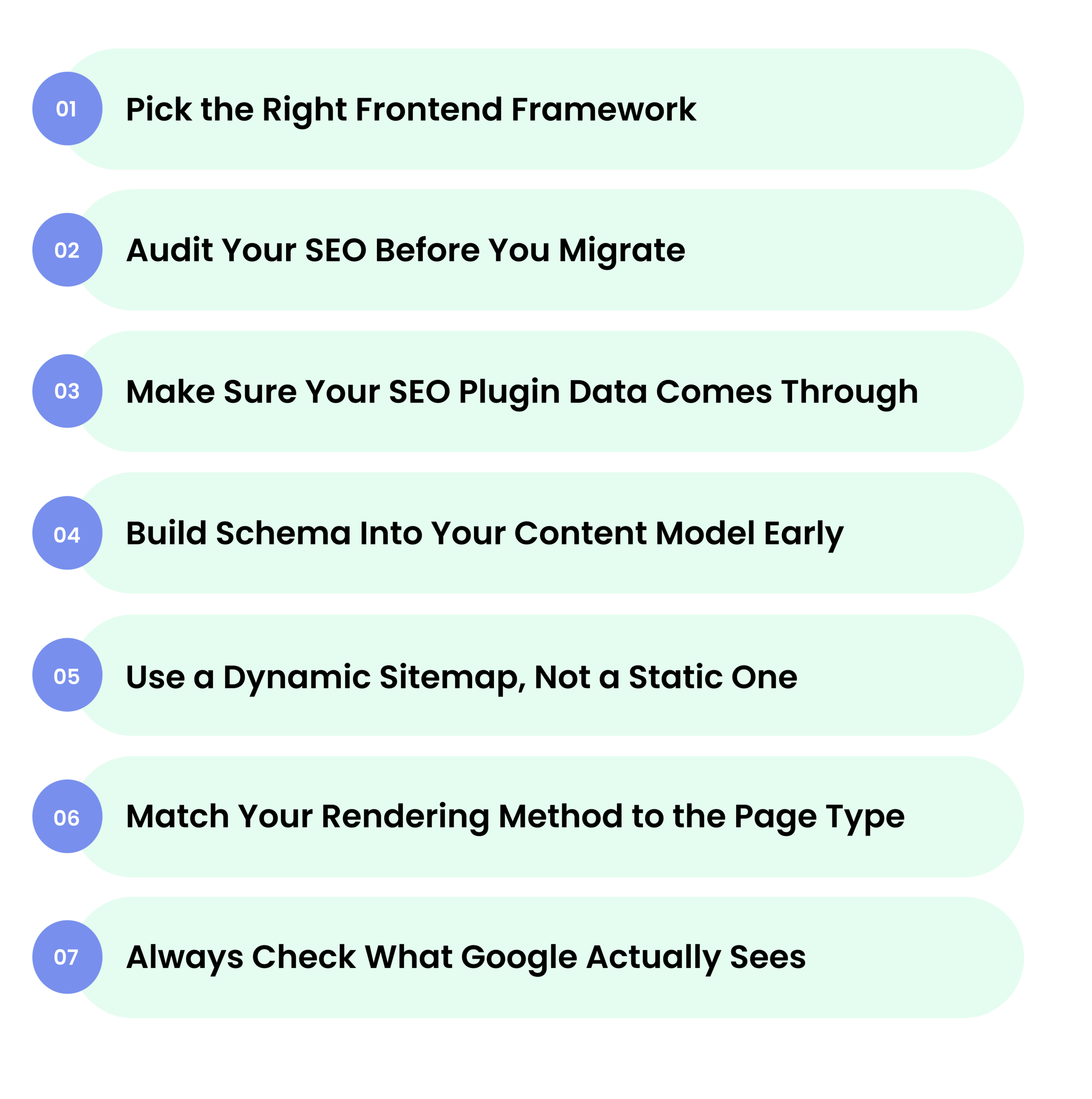
Switching to a headless CMS gives you the architectural advantage, but the rankings come from how well you execute. Here’s what actually matters:
1. Pick the Right Frontend Framework
Next.js for headless SEO is the strongest choice right now. It handles static pages, server-rendered pages, and everything in between, giving Google fast, crawlable pages every time.
2. Audit Your SEO Before You Migrate
Moving from a traditional CMS to headless without an audit first is how teams lose rankings overnight. Map every URL, every redirect, and every piece of metadata before you touch anything. Protect what you’ve already built.
3. Make Sure Your SEO Plugin Data Comes Through
Running headless WordPress SEO with Yoast or RankMath? Make sure all your titles, meta descriptions, canonical URLs, and Open Graph data are pulled through the API correctly to your frontend. If it’s not rendering on the page, Google isn’t seeing it.
4. Build Schema Into Your Content Model Early
Don’t add JSON-LD schema as an afterthought. When you structure your content fields properly inside your headless CMS, articles, FAQs, products, and authors, schema outputs automatically across every page. That’s what gets you rich results consistently.
5. Use a Dynamic Sitemap, Not a Static One
A sitemap that doesn’t update when you publish new content is a problem. Build a dynamic XML sitemap into your frontend, so Googlebot always has an accurate, up-to-date map of your site.
6. Match Your Rendering Method to the Page Type
Use SSG for fast, evergreen pages. Use SSR for pages that update frequently. Use ISR for content that changes regularly but doesn’t need a full rebuild. One rendering method for everything is a missed opportunity in headless SEO.
7. Always Check What Google Actually Sees
Use Google Search Console’s URL Inspection tool after every deployment. Confirm your metadata, schema, and canonical tags are rendering correctly, not just in your browser, but in Google’s crawled version of the page.
Final Thoughts
The shift to headless CMS isn’t about chasing the newest technology. It’s about building a foundation that stops quietly working against your SEO and starts compounding in your favor.
Speed, structure, control, scale. These aren’t nice-to-haves anymore. They’re the baseline for sites that consistently rank and stay there.
If you’re evaluating headless CMS SEO for the first time, planning a migration, or wondering why your current setup isn’t delivering the rankings your content deserves, connect with our team at Enstacked.
We help businesses with end-to-end headless implementation, migration, and optimization, so you’re not just making the move to headless; you’re getting the most out of it from day one. Book a free consultation call.

