
Introduction
There’s a performance problem sitting inside most Shopify stores right now that doesn’t show up cleanly in Google PageSpeed. It doesn’t trigger alerts. It won’t appear in your Shopify analytics dashboard.
Every time a customer lands on your product page, Shopify builds the entire page before sending it, including product title, price, images, cart, reviews, recommendation widgets, third-party scripts, all of it at once.
Nothing is prioritised. Everything competes. And your customer waits for the slowest element, even if that element has nothing to do with why they’re there.
The result? E-commerce sites loading in one second convert at 3.05%. That drops to just 1.08% at five seconds.
Most store owners try to solve this by compressing images or removing apps. That helps, but it doesn’t fix the root problem. The issue isn’t just how fast the page loads. It’s what loads first.
This is where Shopify Partial Prerendering changes things. It separates critical content from everything else, so what drives the conversion is visible and usable instantly.
Let’s dig into understanding more about the basics of shopify partial pre-rendering, the benefits of partial pre-rendering, and how to get started with it.
In this blog, we’ll break down what it is, how it works, and why it matters for your store in 2026.
What is Shopify Partial Pre-Rendering?
Shopify Partial Prerendering is a way of loading your store’s pages smarter, delivering the most important content to your customer instantly, while the rest loads right behind it.
That’s it at its core.
Right now, your Shopify store loads a page as one complete package. Everything goes out together: product title, images, cart, reviews, recommendations, and third-party scripts. If one element is slow, the whole page is slow. Your customer waits for things they don’t even care about before they can see the things they do.
Partial Prerendering splits your page into two categories. Content that never changes, your product title, description, and images get pre-built and served instantly. Dynamic content, your cart count, live stock levels, personalised recommendations stream in right after, without holding anything else back.
Why Shopify Partial Pre-Rendering is Important?
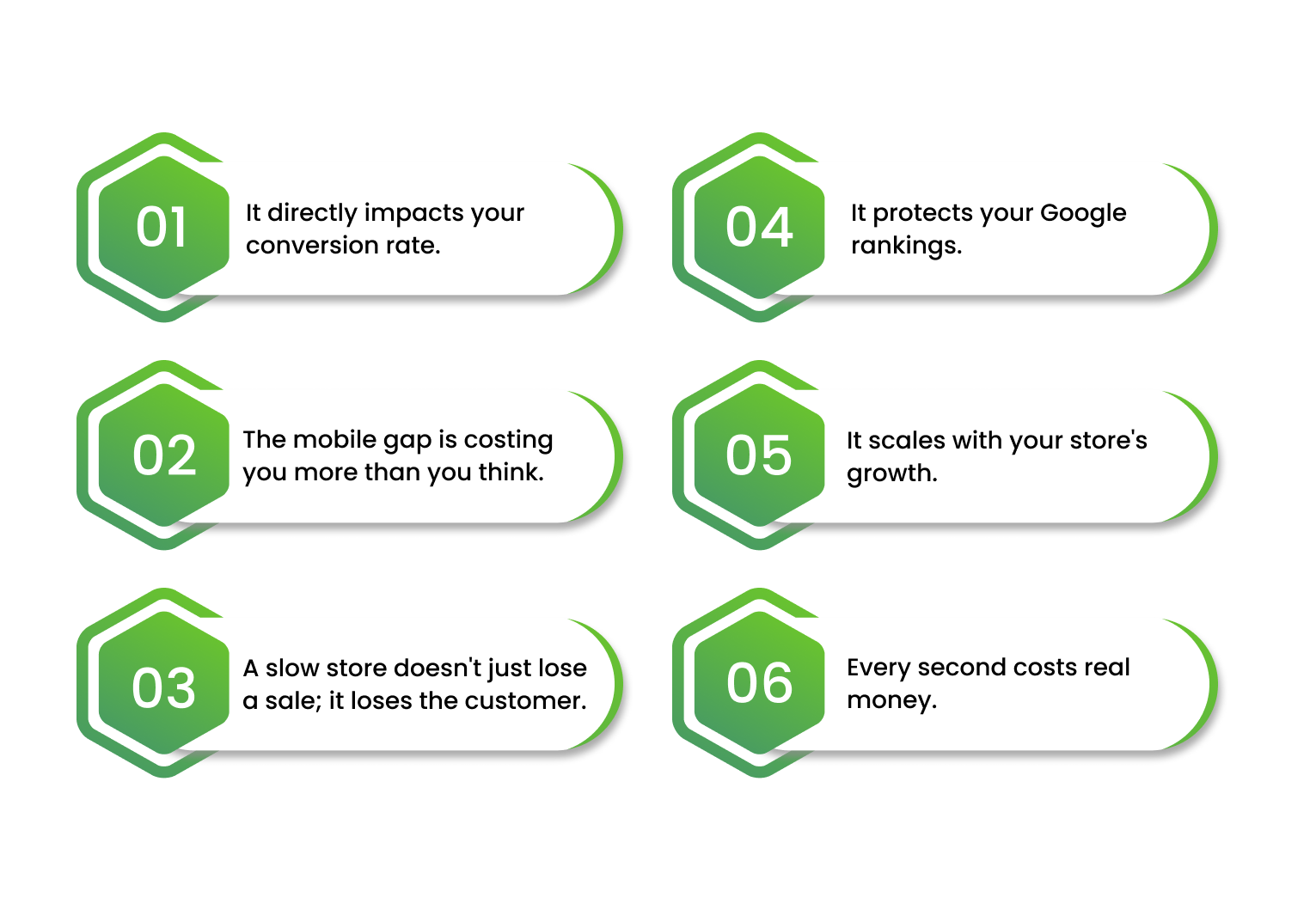
Partial Prerendering matters because it directly addresses the part of performance that standard optimisations can’t fix, the order in which your page loads, not just how fast.
Here’s why that distinction matters in 2026:
1. It directly impacts your conversion rate.
Page speed and conversions are inseparable. A site loading in one second converts at 3.7%, but stretch that to five seconds, and the majority of your shoppers have already left, with over 63% bouncing before the page even finishes loading.
Shopify Partial Prerendering keeps your critical content, the product, the price, and the buy button out of that waiting window entirely and helps your customers with a faster loading illusion, improving the experience and reducing bounce rates.
2. The mobile gap is costing you more than you think.
Mobile accounts for 60–70% of e-commerce traffic but generates only 40–50% of revenue for most stores, and a one-second delay in mobile load time reduces conversions by approximately 7%.
Shopify Partial Prerendering is especially impactful and helps you optimize your mobile conversions.
3. A slow store doesn't just lose a sale; it loses the customer.
One bad experience compounds. 79% of shoppers who have a poor experience with site performance say they won’t return to buy again. Shopify When your page feels slow at the moment of purchase intent, you’re not just missing a conversion, you’re burning the lifetime value of that customer.
4. It protects your Google rankings.
Core Web Vitals, the performance signals Google uses to rank pages, are directly affected by how quickly critical content becomes visible. Stores with good Core Web Vitals scores see 24% higher mobile conversion rates than those with poor scores.
Shopify Partial Prerendering improves your LCP score, the metric Google weighs most heavily by ensuring above-the-fold content renders first.
5. It scales with your store's growth.
As your store grows, more apps, more personalisation, more integrations, the rendering problem gets heavier. Online businesses collectively lose nearly $2.6 billion in revenue due to slow-loading pages. Shopify Partial Prerendering is the architectural fix that holds up as complexity increases, not one you’ll outgrow in twelve months.
6. Every second costs real money.
A one-second delay in mobile load time can reduce conversions by up to 20%, and online businesses collectively lose nearly $2.6 billion in revenue due to slow loading speeds.
How to Get Started with Shopify Partial Prerendering?
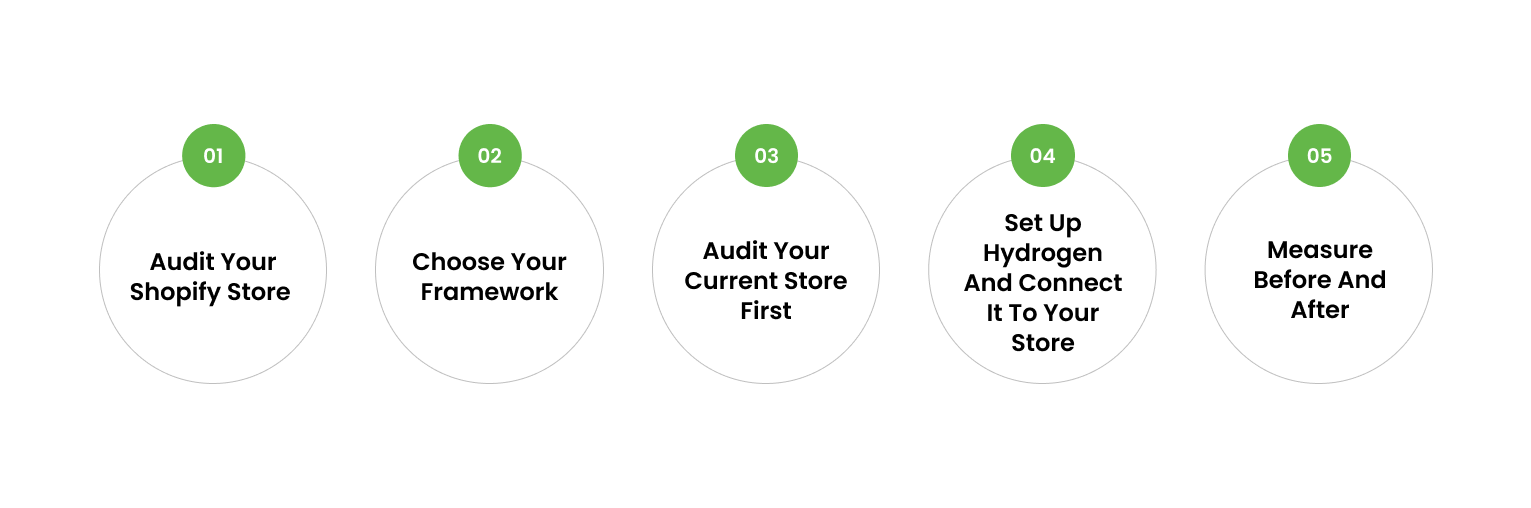
Before we get into the steps, one thing you need to know upfront: Partial Prerendering doesn’t work on a standard Shopify Liquid theme.
It works through Shopify Hydrogen, Shopify’s own headless framework built for exactly this kind of performance architecture. Hydrogen is Shopify’s opinionated stack for headless commerce, built on React Router, providing tools, utilities, and best-in-class examples for building dynamic and performant commerce applications.
Let’s understand more about it:
Step 1: Audit Your Shopify Store
Before anything else, you need to know exactly where your store stands today.
Open Google PageSpeed Insights and run this audit across your three most important page types, that includes your product page, collection page, and homepage.
Here’s what you should note down:
- Your LCP score — anything above 2.5 seconds needs attention
- Your mobile vs. desktop conversion rate — the gap between the two tells you how much mobile performance is costing you
- Render-blocking resources — third-party scripts, review apps, recommendation widgets loading alongside your critical content when they shouldn’t be
- Your FID (First Input Delay) — how long before your buy button actually responds to a click
- Your CLS (Cumulative Layout Shift) — whether elements are jumping around as the page loads, breaking the experience
This audit gives you a clear picture of the problem before you start building the solution. It also gives your developer a precise brief, not our store is slow but our LCP on mobile is 4.1 seconds and these three elements are blocking our critical render path. That’s the conversation that leads to a well-executed PPR implementation.
Step 2 — Choose Your Framework
Two frameworks support PPR on Shopify:
Shopify Hydrogen — if you are 100% committed to Shopify, Hydrogen gives you the fastest path to a custom storefront with reference patterns that are purpose-built for the platform. Shopify also provides free hosting through Oxygen, their global edge deployment platform, at no extra charge on paid Shopify plans.
Next.js — the better choice if you are building enterprise headless commerce and need complex custom features. Next.js 15 introduced Partial Prerendering formally, giving you precise control over what renders statically and what streams dynamically.
For most Shopify-first brands, Hydrogen is the natural starting point.
Step 3 — Audit Your Current Store First
Before a single line of code changes, audit what you actually have. Map your product page and identify two things:
What is static? Product title, description, images, price, and content that look identical to every visitor.
What is dynamic? Cart count, live inventory, personalised recommendations, loyalty points, localised pricing, and content that changes per user or in real time.
This audit tells you exactly where PPR will have the most impact. Hydrogen’s architecture uses streaming server-side rendering powered by React Suspense, React Server Components for efficient post-render updates, and flexible cache policies to power dynamic and edge delivery, all working together to serve critical content fast while dynamic content streams behind it. Understanding your own page structure helps you and your developer set this up correctly from day one.
Step 4 — Set Up Hydrogen and Connect It to Your Store
The setup process involves creating a new Hydrogen storefront, linking it to your Shopify store, and deploying it to Oxygen hosting to make it publicly accessible.
Your developer runs a single command to scaffold the project, connects it to your store via the Shopify Storefront API, and gets a live preview environment running within minutes.
From there, the real work begins, rebuilding your storefront with PPR in mind, separating static and dynamic components deliberately, and configuring cache policies that serve your critical content from the edge.
A proper Hydrogen build with PPR takes time, but the performance outcome and the competitive advantage it produces hold up long after launch.
Step 5 — Measure Before and After
Once your Hydrogen storefront goes live, measure the right things. Don’t just look at overall load time.
- Track your LCP (Largest Contentful Paint), how fast your main product content becomes visible.
- Track your FID (First Input Delay), how quickly your buy button becomes interactive.
- Track your conversion rate by device, especially mobile.
- Track revenue per visitor over a 30-day and 60-day window post-launch.
These numbers tell you whether PPR is working where it matters, not just in a speed test, but in your actual business results.
Final Thoughts
If your store is scaling and performance keeps slipping despite your best optimisation efforts, the answer likely isn’t another app or a faster theme. It’s rethinking how your page delivers content in the first place.
That’s what PPR does. And done right, it’s one of the most impactful investments a growing Shopify brand can make in 2026.
If you’re ready to explore what this looks like for your store, the team at Enstacked specialises in exactly this. Whether you want to go the headless Shopify development route using Hydrogen or Next.js one, you can hire dedicated Shopify developers, starting at just $12/hour.
Want to get started with full headless build or just want an expert to assess where your store stands today. Regardless of your requirements, book your free consultation today.
Frequently Asked Questions(FAQs)
No. PPR requires a headless Shopify setup, either through Hydrogen or Next.js. Standard Liquid themes don’t support it.
It depends on the complexity of your store and the developer you hire. A full headless build varies significantly based on your requirements, which is why starting with a consultation before committing to a budget makes sense.
A properly executed Hydrogen storefront typically takes several weeks to build, depending on your store’s complexity, integrations, and custom requirements.
Not all of them. Some apps rely on Shopify’s Liquid theme architecture and won’t carry over directly. Part of the build process involves auditing your app stack and finding headless-compatible alternatives where needed.
No. Next.js, connected to the Shopify Storefront API, also supports PPR and is a strong option for brands that need more custom flexibility.
PPR improves how your page delivers content, but conversion rate depends on multiple factors, including UX, pricing, and product. PPR removes the performance barrier. What happens after that depends on the strength of your store overall.

