







Introduction
If you have worked with React long enough, you have definitely crossed paths with useEffect.
useEffect is a React Hook that lets your component interact with the outside world after rendering, such as fetching data, setting up subscriptions, or updating the browser.
Sometimes it feels incredibly powerful. Other times, it feels confusing, unpredictable, or even dangerous when used the wrong way.
That confusion is not accidental.
useEffect sits at the boundary between React’s rendering world and everything outside React. APIs, browser events, timers, subscriptions, analytics, and DOM interactions. This is where real applications live, and this is also where many React bugs are born.
In this blog, we are not going to explain useEffect as a textbook does. We are going to explain it the way developers actually experience it while building real products. Why does it exist? When it helps. When it hurts. And how to use it without creating hidden performance issues or unpredictable behavior.
Also read: 10 React Performance Optimization Techniques That Work
What is useeffect in React with Example?
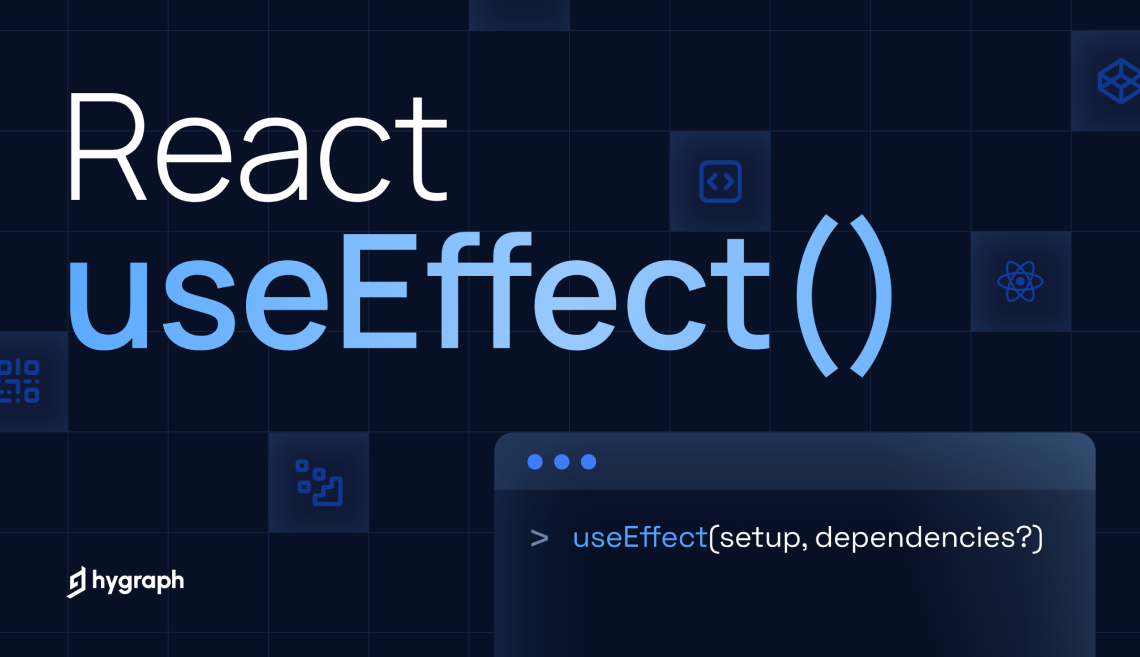
useEffect is a React Hook that lets you run side-effect logic after React finishes rendering the UI. React’s job is to calculate and display UI. Anything that talks to the outside world does not belong in the render phase, and that is exactly what useEffect is designed for.
Side effects include things like:
- Fetching data from an API
- Reading or writing to localStorage
- Setting up timers or intervals
- Subscribing to browser events or sockets
- Manually interacting with the DOM
React introduced useEffect so that these operations happen after render, in a controlled and predictable way.
Why do we use useEffect in ReactJS?

We use useEffect in ReactJS because React components are expected to be pure during rendering. Rendering should only describe what the UI looks like, not perform actions that affect the outside world. Anything that goes beyond UI calculation is considered a side effect, and React needs a dedicated place to handle it safely.
This is exactly why useEffect exists.
React rendering must stay predictable
When React renders a component, it may:
- Render more than once
- Pause and resume rendering
- Re-render without committing changes to the DOM
If side effects run during this phase, React loses control. That is why actions like API calls, subscriptions, or browser interactions cannot live inside the render logic.
Using useEffect ensures that this logic runs after rendering, when the UI is already committed.
useEffect is designed for side effects
A side effect is any operation that:
- Fetches or sends data
- Mutates something outside React
- Depends on time or external systems
Common real-world use cases include:
- Fetching data from an API
- Syncing React state with localStorage
- Setting up event listeners
- Starting or clearing timers
- Updating the document title
These patterns appear in almost every useEffect in ReactJS examples you see in production code.
What happens if you do not use useEffect
      // Incorrect approach
function Dashboard() {
  fetch("/api/stats");
  return <h1>Dashboard</h1>;
}
This code runs the API call during render, which can:
- Trigger multiple unnecessary requests
- Cause infinite loops
- Break React’s optimization process
This is a common mistake developers make before fully understanding React JS useEffect example patterns.
The correct way of using useEffect
      // Correct approach
useEffect(() => {
  fetch("/api/stats");
}, []);
Now:
- React renders the UI first
- The side effect runs after render
- The effect runs only once because of the empty dependency array
This pattern is the foundation of almost every useEffect ReactJS example related to data fetching.
Is useEffect good or bad?

useEffect itself is neither good nor bad.
It is a powerful tool, and like most powerful tools in React, problems appear only when it is misunderstood or overused.
In real projects, useEffect is necessary, but it is also one of the most common sources of bugs when used incorrectly.
When useEffect is good?
useEffect is good when it is used for what it was designed for: side effects.
Examples where useEffect is the right choice:
- Fetching data from an API
- Syncing state with browser APIs like localStorage
- Setting up subscriptions or event listeners
- Managing timers and intervals
- Updating the document title or metadata
Most real-world useEffect in React JS examples fall into these categories, and when written correctly, they are stable and predictable.
When useEffect becomes a problem?
useEffect becomes bad when it is used to:
- Derive state from state
- Control core UI logic
- Patch architectural issues
- Fix rendering problems after the fact
Example of overusing useEffect:
      // Unnecessary useEffect
useEffect(() => {
  setTotal(price * quantity);
}, [price, quantity]);
This does not need an effect. The value can be calculated directly during rendering.
Why developers say useEffect is bad
Many developers dislike useEffect because:
- It can run more times than expected
- Dependency arrays are easy to get wrong
- Bugs appear silently instead of throwing errors
In most cases, the issue is not useEffect, but unclear mental models around when and why it runs.
Misusing useEffect to sync state or derive values is a common mistake, and often not needed at all. Some suggest using other hooks like useMemo or keeping logic inside render instead of always wrapping in effects.
Source: Reddit
Think of useEffect as: Code that runs to keep my React component in sync with something outside React.
If the logic does not touch anything outside React, it probably does not belong in useEffect.
At the end,
useEffect is good when it is intentional. It is bad when it becomes a habit.
Used correctly, it enables real-world functionality. Used carelessly, it hides logic, creates performance issues, and makes components harder to debug.
Best ReactJS useEffect example you should know about!
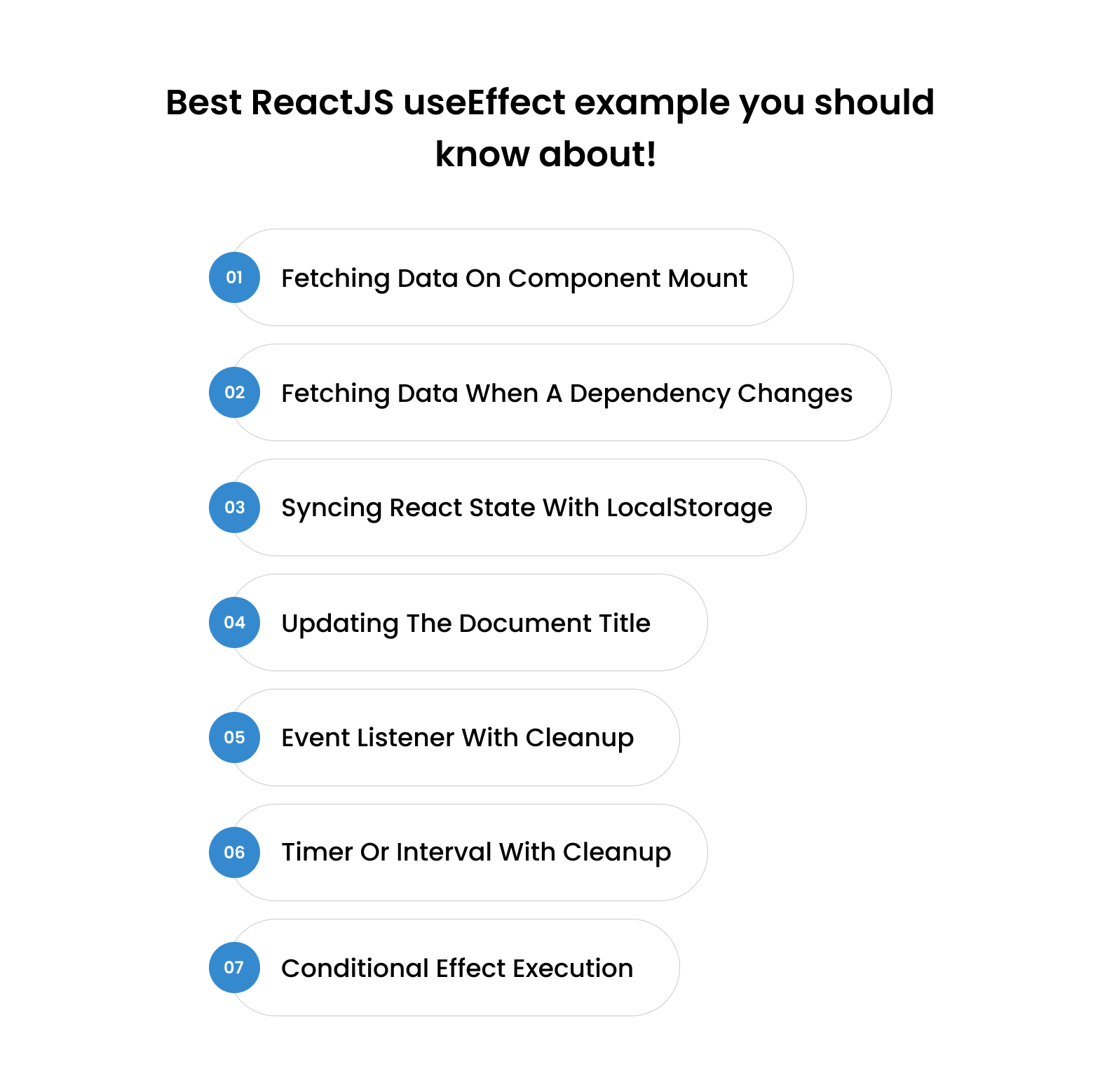
Below are the best ReactJS useEffect examples you will see in real production applications. These are not academic examples. Each one shows a valid, intentional useEffect pattern that solves a real problem cleanly.
Most common and most correct useEffect React JS example
      useEffect(() => {
  async function fetchData() {
    const res = await fetch("/api/products");
    const data = await res.json();
    setProducts(data);
  }

  fetchData();
}, []);
Why this is good
- Runs once on page load
- Keeps render logic clean
Classic useeffect in React.js example for real apps
Reactive and controlled
      useEffect(() => {
  async function fetchUser() {
    const res = await fetch(`/api/users/${userId}`);
    const data = await res.json();
    setUser(data);
  }

  fetchUser();
}, [userId]);
Why this works
- Re-runs only when the userId changes
- Avoids unnecessary API calls
Clean dependency usage
Browser side effects
      useEffect(() => {
  localStorage.setItem("theme", theme);
}, [theme]);
Why does this belong in useEffect
- Touches browser API
- Keeps React and storage in sync
- Clear side effect boundary
Simple but powerful
      useEffect(() => {
  document.title = `Orders (${count})`;
}, [count]);
Why is this correct
- Affects the browser
- Runs only when needed
- Clean, predictable effect
Critical for memory safety
      useEffect(() => {
  function handleResize() {
    setWidth(window.innerWidth);
  }

  window.addEventListener("resize", handleResize);

  return () => {
    window.removeEventListener("resize", handleResize);
  };
}, []);
Why this is important
- Proper setup and cleanup
- Prevents memory leaks
- Real-world production pattern
Another classic useEffect example
      useEffect(() => {
  const timer = setInterval(() => {
    setTime(prev => prev + 1);
  }, 1000);

  return () => clearInterval(timer);
}, []);
Why is this correct
- Time-based side effect
- Cleanup prevents duplicate timers
- Common real app requirement
Avoids unnecessary runs
      useEffect(() => {
  if (!isLoggedIn) return;

  fetch("/api/dashboard");
}, [isLoggedIn]);
Why is this useful
- The effect runs only when meaningful
- Prevents wasted work
- Cleaner than multiple effects
The best useEffect examples always:
- Interact with something outside React
- Have clear dependencies
- Clean up when needed
- Do one job only
If an effect does not meet these rules, it probably should not exist.
This mindset separates clean React code from fragile, hard-to-debug implementations.
Final Thoughts
useEffect is powerful when used with intent and problematic when used out of habit. The difference comes down to understanding when a side effect is truly needed and keeping React’s render phase clean and predictable.
Most issues seen in real projects are not caused by useEffect itself, but by unclear mental models and overuse. When applied correctly, every useEffect in React JS example becomes easier to reason about, debug, and scale.
In practice, teams benefit the most when these patterns are applied consistently across a codebase. This is the kind of day-to-day React work we focus on at Enstacked, helping teams build maintainable applications, review existing implementations, and avoid subtle performance or state issues before they become harder to fix.
With the right approach, useEffect stops being confusing and starts doing exactly what it was designed for.
To discuss this with our ReactJS experts, book a free consultation right away.
Frequently Asked Questions(FAQs)
useEffect is neither good nor bad. It is essential for side effects but becomes problematic when used to manage core UI logic or derive state from state. Intentional use makes it powerful. Habitual use makes it fragile.
Use useEffect only when your logic:
- Interacts with something outside React
- Needs to run after render
- Has clearly defined dependencies
- Includes cleanup if required
If logic can be handled during render or via event handlers, it should not be inside useEffect.
No. useEffect itself is not the side effect. It is the mechanism React provides to run side effects after rendering. The code inside the effect performs the side effect.
How many times will useEffect run?
- No dependency array → runs after every render
- Empty dependency array ([]) → runs once after initial render
- With dependencies → runs whenever any dependency changes
- Cleanup function → runs before the next effect or on unmount
Understanding this behavior prevents most useEffect bugs.

