


Overview
Most Shopify development tools make you slow down. You’re constantly switching tabs, checking the docs, looking up API schemas, and fixing validation errors after the fact. It adds up fast, especially for lean teams trying to ship without the overhead of a big dev agency.
AI-attributed orders on Shopify grew 11x between January and November 2025, and by January 2026, that number had climbed to 15x year over year.
The Shopify AI Toolkit changes that dynamic. Released on April 9, 2026, it quietly rewired how AI coding tools interact with the Shopify platform, and most merchants and devs still haven’t fully caught on to what changed.
This guide breaks it down clearly: what it is, what’s inside it, how it runs, and why it matters for anyone building on Shopify.
What Is the Shopify AI Toolkit?
The Shopify AI Toolkit is an open-source tool that acts as a bridge between your AI coding assistant and the Shopify platform. It plugs directly into tools like Claude Code, Cursor, VS Code, Gemini CLI, and OpenAI Codex, giving them real, structured access to Shopify’s Admin API, developer documentation, and GraphQL schemas.
This is not a chatbot. You won’t find it inside your Shopify admin. It’s the developer infrastructure that makes your AI coding tools actually reliable when working with Shopify.
It’s built on Shopify’s Dev MCP Server, which shipped with the Winter ’26 Edition in December 2025. The Shopify AI Toolkit takes that foundation and makes it more practical. Install it once inside the editor you already use, and it updates itself automatically as Shopify’s platform changes.
And the pricing? Free. Open source. No authentication is needed for the documentation and schema features; it only touches publicly available Shopify developer resources.
What Does the Shopify AI Toolkit Include?
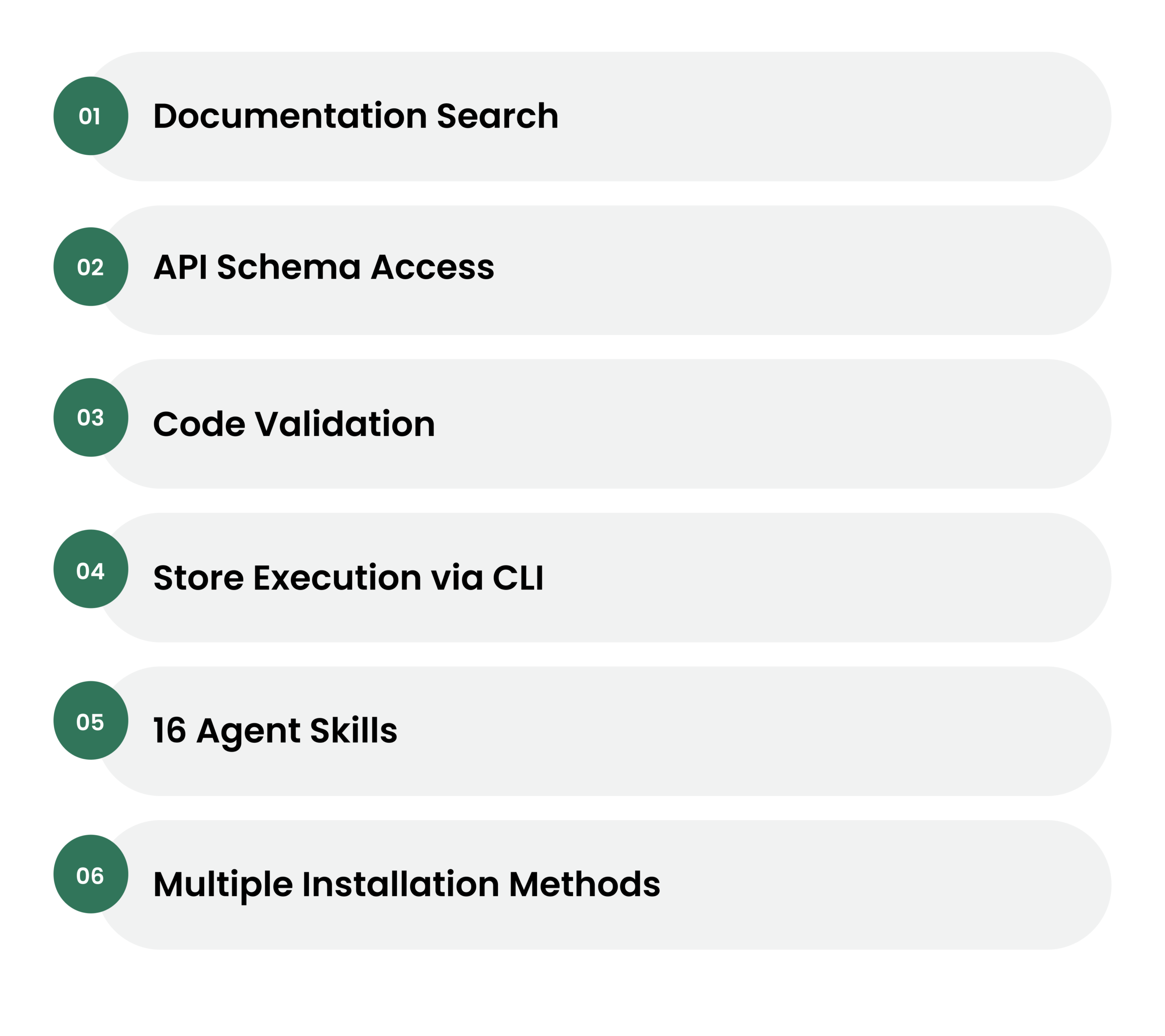
The Toolkit gives your agent access to Shopify’s documentation, API schemas, and code validation for building apps and store management through the CLI’s store execute capabilities.
Here’s a breakdown of what’s inside:
1. Documentation Search: The agent can pull up current Shopify developer docs in real time without relying on training data that may be months out of date.
2. API Schema Access: You can build apps using Shopify’s API schemas and code validation. The Toolkit ensures your agent works with Shopify correctly, rather than guessing at how things are implemented.
3. Code Validation: Validate GraphQL queries, Liquid templates, and UI extensions against Shopify’s schemas before they ever hit production. This is where a lot of the real-time savings come from.
4. Store Execution via CLI: This goes beyond coding and enters the realm of autonomous store management. The CLI’s store execute command allows an agent to perform technical operations like updating product tags, generating discount codes, or auditing order data.
5. 16 Agent Skills: The toolkit includes around 16 agent skills. Each skill is a SKILL.md file that tells a general-purpose AI agent how to interact with a specific part of Shopify, plus scripts for documentation search and code validation. These include shopify-admin and shopify-admin-execution for Admin GraphQL API access and live store execution via Shopify CLI.
6. Multiple Installation Methods: You can set up the AI Toolkit via a plugin (recommended) or manually with skills or MCP. The plugin updates automatically, so you’ll always have the latest capabilities as they’re released.
Also Read: How to Do Shopify AI Integration for Better Management?
How Does the Execution Flow of the Shopify AI Toolkit Look Like?
This is where it gets interesting and where the Shopify AI Toolkit separates itself from generic AI coding assistants.
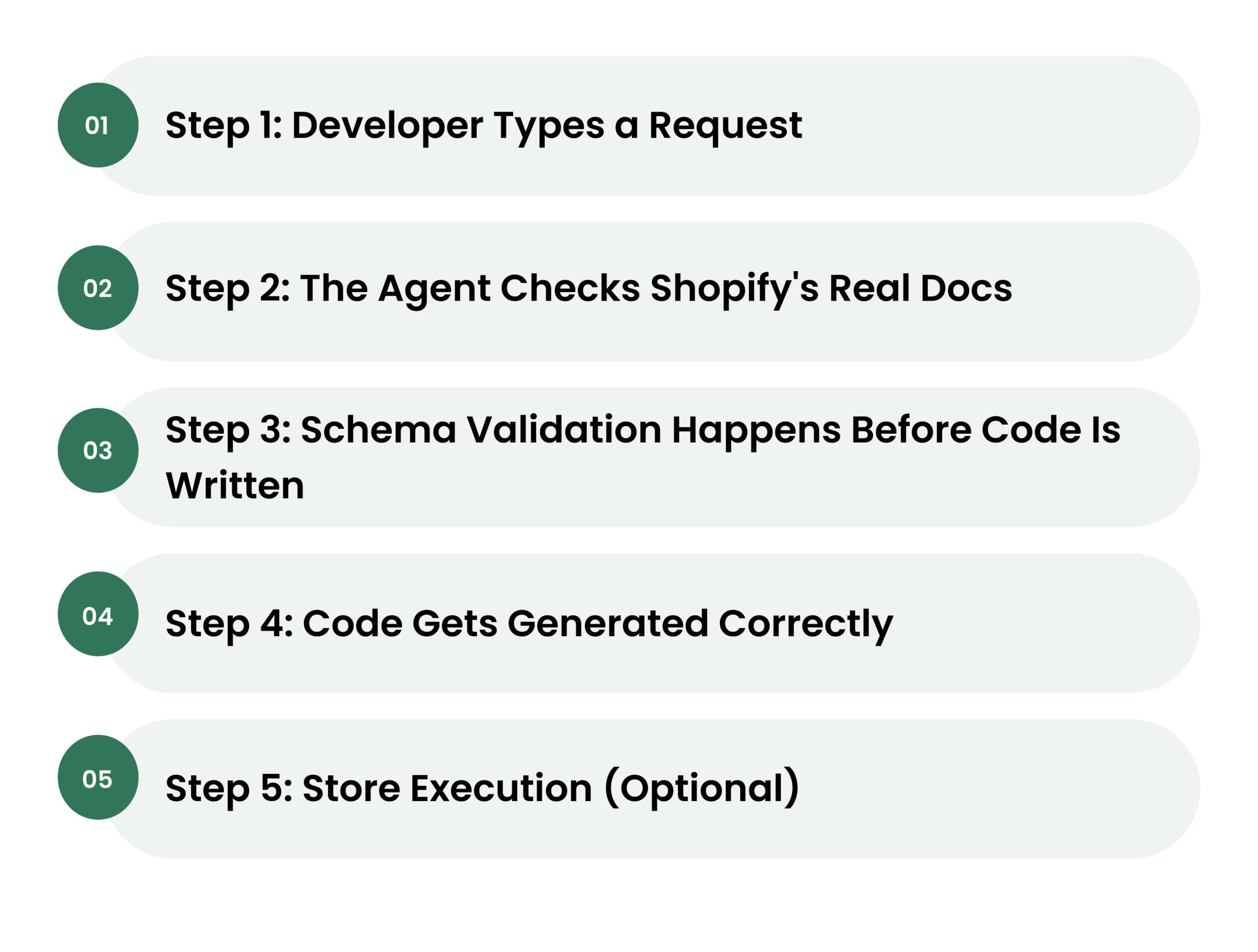
Here’s a simplified view of the execution flow:
Step 1: Developer Types a Request: You open Claude Code, Cursor, or another supported tool and describe what you want to build or change in plain language.
Step 2: The Agent Checks Shopify’s Real Docs: Instead of relying on what the model already knows, the agent uses the AI Toolkit to search Shopify’s live documentation. It gets accurate, current information about how endpoints, APIs, and templates actually work.
Step 3: Schema Validation Happens Before Code Is Written: The toolkit gives tools like Claude Code the ability to look up exactly how a Shopify API works, write code against it, validate that code against the actual schema before deployment, and execute operations on a live store, all within a single conversation.
This is a big deal. Most AI-generated code fails at the validation stage. The AI Toolkit catches those errors early.
Step 4: Code Gets Generated Correctly: Because the agent has schema access, it produces Shopify-compliant code on the first pass far more often. One developer reported that after integrating the Dev MCP Server with Cursor and Claude, a junior developer on his team was shipping production features by day two.
Step 5: Store Execution (Optional): If you’re using the store execute capability, the agent can then take actions directly on your store, updating product data, running bulk operations, and more through Shopify CLI.
The execution flow acts as a translator between a developer’s natural-language intent and the technical requirements of the Shopify APIs.
“I found it to be more beneficial for quickly building smaller items, such as having it build a modal or a slider function using web components.”
Benefits of Using the Shopify AI Toolkit
Faster App Development
You see a 50% reduction in the time it takes to move from a new project idea to a working prototype. This velocity allows for faster evaluation where bad ideas are failed quickly, and good ideas are accelerated.
Fewer Errors in Production
AI agents using the Shopify AI Toolkit should be able to catch 80% of common API misuse patterns before they ever reach a code review by a human lead. That’s not a small stat.
Junior Developers Can Move Faster
The AI Toolkit lowers the floor for what a junior dev can ship. With real-time schema access and documentation lookup baked in, they’re not blocked waiting on a senior to review boilerplate setup.
“The pattern that works: structured prompts per product category… AI generates titles/descriptions/alt text in batch, then a review pass before import.”
Lower Long-Term Maintenance Costs
Well-documented and pre-validated code naturally has a lower total cost of ownership. You should see a measurable decrease in the hours spent on legacy support as the AI helps keep the codebase updated with the latest Shopify features.
It's Free and Open Source
No licensing fees. No vendor lock-in. The AI Toolkit is free, open source, and requires no authentication for documentation and schema features; only publicly available Shopify developer resources are accessed.
Auto-Updating
The plugin auto-updates, so your agent stays up to date as new capabilities are released. You install it once, and it evolves with Shopify’s platform.
What the Shopify AI Toolkit Doesn't Do?
We’d be doing you a disservice if we skipped this part.
The Shopify AI Toolkit is built for developers. Full stop. If you’re a merchant with no technical background hoping this replaces your dev team, it doesn’t, at least not yet. It won’t tell you what to build, and it won’t protect you from making a bad change to your store.
There’s also no safety net built in. No drafts. No preview before changes go live. No undo button. If the agent executes an operation on your store, that change is live immediately. Before you let any agent touch a production store, set up a staging environment. Very important.
“The toolkit is useful, but ‘optimise my site’ as a single command is still a stretch; product data quality still needs a human review pass before it goes live.”
And don’t assume the AI Toolkit eliminates hallucinations entirely. It reduces them significantly, but agents can still guess at how an endpoint works if they’re not specifically told to pull from Shopify’s live documentation. That’s exactly why the MCP server exists: to fetch real-time schemas instead of relying on what the model was trained on months ago.
The toolkit is powerful. But power without guardrails is just risk
Conclusion
The Shopify AI Toolkit isn’t a trend to bookmark and revisit later. The developers and agencies adopting it now aren’t just saving time. They’re building a real advantage. The gap between teams using these tools and teams that aren’t is going to keep growing. And it’s growing fast.
That said, the Shopify AI Toolkit is only as good as the hands it’s in. Setting it up correctly, connecting it to the right workflows, and making sure it doesn’t do more harm than good on a live store, that’s where experience matters.
That’s where we come in.
At Enstacked, we’re a leading Shopify partner that works with brands at every stage, whether you need help integrating the AI Toolkit into your existing dev workflow, implementing it from scratch, or building out your Shopify store entirely. We know the platform inside out, and we know how to make these tools work in the real world, not just in theory.
If you’ve been thinking about what the Shopify AI Toolkit could mean for your store or your team, don’t figure it out alone.
Book a free consultation with our Shopify experts and let’s talk about what’s actually possible for your business.
Frequently Asked Questions(FAQs)
Yes. The Shopify AI Toolkit is free, open source, and requires no authentication for documentation and schema features.
Yes. The Shopify AI Toolkit is built for developers and requires technical knowledge to set up and use. It is not a merchant-facing admin tool.
Before installing the Shopify AI Toolkit, make sure you have Node.js 18 or higher installed on your system. most stores that do become profitable get there within 6–18 months. The ones that get there faster have one thing in common: they focused on conversion and retention before scaling ad spend.
The plugin is the recommended installation method because it updates automatically, ensuring you always have the latest capabilities as they’re released.
No. Sidekick is for merchants in the admin. The AI Toolkit is for developers building with AI agents. They serve completely different users with different needs.

